

ChatGPT Conversation History Search
A Chrome extension that simplifies managing and searching your ChatGPT conversation history for better productivity.
About ChatGPT Conversation History Search
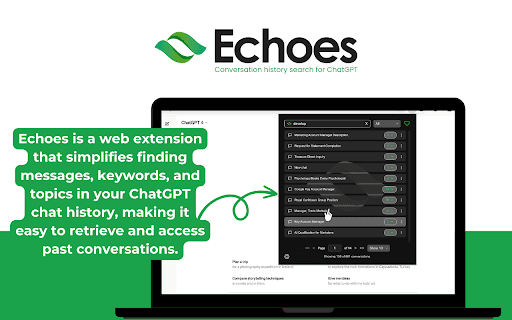
Enhance your ChatGPT experience with this Chrome extension designed to streamline conversation management. Easily search, organize, and revisit past chats using advanced filters, favorites, and summaries. The extension offers intuitive navigation, editing, and deletion features, all while prioritizing data privacy by processing information locally. Perfect for users seeking efficient access to their AI interactions.
How to Use
Download and install the extension from the Chrome Web Store. After setup, access it within ChatGPT to search conversations with keywords, filter by date, mark favorites, and edit or delete chats directly, simplifying your workflow.
Features
- Date and time filtering
- Powerful search capabilities
- Smooth conversation navigation
- Chat summarization tools
- Edit or delete chats easily
- Manage favorite conversations
Use Cases
- Locate specific information within past ChatGPT conversations quickly.
- Generate summaries to understand long chat histories at a glance.
- Organize important chats for efficient future reference.
Best For
Pros
- Regular updates ensure compatibility and feature improvements.
- Data privacy is maintained through local processing.
- Seamless integration with ChatGPT enhances usability.
- User-friendly interface simplifies navigation.
- Robust search and organization features boost productivity.
Cons
- Some users experience freezing when searching multiple words (known issue).
- Search effectiveness depends on clear input and well-organized conversations.
- Full feature access may require a paid subscription.