

ChatGPT Default Model Selector
Guide to changing the default GPT model version in ChatGPT for personalized AI performance.
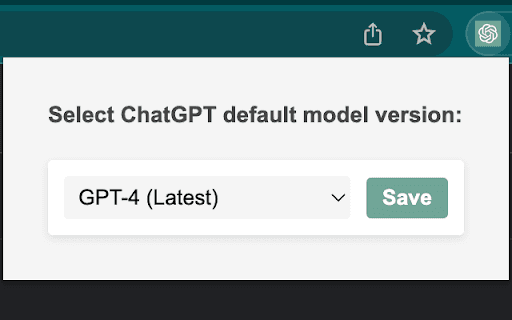
About ChatGPT Default Model Selector
This guide explains how to modify the default GPT model version in ChatGPT. It enables users to customize and optimize their AI interactions by selecting different underlying models.
How to Use
Access ChatGPT's settings or configuration menu within the platform. Select the desired GPT model version to customize your AI experience. The process varies based on the platform interface.
Features
- Selectable GPT model versions
- Easy configuration options
Use Cases
- Maintaining consistency with specific GPT versions
- Testing and comparing different AI models
- Optimizing AI performance for specific tasks
Best For
DevelopersAI researchersTechnical professionalsAdvanced users
Pros
- Provides access to specific model features
- Enables testing across multiple GPT versions
- Offers greater control over AI behavior
Cons
- Model changes may influence output quality
- Model availability varies by platform
- Requires technical knowledge to understand differences
FAQs
Why should I change the default GPT model version?
Changing the model allows access to specific features, improved task performance, or better system compatibility.
How do I select the best GPT model for my needs?
Experiment with different versions and compare their outputs to identify the most suitable one for your tasks.
Can I revert to the original GPT model after changing it?
Yes, you can switch back to the default model through the settings menu at any time.
Does changing the GPT model affect response accuracy?
It may influence response style and behavior, so testing different models helps find the best fit.
Is technical knowledge required to change the GPT model?
Basic familiarity with platform settings is sufficient; advanced knowledge is not typically necessary.