

ChatGPT Keyboard Shortcuts
Enhance your ChatGPT and Perplexity AI experience with this browser extension that offers terminal-style prompt history navigation for faster, more efficient interactions.
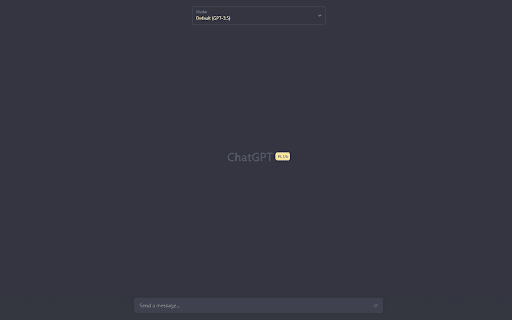
About ChatGPT Keyboard Shortcuts
This browser extension introduces terminal-like prompt history navigation to ChatGPT and Perplexity AI, allowing users to quickly access and reuse previous prompts using keyboard shortcuts for streamlined workflow.
How to Use
Install the extension and refresh your ChatGPT or Perplexity AI tab. Use CTRL + ArrowUp to browse previous prompts and CTRL + ArrowDown to access recent prompts efficiently.
Features
- Terminal-style keyboard navigation for prompt history
Use Cases
- Quickly reuse past prompts in ChatGPT and Perplexity
- Improve prompt engineering efficiency
- Streamline conversation flow
- Enhance productivity during AI interactions
Best For
Content creatorsPrompt engineersChatGPT enthusiastsPerplexity AI usersAI researchers
Pros
- Easy keyboard access to prompt history
- Supports both ChatGPT and Perplexity AI
- Intuitive keyboard shortcuts
- Boosts prompt management productivity
Cons
- Requires installation of the browser extension
- Limited features beyond prompt history navigation
- Possible compatibility issues with future UI updates of ChatGPT and Perplexity
FAQs
How can I navigate prompt history easily?
Use CTRL + ArrowUp to scroll through previous prompts and CTRL + ArrowDown for recent prompts.
Is this extension compatible with both ChatGPT and Perplexity AI?
Yes, it supports seamless integration with both platforms.
What steps should I follow after installing the extension?
Refresh the ChatGPT or Perplexity AI tab to activate the extension.
Can I customize the keyboard shortcuts?
Shortcut customization is currently not supported; defaults are CTRL + Arrow keys.
Does this extension improve prompt management efficiency?
Yes, it simplifies reviewing and reusing prompts, saving time during interactions.