

Chatpad AI
Open-source ChatGPT user interface prioritizing privacy and enhanced user experience.
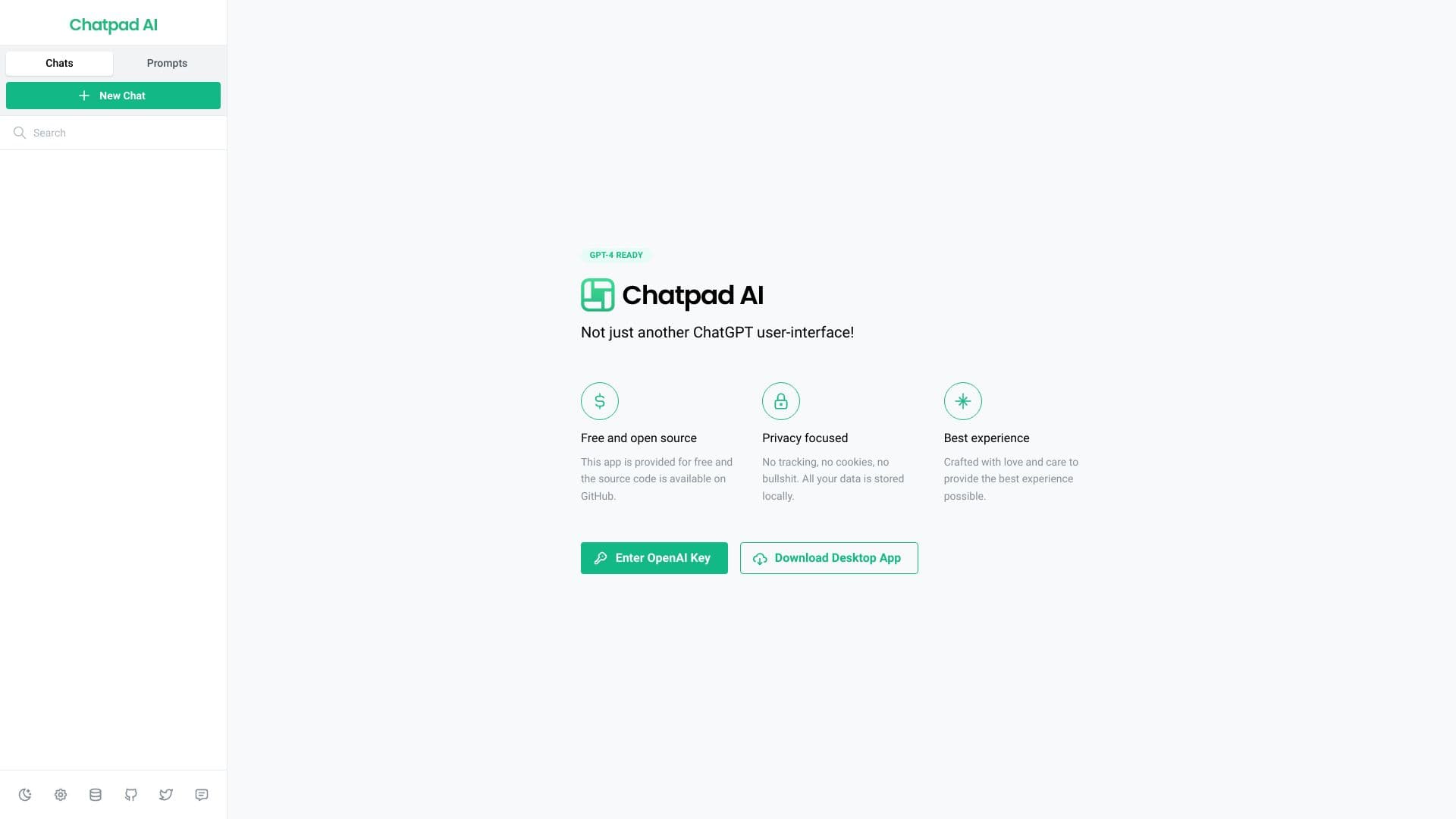
About Chatpad AI
Chatpad AI offers a free, open-source, and sleek interface for ChatGPT that emphasizes privacy and user control. All data is stored locally, ensuring no tracking or cookies, and the platform aims to deliver an intuitive user experience. Designed with care, it’s more than just a ChatGPT UI—it's a secure and efficient tool for seamless AI interactions.
How to Use
Enter your OpenAI API key to activate Chatpad AI. Download the desktop application for a more integrated experience. The interface allows you to organize chats, manage prompts, and export or delete data easily.
Features
- Modern, intuitive user interface
- Compatible with ChatGPT-4
- Data export, import, and deletion options
- Strict privacy with local data storage
- Open-source and free to use
- Manage conversations and prompts efficiently
- Secure local data storage
Use Cases
- Enhancing privacy when using ChatGPT
- Organizing and managing AI chat histories and prompts
- Developing and refining prompts for better AI responses
Best For
DevelopersContent creatorsChatGPT enthusiastsPrivacy-conscious usersAI researchers
Pros
- Supports ChatGPT-4 integration
- Prioritizes user privacy with local data storage
- Offers robust data management tools
- Easy-to-use, clean interface
- Completely free and open-source
Cons
- Dependent on OpenAI API for functionality
- Desktop app requires installation and updates
- Requires an OpenAI API key for access
FAQs
Is Chatpad AI free to download and use?
Yes, Chatpad AI is completely free and open-source.
How is my data protected when using Chatpad AI?
All data is stored locally on your device, ensuring maximum privacy and security.
Where can I access the source code for Chatpad AI?
The source code is available on GitHub for transparency and community contribution.
Do I need an OpenAI API key to use Chatpad AI?
Yes, an OpenAI API key is required to access ChatGPT through the interface.
Can I manage my chat history and prompts?
Yes, the platform provides options to export, import, and delete your data easily.