

Checkget
A smart browser assistant powered by ChatGPT that streamlines your daily online tasks with ease.
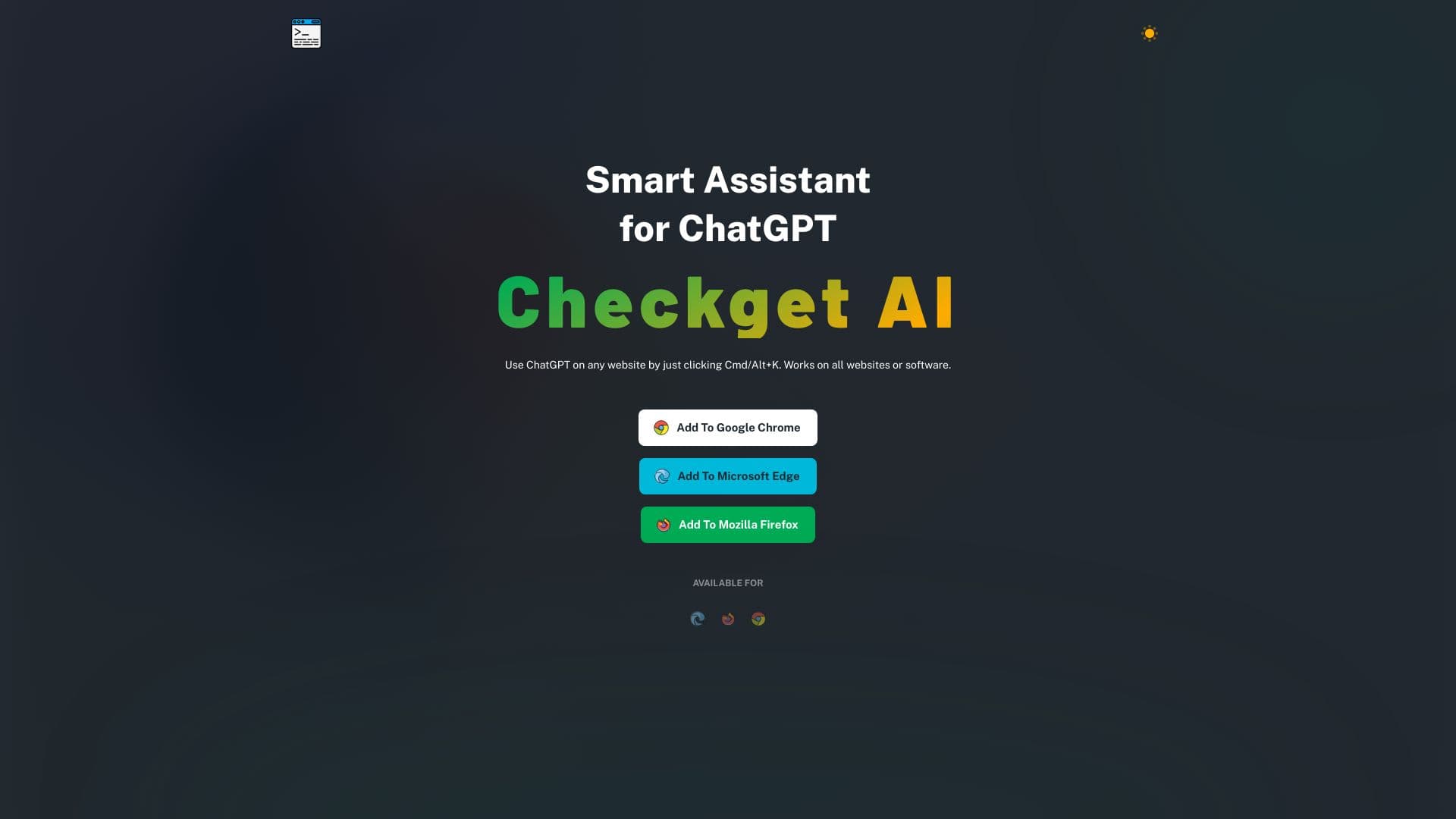
About Checkget
Checkget is an intelligent browser extension leveraging ChatGPT technology to enhance your daily productivity. It helps you compose emails, find information, create documents, chat, and write code effortlessly. Activate it on any website with a simple click of Cmd/Alt+K. It can answer questions, explain concepts, summarize content, translate languages, correct grammar, rephrase text, and adjust tone, making online tasks faster and more efficient.
How to Use
Access Checkget on any webpage by pressing ⌘+K on Mac or Alt+K on Windows. Select the desired text and press the shortcut to let Checkget recognize your needs and provide intelligent assistance.
Features
- Dark mode for comfortable viewing
- Seamless ChatGPT integration for diverse tasks
- Adjustable tone of voice
- Automatic grammar and spelling correction
- Content summarization and language translation
- Accessible on any website
- Automatic detection of user scenarios
Use Cases
- Getting quick answers
- Creating professional documents
- Writing and debugging code
- Summarizing lengthy texts
- Engaging in online chats
- Modifying the tone of content
- Rephrasing sentences
- Correcting grammatical mistakes
- Translating languages
- Composing and replying to emails
Best For
Pros
- Versatile tool for writing, research, and content creation
- Quick access from any website
- Enhanced privacy with encryption and local mode options
- Dark mode minimizes eye strain
- Speeds up tasks with ChatGPT's capabilities
Cons
- Local mode setup requires an API key
- Limited requests on the free plan
- GPT-4 features available only on paid plans
Pricing Plans
Choose the perfect plan. All plans include 24/7 support.
Personal
Includes 30 requests daily, 5 conversation rounds, GPT-3.5 support, twice faster responses, early feature access, and community support.
Get StartedPro
Offers 200 requests per day, 15 conversation rounds, GPT-4 access (5 requests per call), faster responses, early features, and email support.
Get StartedPremium
Provides 500 requests daily, 30 conversation rounds, GPT-4 access (5 requests per call), priority support, and faster response times.
Get StartedUltimate
Includes 1500 requests daily, 100 conversation rounds, full feature access, GPT-4 support, and priority assistance.
Get Started