

CherryPick
Chrome extension that streamlines the organization, tagging, and management of LinkedIn contacts for enhanced professional networking.
About CherryPick
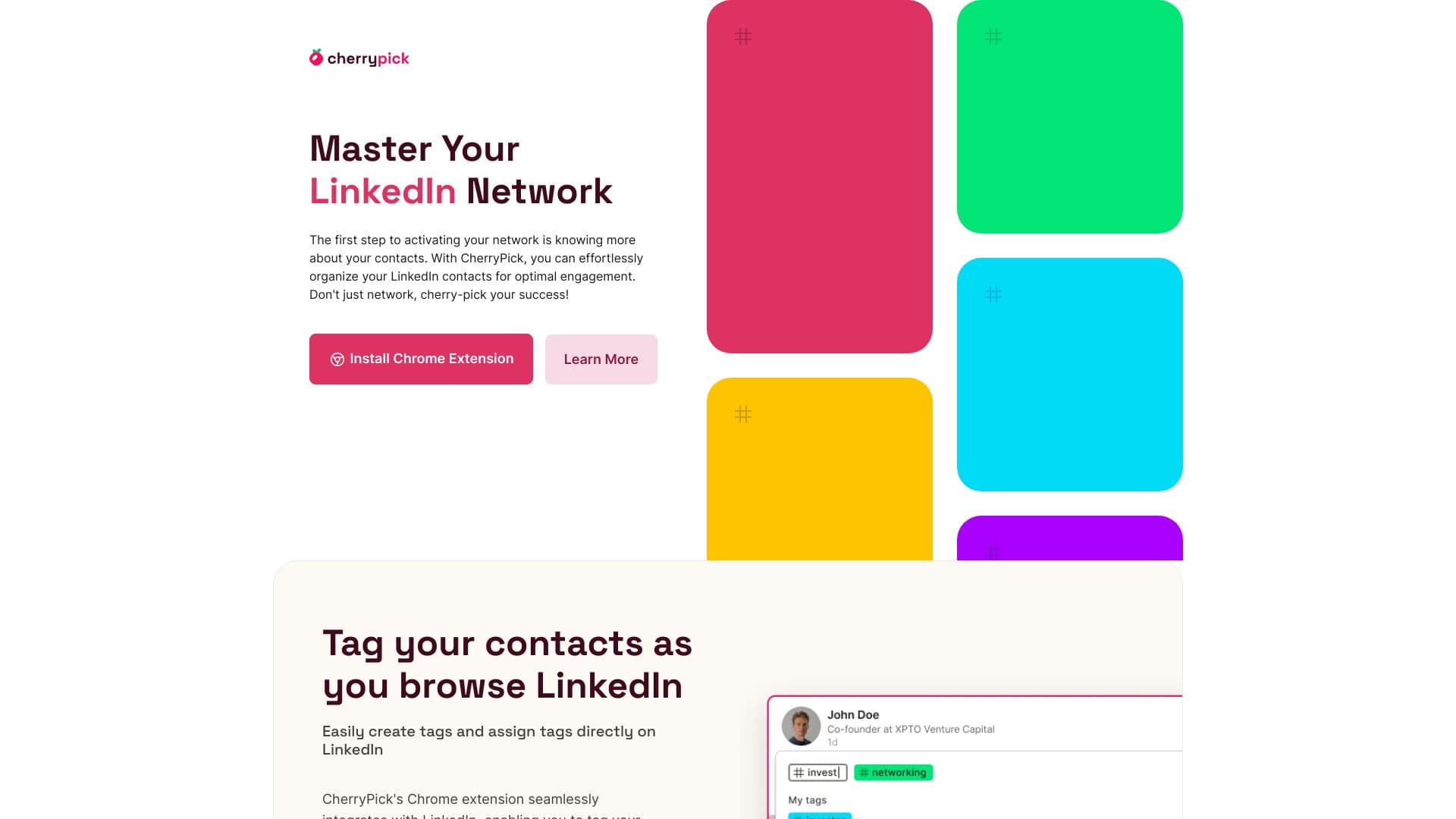
CherryPick is a powerful Chrome extension designed to help users efficiently organize, tag, and manage their LinkedIn contacts. It facilitates better networking and professional development by allowing users to create custom tags, segment contacts, and track leads. Seamlessly integrated with LinkedIn, CherryPick enables tagging contacts during browsing and exporting curated lists for smooth integration with other tools and CRMs.
How to Use
1. Install the CherryPick Chrome extension. 2. Sign up with your email and create an account. 3. Browse LinkedIn normally; CherryPick features activate as you navigate. 4. Tag contacts, organize your network, and export contact lists effortlessly.
Features
- Export contacts in CSV or JSON formats for easy data management
- Seamless integration with LinkedIn for real-time contact tagging
- Create and assign custom tags to organize your contacts
- Intuitive dashboard for managing your network
- Flexible contact segmentation options
- Efficiently export and import contact data
Use Cases
- Sales teams tracking leads and prospects
- Recruiters managing candidate pipelines
- Marketing professionals segmenting contacts by interests
- Entrepreneurs nurturing business connections
- Students organizing contacts for career growth
Best For
Pros
- Supports exports in multiple formats for easy integration
- User-friendly design that works seamlessly with LinkedIn
- Currently available free of charge
- Suitable for a broad range of professionals
- Enhances organization and management of LinkedIn contacts
Cons
- Limited to Chrome browser only
- Advanced features may require a premium plan in the future
- Dependent on LinkedIn platform updates and policies