

Chromatic Lens
AI-driven application for creating professional product images with automated background generation and editing features.
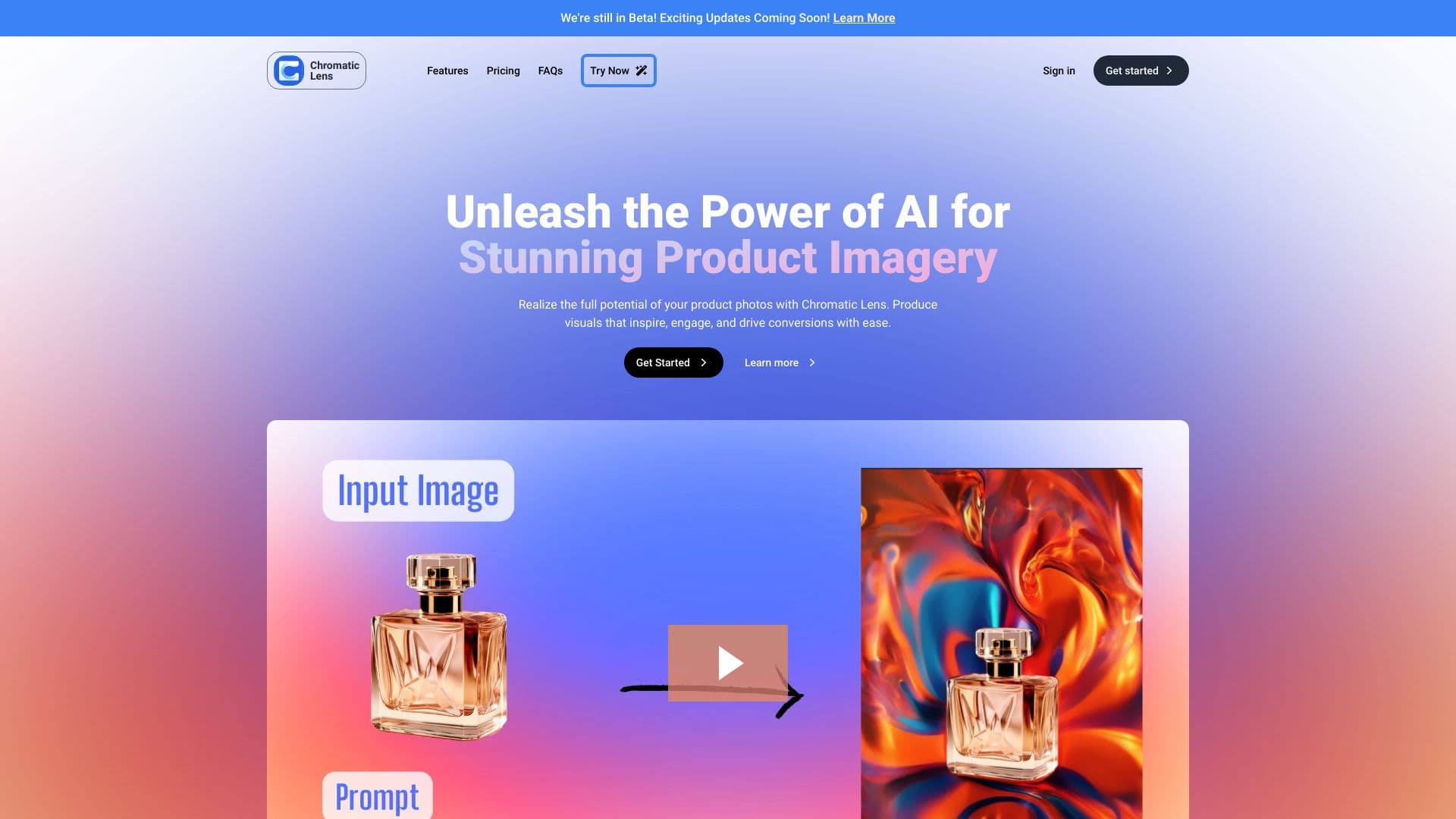
About Chromatic Lens
Chromatic Lens is an AI-powered tool designed to elevate your product photography. It enables users to craft stunning visuals with precise editing and customizable backgrounds, helping you attract customers, stand out in the market, increase sales, and build trust through high-quality images.
How to Use
Upload your product image, adjust settings, and choose a preferred background. The app uses generative AI to seamlessly blend your product into the selected scene, delivering a polished final image.
Features
- Intuitive editing and customization options
- AI-driven background creation
- Access to a variety of templates
- Automatic removal of backgrounds
Use Cases
- Creating engaging marketing visuals
- Enhancing product images for online stores
- Showcasing products to a global audience
Best For
Marketing professionalsE-commerce retailersSmall business ownersHobbyistsFreelancers
Pros
- Wide selection of background options
- User-friendly interface requiring no technical expertise
- Quickly produces professional-quality images
- Allows for commercial use of generated visuals
Cons
- Currently in beta, ongoing updates in progress
- Generated images may need further editing with third-party software
- Trademarks or logos in images might require permission for commercial use
Pricing Plans
Choose the perfect plan. All plans include 24/7 support.
FAQs
How does the app generate images?
Our app uses advanced generative AI technology to create realistic backgrounds for your product photos. Upload your image, select your preferences, and the AI seamlessly integrates your product into the scene.
Do I need technical skills to operate this app?
No technical skills are required. The app features an intuitive interface that makes uploading images, adjusting settings, and selecting backgrounds simple and straightforward.
How long does image generation take?
Typically, it takes about 3 to 5 seconds to generate a background image, though this may vary depending on the complexity of the scene.
What types of backgrounds can I create?
You can choose from a variety of backgrounds, including landscapes, indoor scenes, cityscapes, and natural environments. You can also specify elements or objects for a highly customized look.
Can I edit images after generation?
Yes, you can further refine and edit generated images using other editing software to meet your specific needs.
Are the images suitable for commercial use?
Yes, you can use generated images for commercial purposes, provided you have rights to the original product images. Be cautious with trademarks or logos included in the images.
Is prior experience needed to use the app?
No prior experience is necessary. The app is designed for ease of use, guiding you through uploading, adjustments, and background selection with minimal effort.