

Chronify
Chronify is an AI-powered personal assistant designed to streamline scheduling, communication, and task coordination for busy professionals.
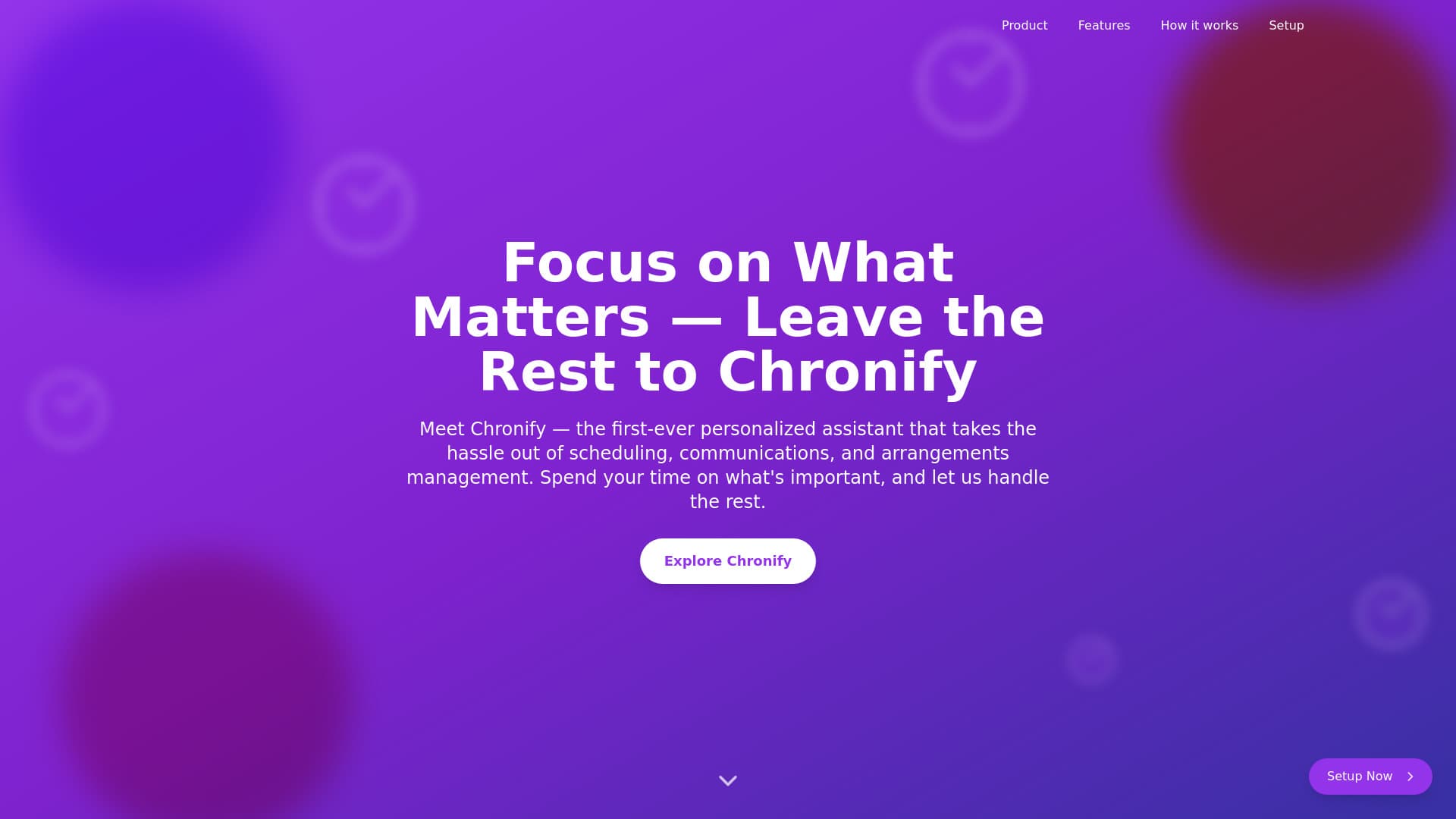
About Chronify
Chronify serves as your intelligent personal assistant, automating routine tasks to help you focus on what truly matters. From scheduling meetings to managing communications and arrangements, Chronify mimics the support of a dedicated human assistant.
How to Use
1. Register and create your account. 2. Sync your calendars. 3. Input tasks and upcoming events. 4. Let Chronify automatically optimize your schedule and handle communications.
Features
- Centralized task management platform
- Advanced time optimization
- Upcoming communication management (Coming Soon)
- Proactive schedule adjustment
- Intelligent scheduling assistant
- Future arrangements coordination (Coming Soon)
Use Cases
- Coordinating meetings and events
- Efficient scheduling of appointments
- Balancing work commitments and personal tasks
- Organizing and prioritizing daily to-do lists
- Sending automated reminders
- Dynamic schedule adjustments based on priorities
- Managing professional communications
Best For
ManagersProfessionals requiring scheduling supportExecutivesBusy entrepreneursTeam leaders
Pros
- Automates task and schedule management
- Seamlessly integrates with Google Calendar
- Adjusts schedules proactively
- Saves time by handling routine tasks
- Learns user preferences for smarter scheduling
Cons
- AI scheduling may need oversight for accuracy
- Requires initial setup and calendar integration
- Upcoming features for communication and arrangements are in development
FAQs
How do I get started with Chronify?
Download the extension, sign in with your Google account, locate the Chronify icon, click to open the sidebar, complete setup, and begin automating your schedule.
What functions does Chronify's Scheduling Assistant provide?
It manages your calendar by scheduling meetings, sending reminders, and optimizing your daily plan based on your preferences.
Is Chronify suitable for professional teams?
Yes, it helps teams coordinate schedules, manage tasks, and streamline communication efficiently.
Can I customize Chronify's automation preferences?
Absolutely. You can set your scheduling preferences and priorities within the app to tailor its automation to your needs.
What upcoming features are planned for Chronify?
Features like communication management and arrangements coordination are currently in development to enhance your experience.