

CleanerPro Image Editor
AI-driven Shopify image editor that simplifies enhancing product visuals with just one click. Perfect for quick, professional edits.
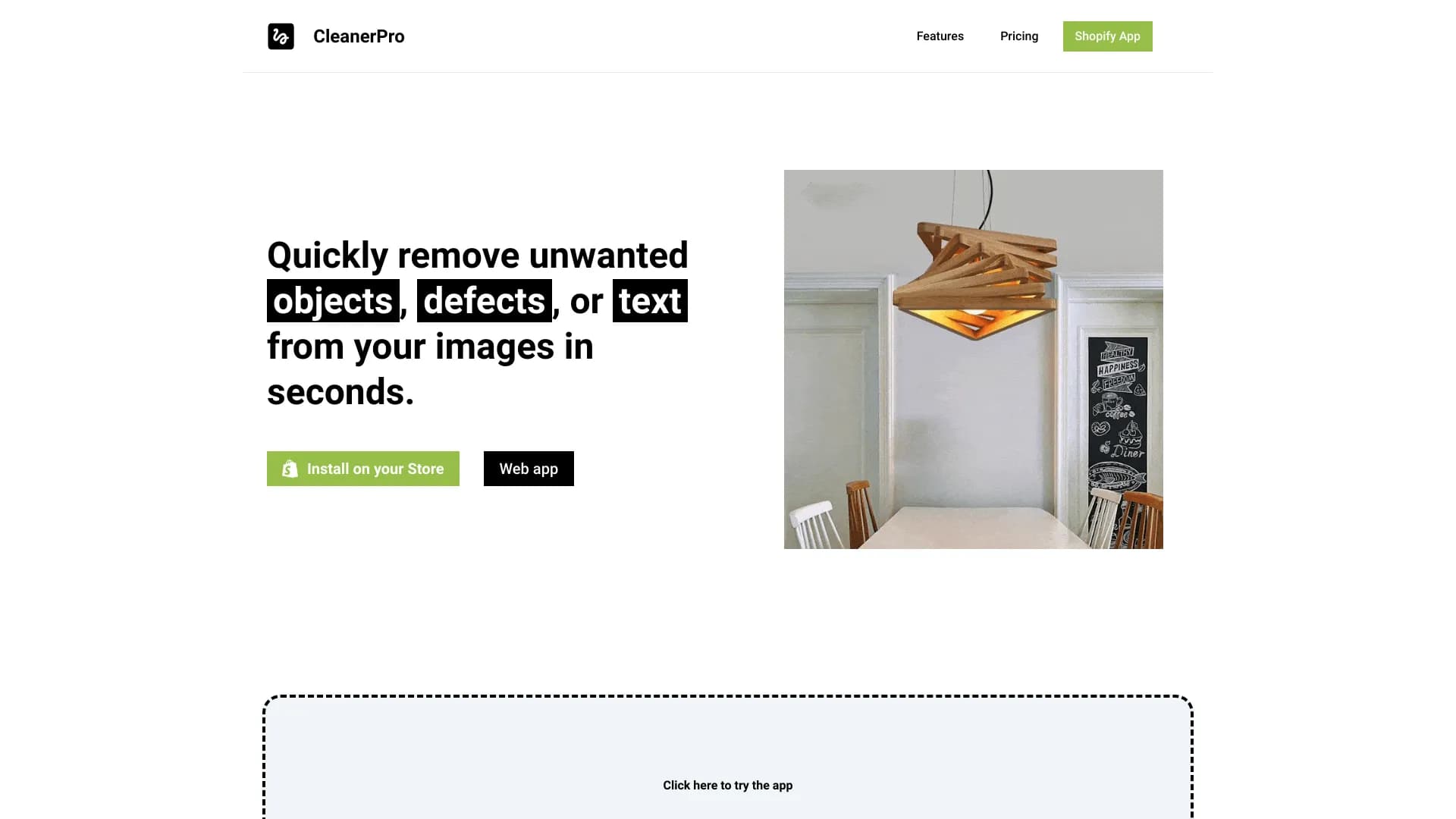
About CleanerPro Image Editor
This AI-powered Shopify image editor enables you to quickly improve your product photos by removing logos, text, and unwanted elements with a single click. It also offers background removal, image compression, and resolution upscaling to optimize your visuals for online stores.
How to Use
Install the app on Shopify, upload your product image, and select the desired edit. Use the draw tool to remove objects, or choose options to remove backgrounds, upscale resolution, or compress images easily.
Features
- Image compression for faster loading
- AI-powered object removal
- Background removal for clean visuals
- Image upscaling to improve detail
Use Cases
- Creating professional marketing images
- Increasing image resolution for clarity
- Removing logos and text from product photos
- Optimizing images to speed up website load times
Best For
Pros
- Quick removal of unwanted elements with a single click
- Fast, accurate edits powered by AI
- Improves image quality and website performance
- All-in-one image editing solution
Cons
- Monthly image limits vary by plan
- AI results may sometimes require manual adjustments
- Requires a subscription for ongoing use
Pricing Plans
Choose the perfect plan. All plans include 24/7 support.
Starter Plan
Allows 100 image edits per month, including object removal and compression.
Get StartedPro Plan
Includes 250 images monthly, with background removal, upscaling, and object removal features.
Get StartedCompany Plan
Provides 500 image edits per month, with all advanced editing capabilities included.
Get Started