

Clickmajic ai
An AI-powered tool that instantly removes image backgrounds in seconds, streamlining your editing process.
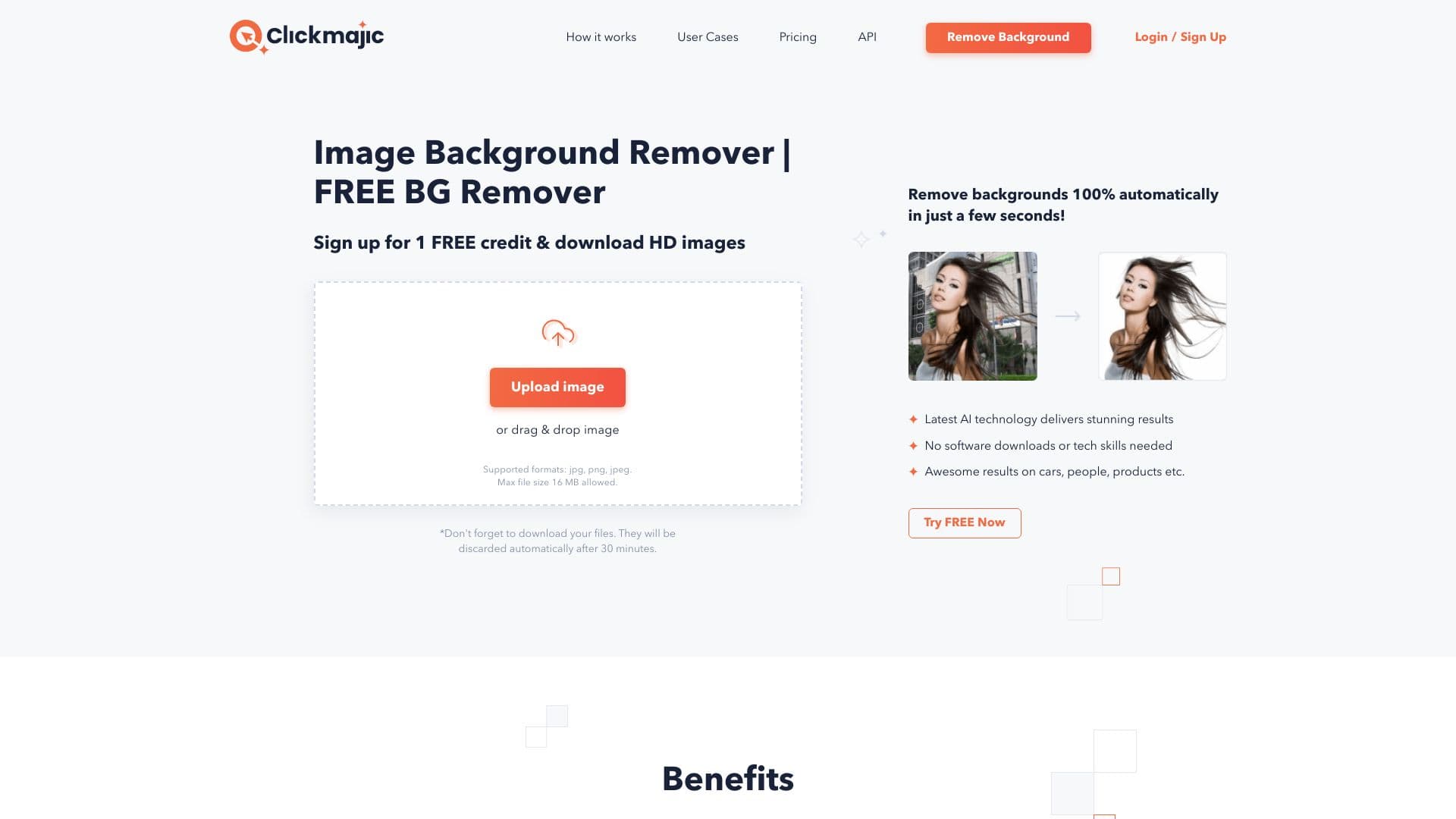
About Clickmajic ai
Clickmajic is an AI-driven background removal platform that instantly eliminates backgrounds from images without software downloads or technical skills. Users can quickly create transparent images, replace backgrounds, or design eye-catching graphics. Additionally, it offers an API for processing millions of images and plugins compatible with design and eCommerce platforms, making professional image editing accessible and efficient.
How to Use
Upload your image to the Clickmajic website; the AI automatically removes the background. You can then download the transparent image or further customize it by adding text, effects, or new backgrounds using editing tools.
Features
- Integrations with design software and eCommerce platforms
- API for large-scale image processing
- Manual editing and refinement tools
- Handles complex edges like hair and transparent objects
- Automated background removal technology
Use Cases
- Enhancing product photos for online stores
- Retouching vacation and personal photos
- Designing marketing banners and visual materials
- Creating collages and photo montages
- Preparing images for job applications
Best For
Pros
- Quick and fully automated background removal
- Effectively handles detailed edges like hair
- No software installation needed
- Intuitive, user-friendly interface
- Provides an API for bulk and large-scale processing
Cons
- Images are deleted after 30 minutes of processing
- Per-photo costs can accumulate with frequent use
- AI accuracy may vary depending on image complexity
Pricing Plans
Choose the perfect plan. All plans include 24/7 support.
Per Photo
Clickmajic offers competitive per-photo pricing, with bulk options available for high-volume users.
Get Started