

Clideo
A user-friendly online platform for editing videos, images, and GIFs with ease.
About Clideo
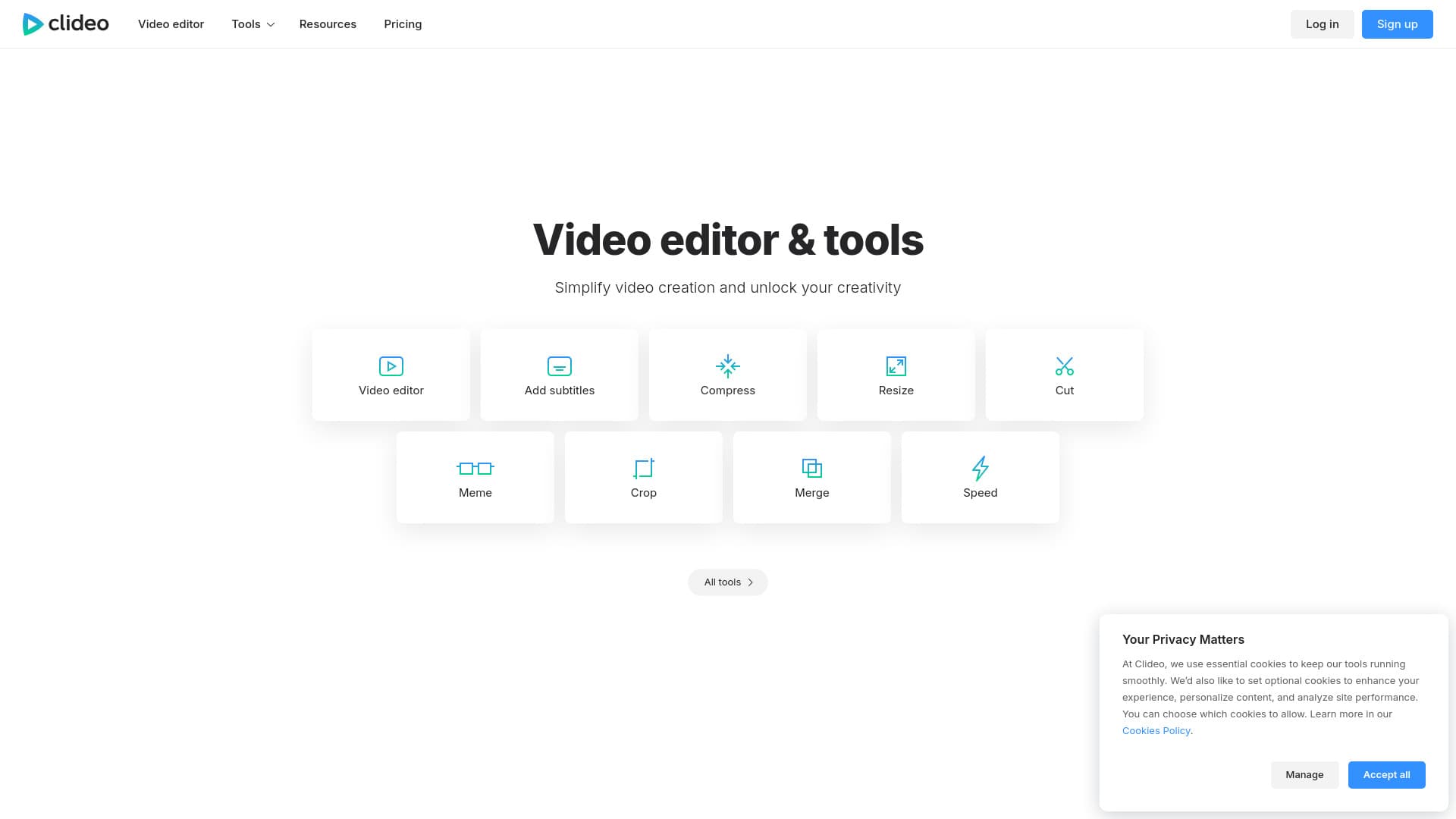
Clideo is a versatile online platform offering a wide array of tools to effortlessly edit videos, images, and GIFs. Designed to simplify content creation, it caters to both beginners and professionals with features ranging from basic edits to advanced conversions. Accessible through any web browser, Clideo provides free options to unlock your creativity without the need for software downloads.
How to Use
Access Clideo via a web browser and browse the available tools such as 'Video editor', 'Compress video', or 'Add subtitles'. Upload your media files directly on the site, then use an intuitive interface to edit, convert, or create content without installing any software. Save your projects instantly online or download the finished files.
Features
- Resize and crop videos
- Record screen activity
- Create GIFs from videos
- Automatically generate subtitles
- Convert video and audio formats
- Add subtitles and captions
- Overlay music or audio tracks
- Convert text to speech
- Basic and advanced video editing
- Compress videos for faster sharing
Use Cases
- Reducing large video file sizes for easier storage and sharing.
- Creating engaging GIFs for social media or messaging.
- Recording screen activity for tutorials, presentations, or gaming videos.
- Editing videos tailored for platforms like Instagram and TikTok.
- Converting videos and audio files for cross-device compatibility.
- Adding subtitles to improve accessibility and reach a wider audience.
Best For
Pros
- No software installation required; fully web-based.
- User-friendly interface suitable for all skill levels.
- Offers comprehensive tools for video, image, and GIF editing.
- Initial free access to core features for quick edits.
Cons
- Watermarks appear on free version projects.
- Full access and unlimited use require a subscription.
- Limited storage time in the free version.
Pricing Plans
Choose the perfect plan. All plans include 24/7 support.
Annual Plan
Billed as $72 annually, saving $36, with flexible cancellation.
Get Started