

Clikque: search Google & your contacts
Clikque enhances search experiences by connecting you with relevant contacts from your network, making information retrieval more personalized and efficient.
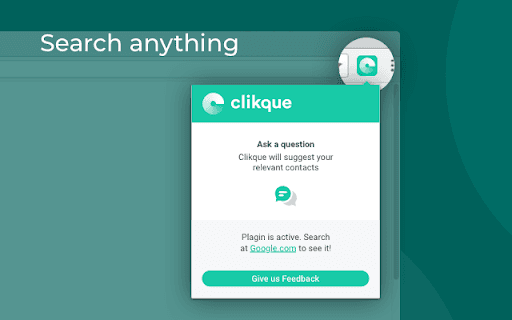
About Clikque: search Google & your contacts
Clikque is a powerful search engine extension that personalizes results by utilizing your contacts. Its innovative machine-learning technology analyzes attributes such as expertise, interests, location, and relationship strength to connect you with contacts who can assist with your queries, streamlining problem-solving and information gathering.
How to Use
Install the Clikque Chrome Extension and perform your usual Google searches. The extension will suggest relevant contacts from your network based on your query. You can easily contact these contacts via call or message directly from your browser.
Features
- Delivers personalized search results from your contacts
- Enables direct messaging or calling contacts within your browser
- Utilizes advanced machine-learning to analyze contact attributes
Use Cases
- Connecting with contacts who possess specific skills or expertise
- Finding knowledgeable contacts for specialized questions
- Receiving recommendations or advice from trusted network members
Best For
Pros
- Seamlessly integrates with Google search
- Allows easy communication with suggested contacts
- Leverages your personal network for relevant results
- Simplifies complex searches by connecting you with the right people
Cons
- Dependent on the accuracy of contact attribute analysis
- Effectiveness varies with network size and relevance
- Requires installation of the Clikque Chrome Extension