

Clip Recipe
Clip Recipe intelligently extracts detailed recipes from cooking videos across multiple platforms, simplifying the process of recreating dishes.
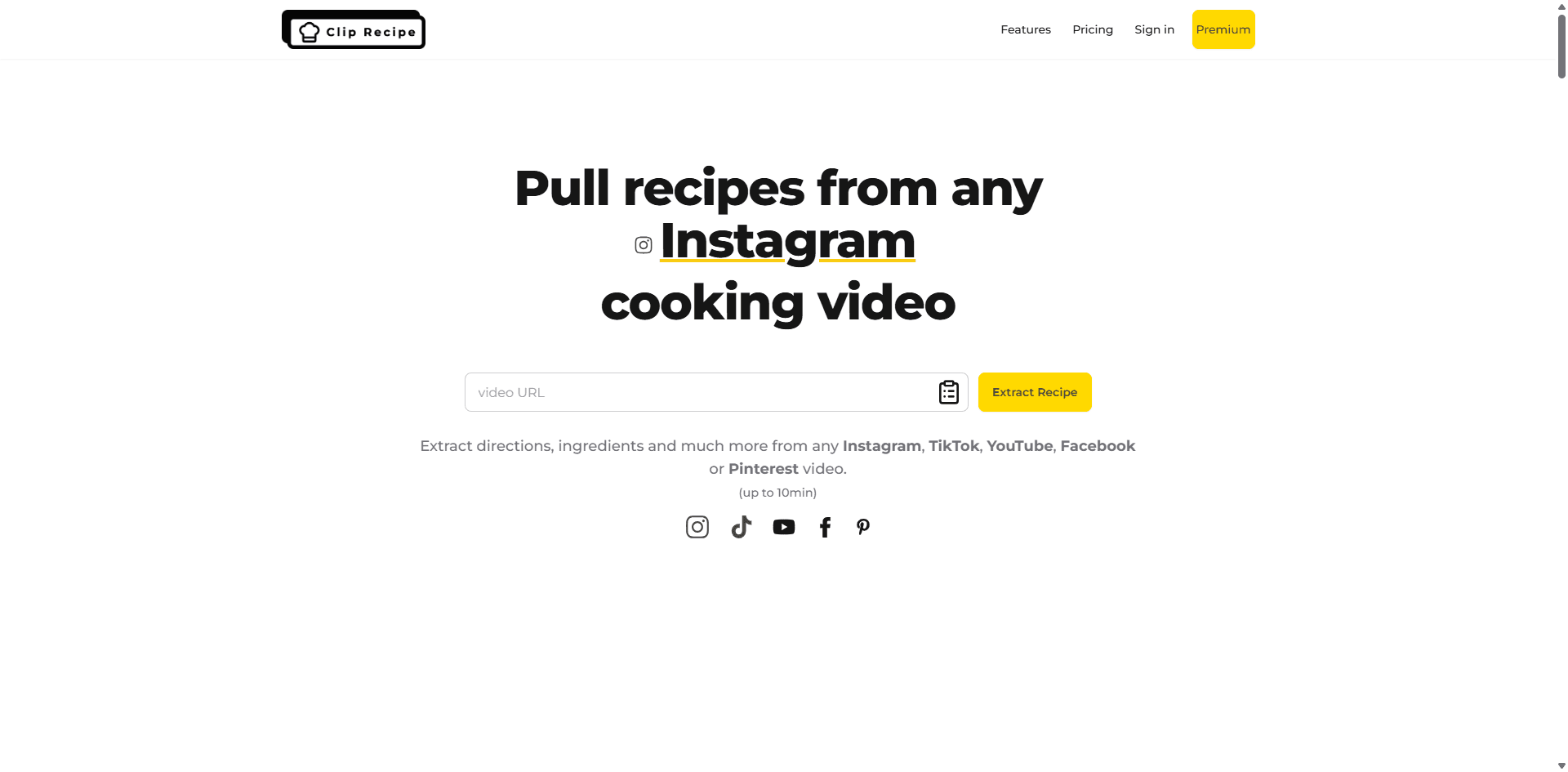
About Clip Recipe
Transform cooking videos into clear, step-by-step recipes with Clip Recipe. Simply input a link from YouTube, TikTok, Instagram, Facebook, or Pinterest to receive detailed ingredients, preparation steps, cooking time, and serving sizes. Extract precise recipes quickly and effortlessly, with no unnecessary information.
How to Use
Paste a link from YouTube, TikTok, Instagram, Facebook, or Pinterest into Clip Recipe. The tool will analyze the video to extract ingredients, step-by-step instructions, cooking time, and portion details.
Features
- Edit and export recipes seamlessly
- Generate detailed ingredients lists
- Provide clear, step-by-step cooking instructions
- Estimate total cooking time
- Extract recipes directly from video links
- Customize portion sizes and servings
Use Cases
- Save and share favorite recipes with friends
- Modify recipe quantities for different servings
- Quickly obtain recipes from cooking videos without manual notes
Best For
Food bloggersContent creatorsHome cooksRecipe enthusiastsCooking educatorsRecipe developers
Pros
- Free plan available with limited features
- Provides comprehensive recipe details including ingredients, steps, timing, and servings
- Allows editing and exporting recipes on paid plans
- Easy to extract recipes from multiple video platforms
- No ongoing subscription fees for paid plans
Cons
- Video length capped at 10 minutes
- Extraction accuracy varies with video quality and clarity
- Free plan restricts saving, editing, and exporting capabilities
Pricing Plans
Choose the perfect plan. All plans include 24/7 support.
FAQs
Can videos without audio still be used?
Yes. Videos that show cooking actions without audio can still be processed, as our models analyze visuals and text overlays to extract recipes.
Which video platforms are compatible?
Clip Recipe works with cooking videos from YouTube, TikTok, Facebook, and Instagram, limited to videos up to 10 minutes long.
Is Clip Recipe free to try?
Yes, the Sauté Chef plan is free and allows extraction of up to 2 recipes weekly. Premium plans starting at $2.00 unlock additional features like saving and editing recipes.
What information does Clip Recipe extract from videos?
It captures detailed recipes including step-by-step instructions, ingredients, serving sizes, cooking time, necessary equipment, and helpful tips.
Can I adjust recipe portions?
Yes, paid plans let you modify portion sizes, with ingredient quantities automatically recalculated.
How do premium plans work?
Premium plans are one-time purchases for lifetime access, offering a set number of recipes—such as 20, 70, or 150—depending on the plan.
Can I share recipes with others?
Yes, premium plan users can share their extracted recipes. Free plan users do not have this feature.
What if I reach my weekly recipe limit on the free plan?
You will need to wait until the next week or upgrade to a paid plan to continue extracting recipes.
How accurate are the recipe extractions?
Our AI is highly precise, but we recommend reviewing the results to ensure they meet your expectations.
What if I exceed my plan's recipe limit?
You can purchase additional plans at any time. Existing recipes remain accessible after upgrading.