

ClipWrite
AI-powered platform that transforms videos into engaging blogs, social media posts, and articles for content marketing.
About ClipWrite
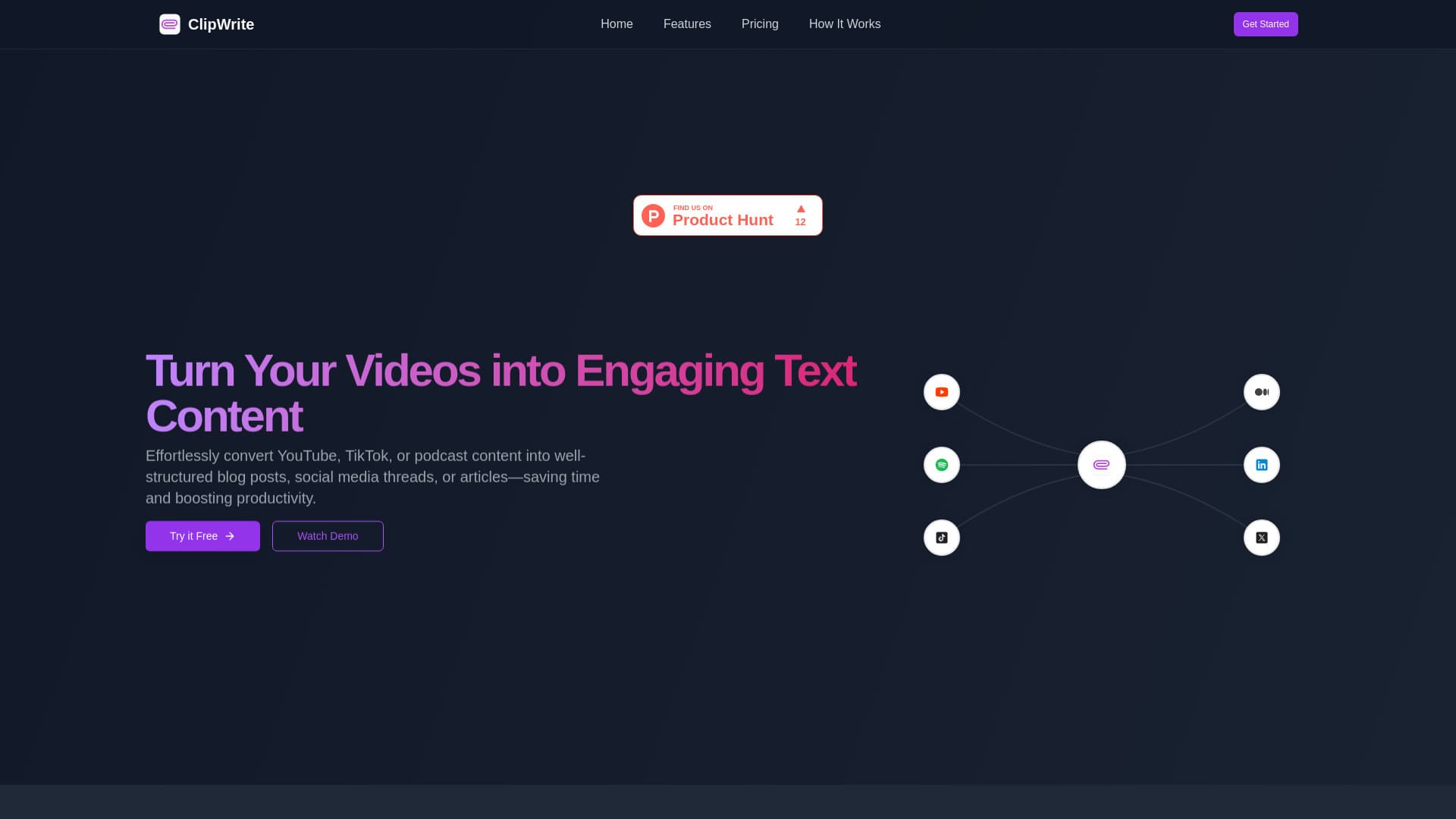
ClipWrite utilizes advanced AI to convert videos from platforms like YouTube, Spotify, Instagram, and TikTok into SEO-optimized blog articles, engaging Twitter threads, and professional LinkedIn posts. Enhance your content marketing strategy effortlessly by generating diverse content formats from any video. Ideal for creators, marketers, and teams seeking efficient content repurposing.
How to Use
Upload or link your videos from YouTube, Spotify, Instagram, or TikTok. ClipWrite's AI will automatically generate blogs, Twitter threads, or LinkedIn articles based on your video content, simplifying your content creation process.
Features
- SEO Optimization: Enhance content visibility with strategic keywords and meta descriptions.
- Brand Consistency: Customize tone and style to match your brand voice.
- Instant Content Generation: Produce high-quality content in less than 30 seconds.
- Collaborative Workflows: Share workspaces, edit in real time, and streamline approvals for team efficiency.
Use Cases
- Convert a Spotify podcast into multiple Twitter threads.
- Transform a YouTube tutorial into a detailed blog post.
- Repurpose an Instagram video into a professional LinkedIn article.
Best For
Pros
- Facilitates team collaboration with shared workspaces.
- Delivers rapid content creation powered by AI.
- Enables brand voice customization.
- Supports multiple video and audio platforms.
- Includes SEO optimization features for better visibility.
Cons
- Limited content outputs on the free plan.
- Longer videos require a paid subscription.
- AI-generated content may need manual editing for nuance and accuracy.
Pricing Plans
Choose the perfect plan. All plans include 24/7 support.
Starter
Includes 15 content generations per month, multi-language support, and AI editing tools.
Get StartedPro
Supports videos up to 4 hours, unlimited content creation, multi-language support, and AI editing.
Get StartedEnterprise
Supports videos up to 10 hours, includes all Pro features, plus automated post publishing across platforms.
Get Started