

Code Screenshot
A secure and user-friendly tool for capturing stunning code screenshots with emphasis on privacy and ease of use.
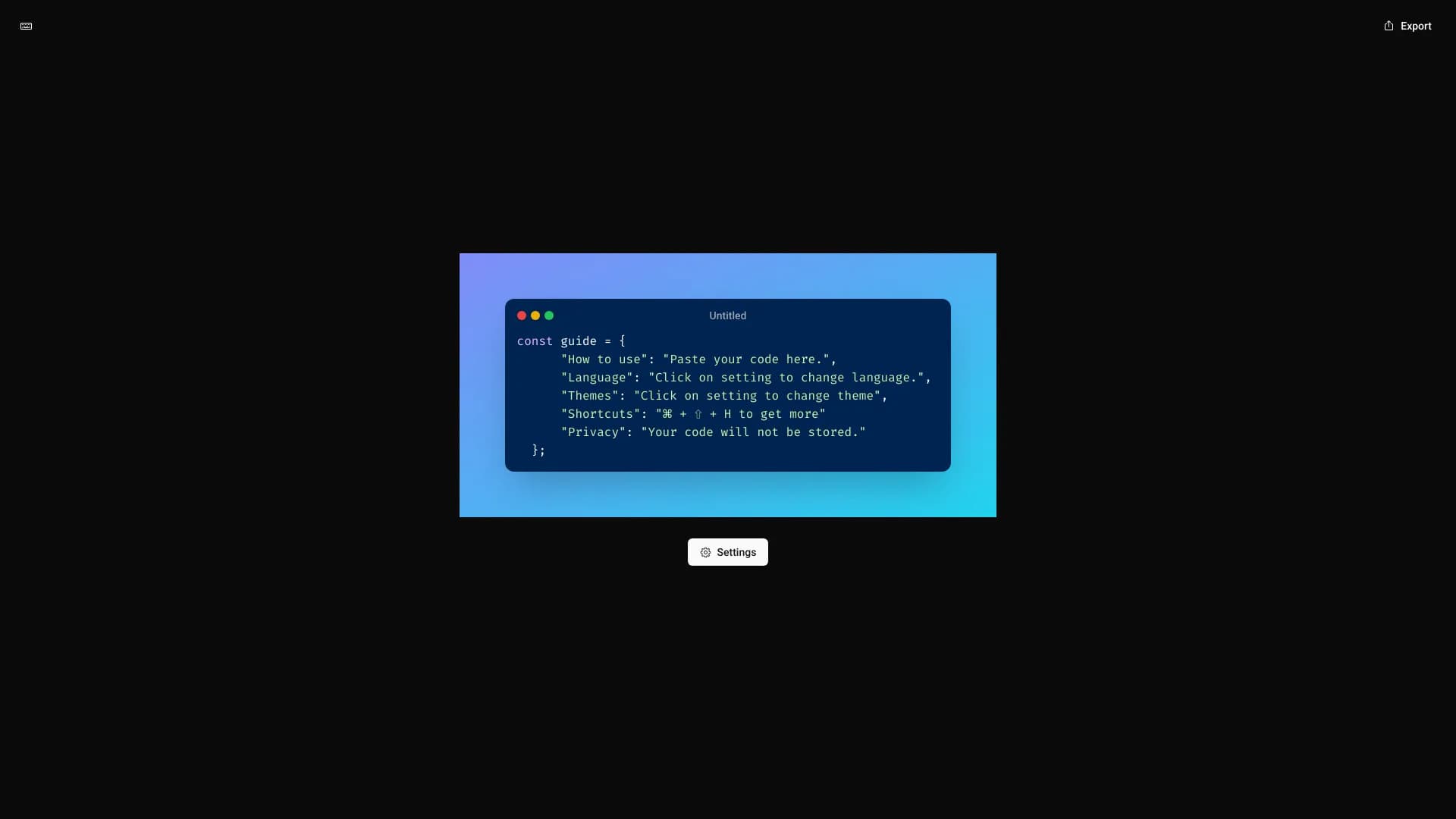
About Code Screenshot
Code Screenshot is a privacy-oriented tool designed for creating high-quality images of your code effortlessly. Its intuitive interface allows developers, writers, and students to generate visually appealing code snippets while ensuring data privacy. Perfect for documentation, presentations, and sharing on social media.
How to Use
Paste your code into the input area, then customize the language and theme using the settings menu. Use the shortcut Ctrl + Shift + H for quick access to additional options.
Features
- Ensures user privacy by not storing code snippets
- Customizable options for programming language and visual themes
- Intuitive interface for quick, high-quality code screenshot creation
Use Cases
- Creating attractive code snippets for presentations
- Generating images of code for technical documentation
- Sharing code examples on social media platforms
- Designing visuals for coding blogs
- Preparing screenshots for educational materials
Best For
Software developersTechnical writersStudents learning programmingBloggers sharing codeEducators creating tutorials
Pros
- User-friendly interface simplifies screenshot creation
- Prioritizes user privacy with no code storage
- Flexible customization of themes and programming languages
- Produces visually engaging code images
Cons
- Limited advanced customization options
- Basic feature set focused on simple screenshot capture
FAQs
How can I create a code screenshot with this tool?
Paste your code into the input area, customize settings, and save the image. Use the shortcut Ctrl + Shift + H for quick access.
Does the tool store my code snippets?
No, your code remains private as the tool does not store or share your snippets.
How do I change the programming language?
Open the settings menu and select your preferred language from the available options.
How can I customize the appearance of my code screenshot?
Adjust the theme and syntax highlighting options in the settings to match your desired style.
Is this tool suitable for creating images for social media?
Yes, it generates high-quality images perfect for sharing on social platforms and blogs.