

Code to Flow: Visualize your code
AI-powered tool that transforms source code into interactive flowcharts, sequence diagrams, and class diagrams for better understanding and documentation.
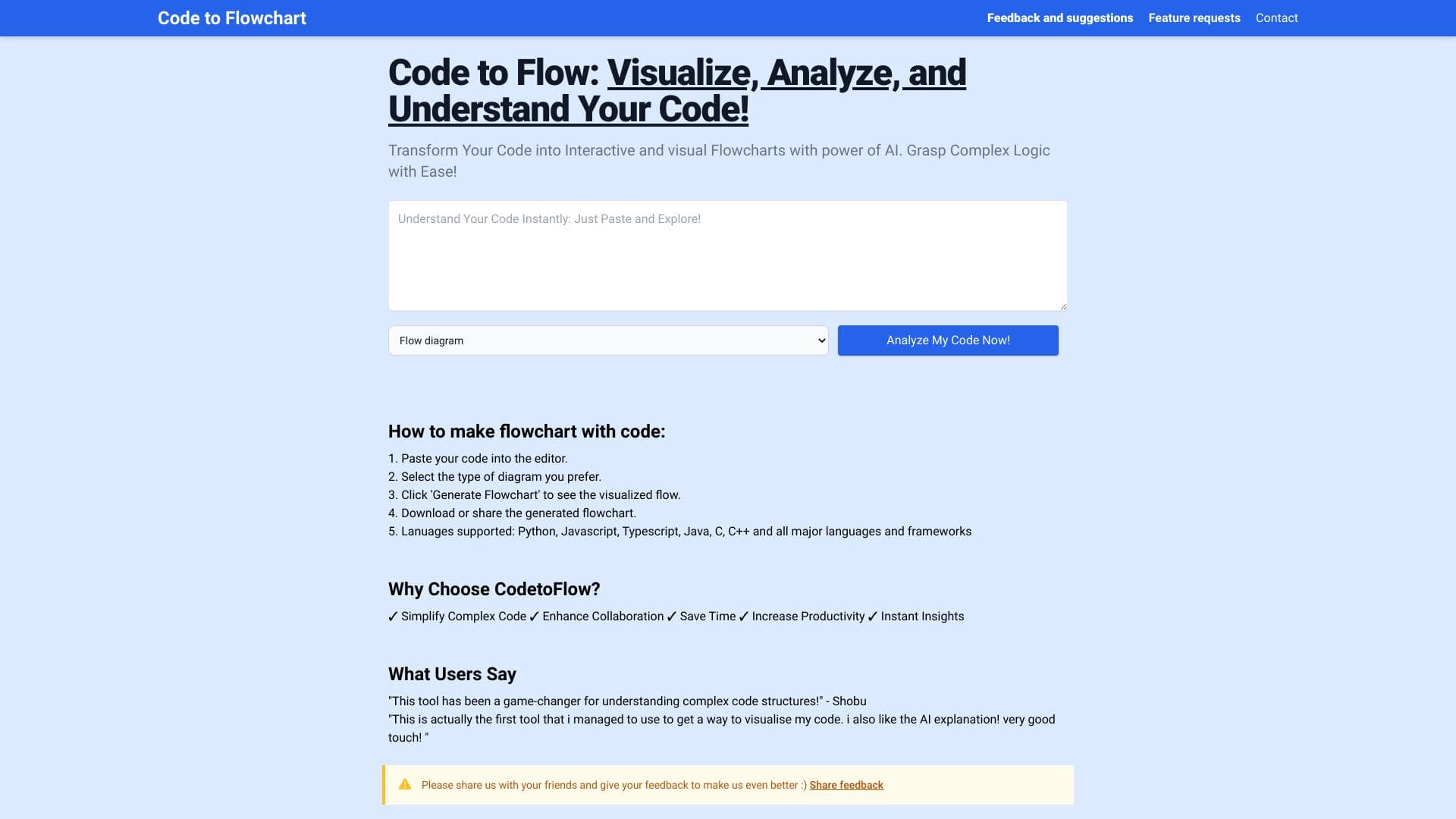
About Code to Flow: Visualize your code
Code to Flow is an AI-enhanced platform that converts source code into interactive diagrams, including flowcharts, sequence diagrams, and class diagrams. It simplifies complex logic, enabling users to visualize, analyze, and understand their code easily. Compatible with all major programming languages, it offers diagram export options, customizable themes, and debugging features to streamline development workflows.
How to Use
Paste your code into the editor, choose the diagram type you want (flowchart, sequence diagram, or class diagram), then click 'Generate'. You can view, download, zoom, or share the resulting diagram with ease.
Features
- Supports multiple diagram types including flowcharts, sequence, and class diagrams
- Export diagrams in SVG, PNG, and PDF formats
- Compatible with all major programming languages
- Customizable color schemes and themes
- AI-powered code analysis and visualization
- Built-in debugging and code flow visualization
Use Cases
- Transforming code into flowcharts for documentation and notes
- Visualizing logic for personal projects or learning
- Enhancing code review processes with clear diagrams
- Planning and discussing project architecture
- Managing tasks and collaboration in development teams
- Improving team communication with visual code representations
Best For
Pros
- Simplifies complex code into easy-to-understand visuals
- Improves team collaboration with clear diagrams
- Speeds up understanding of code structure
- Boosts productivity through instant visualization
- Supports debugging by visualizing code flow
Cons
- Requires internet connection to operate
- Free version limits code length and visualizations
- Occasional issues with flowchart rendering
Pricing Plans
Choose the perfect plan. All plans include 24/7 support.