

Cogniflow
A no-code AI platform for creating and deploying machine learning models from diverse data types with ease.
About Cogniflow
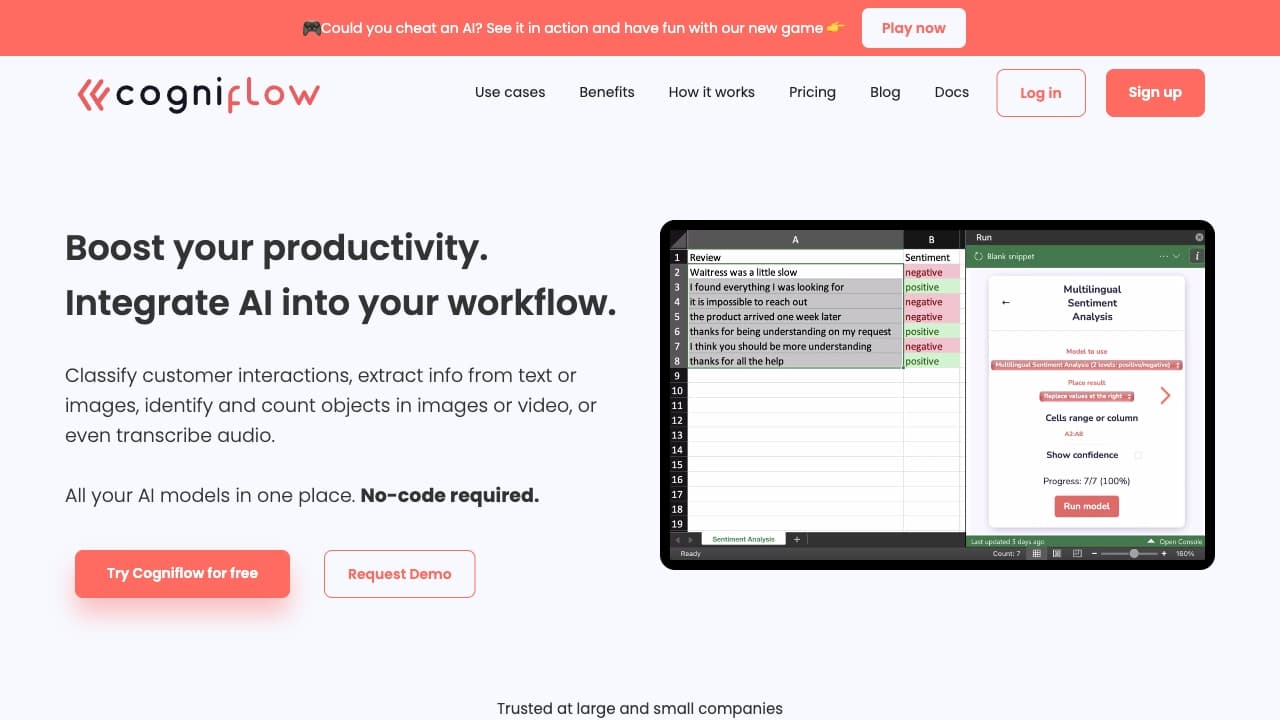
Cogniflow is a user-friendly, no-code AI platform that enables users to develop AI models from text, images, or audio without programming skills. It streamlines tasks like building chatbots, extracting information, and analyzing visual or textual data. The platform supports various use cases such as customer support, HR, and operations, and seamlessly integrates with tools like Excel, Google Sheets, Zapier, Make, and Bubble. With pre-built experiments and support for over 50 languages, Cogniflow accelerates AI deployment for businesses and individuals alike.
How to Use
Create custom AI models effortlessly by following simple steps, no coding required. Use community-created models or connect your models to web apps via API. Integration options include Excel, Google Sheets, Zapier, Make, and Bubble for seamless workflow automation.
Features
- Automated document data extraction
- Customizable classification models
- Seamless integration with popular tools
- Build AI models without coding
- Create AI-powered chatbots
- Access to pre-trained models
- Extract information from various data types
- Supports text, images, and audio analysis
- Convert speech to text
Use Cases
- Assessing car accident damage severity
- Automatically categorizing support tickets
- Identifying sounds in audio clips
- Detecting plant leaf diseases
- Interacting with videos via chat
- Extracting data from documents
- Monitoring offensive language in Slack
- Transcribing speech to text
- Pre-evaluating English language skills
- Predictive maintenance analytics
- Scanning passports and IDs
- Digitizing receipts and invoices
- Conversational document analysis
- Parsing resumes automatically
- Scanning barcodes and QR codes
- Forecasting inventory needs
Best For
Pros
- No programming skills needed
- Access to pre-trained AI models
- User-friendly interface
- Integrates with essential tools
- Free plan available for testing
- Supports diverse data types
Cons
- Usage limited by credits for extensive projects
- Pre-built models may restrict advanced customization
- Some features require specific plans
Pricing Plans
Choose the perfect plan. All plans include 24/7 support.
Free
Includes 100 credits per month, 5 hours of model training, suitable for single-user, non-commercial use.
Get StartedStarter
Provides 5,000 credits monthly, 10 hours of training, single-user, supports commercial projects, includes chat and email support, long audio transcription via Webhooks, model deployment as web apps, and access to premium AI models.
Get StartedTeam
Offers 15,000 credits per month, 20 hours of training, up to 3 users, organizational management, faster response times, and GPT-4 access.
Get StartedBusiness
Includes 100,000 credits monthly, 50 hours of training, unlimited users, priority support, private onboarding, branding removal, and early access to new features.
Get Started