

CommentMod
AI-powered tool for analyzing YouTube comments, tracking viewer sentiment, and enhancing content strategies.
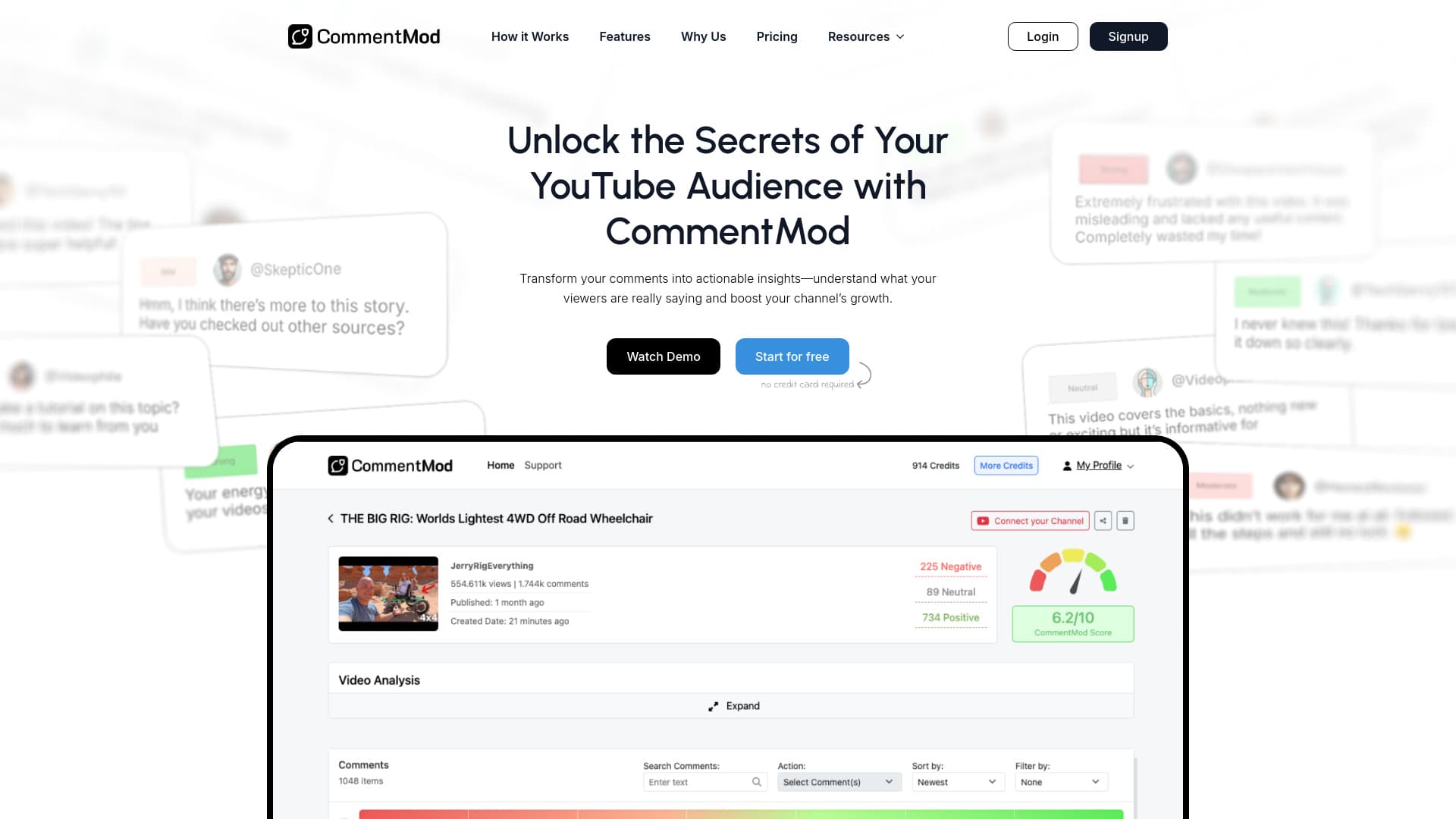
About CommentMod
CommentMod is an advanced AI tool designed to help YouTube creators understand audience feedback through detailed comment analysis. It offers sentiment insights, identifies trending topics, generates content ideas, and provides actionable recommendations to boost viewer engagement. The platform also supports batch comment deletion and reporting of inappropriate comments for efficient channel management.
How to Use
Link your YouTube channel to CommentMod. The AI analyzes comments to reveal sentiment, feedback, and engagement patterns. Use these insights to optimize your content, respond effectively, and manage comments efficiently.
Features
- Bulk Comment Management
- Advanced Sentiment Detection
- Content Idea Generation
- Real-Time Trend and Emotion Tracking
- Audience Engagement Analytics
- Custom Video Performance Insights
Use Cases
- Build a more engaged and active community through targeted comment responses.
- Refine video titles and content based on sentiment feedback.
- Monitor sentiment trends to anticipate and prevent negative reactions.
- Discover new content ideas from viewer suggestions and comments.
- Identify improvement areas in videos using audience feedback.
Best For
Pros
- Delivers actionable insights from YouTube comments for better engagement.
- Enhances content strategy with sentiment and feedback analysis.
- Offers a free trial to evaluate its features.
- Provides detailed sentiment analysis to understand viewer emotions.
- Enables efficient comment moderation through batch processing.
Cons
- Currently limited to YouTube comments only.
- Requires credits for comment analysis, which may incur costs.
- Free trial has a limited number of comments for testing.
Pricing Plans
Choose the perfect plan. All plans include 24/7 support.
Starter
Includes 10 credits for approximately 10,000 comments, with 2 credits per video, plus access to custom video insights and sentiment analysis. Connect your YouTube channel to get started.
Get StartedCreator
Provides 30 credits for roughly 30,000 comments, with 2 credits per video, along with custom insights and sentiment tracking. Link your YouTube channel to access features.
Get StartedCreator Pro
Includes 70 credits for about 70,000 comments, with 2 credits per video, plus comprehensive insights and sentiment analysis. Connect your YouTube channel to use the service.
Get Started