

Continue
An open-source AI code assistant that enables customizable autocomplete and chat functionalities within integrated development environments (IDEs).
About Continue
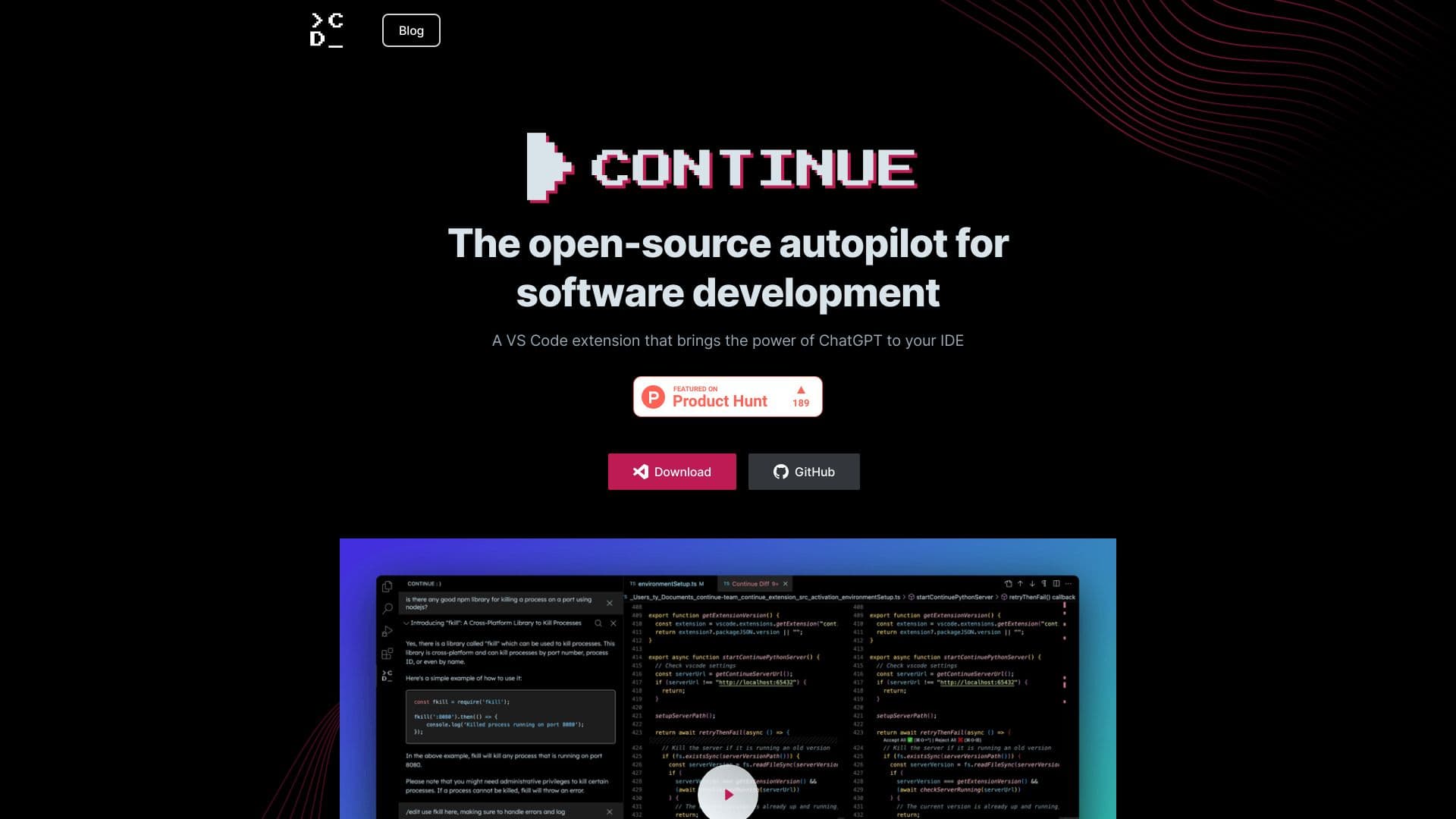
Continue is an open-source autopilot designed for software development, offering extensive customization and continuous learning from your coding data. This VS Code extension integrates ChatGPT capabilities directly into your IDE, allowing seamless connection to various models and contexts. Build tailored autocomplete and chat experiences to enhance your development workflow.
How to Use
Download and install the Continue extension for VS Code or JetBrains IDEs. Connect your preferred AI models and data sources. Personalize autocomplete and chat functionalities in your IDE. Use Tab to auto-complete code, reference code snippets, initiate chats, and highlight sections for natural language editing.
Features
- AI-driven code autocompletion for faster development
- Natural language code editing and refactoring
- Highly customizable AI-powered assistant
- Context-aware code referencing and conversational chat
Use Cases
- Speed up coding with intelligent autocompletion
- Refactor code efficiently using natural language commands
- Enhance understanding through context-sensitive chat interactions
Best For
Pros
- Open-source and highly customizable
- Compatible with multiple AI models and data sources
- Boosts developer productivity and efficiency
- Seamless integration with VS Code and JetBrains IDEs
Cons
- Performance varies based on selected AI model
- Setup and configuration require initial effort
- Advanced customization may involve a learning curve