

Corrector App
A free online tool for comprehensive grammar and spell checking across multiple languages.
About Corrector App
Corrector App is a free, web-based grammar and spell checker supporting multiple languages, including English and Tagalog. It helps users identify and fix grammatical, spelling, and punctuation errors efficiently. The tool offers clear suggestions to improve sentence flow and explains grammar issues for better understanding. Compatible with various English dialects and other languages, it is ideal for both personal and professional writing enhancement.
How to Use
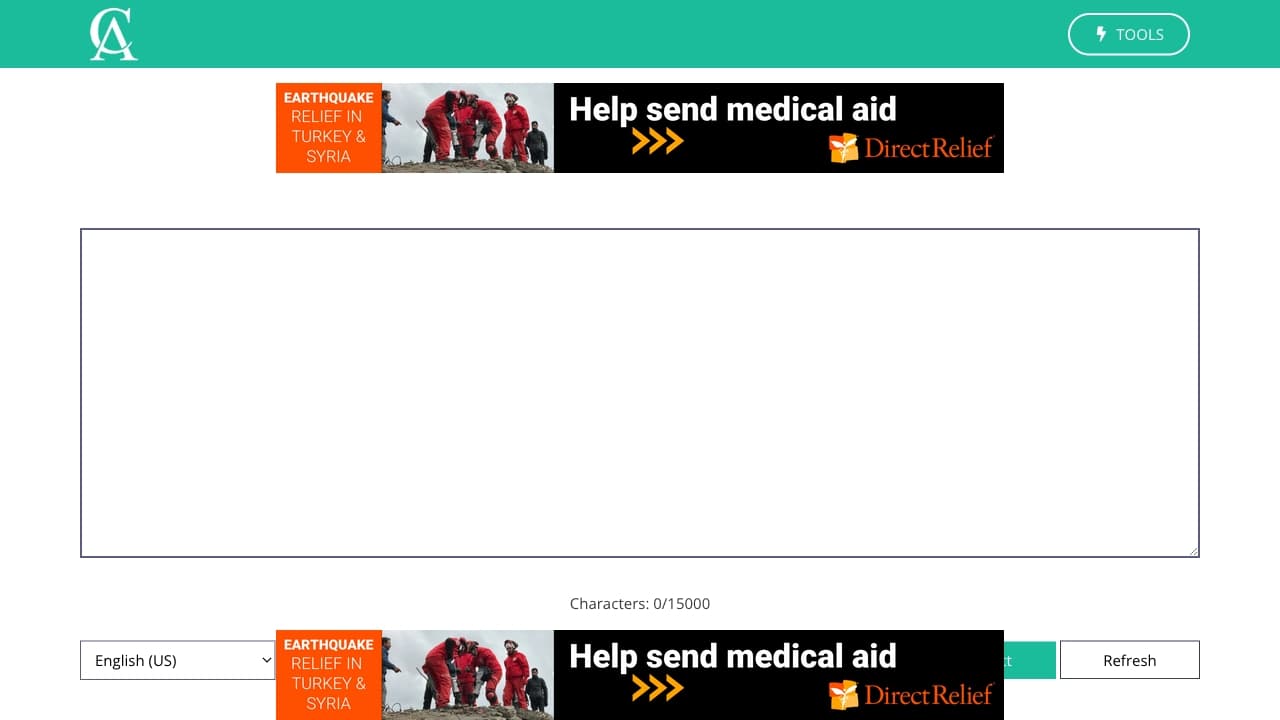
Simply paste your text into the designated area on the website, then click 'Check Text' to analyze. Mistakes are highlighted with suggested corrections. Review and apply changes, then copy the corrected content for use in your documents or emails.
Features
- Punctuation and grammar correction
- Supports multiple languages including English and Tagalog
- Context-aware word suggestions
- Spelling error detection
- AI-powered typo identification
- Grammar improvement tips
Use Cases
- Proofreading articles, emails, essays, and reports for grammar and spelling errors
- Ensuring professional and error-free communication
- Correcting mistakes in AI-generated content
- Enhancing writing skills through detailed error analysis
Best For
Pros
- Completely free to use
- Detects AI-related typos and errors
- Provides helpful word suggestions
- Identifies grammar, spelling, and punctuation mistakes
- Supports a wide range of languages
- No registration or downloads needed
- Offers explanations to improve understanding
Cons
- Requires user judgment to select correct suggestions
- No dedicated mobile app; access via website
- Potential over-reliance on software accuracy