

CREV
A command-line interface (CLI) tool that leverages AI technology to perform in-depth code reviews, enhancing code quality and identifying bugs efficiently.
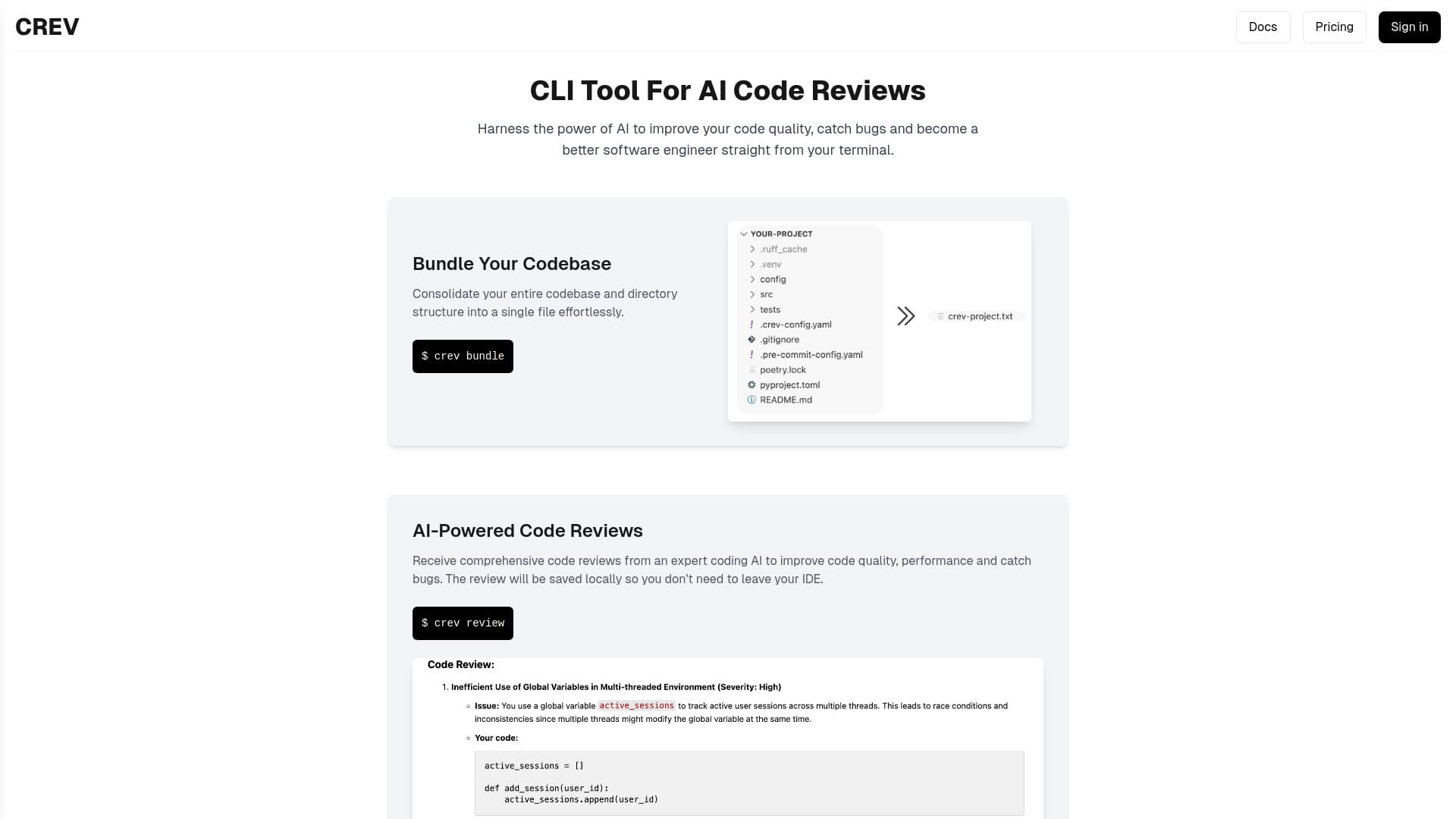
About CREV
Crev is a powerful CLI utility that facilitates AI-driven code reviews directly from your terminal. It helps developers improve code quality, detect bugs early, and enhance their coding skills through detailed AI feedback. The tool allows you to bundle your entire codebase into a single file for simplified sharing with AI models and supports fast, cross-platform operation on Windows, Mac, and Linux systems.
How to Use
To use Crev, bundle your codebase into a single file using the CLI, then execute the review command. The AI-generated feedback is saved locally for review and improvements.
Features
- Supports all major operating systems
- Bundles complete codebases for easy analysis
- Provides AI-powered, detailed code reviews
- Integrates seamlessly with your command line
Use Cases
- Improving coding skills through AI-driven feedback
- Automating initial code reviews to save time
- Detecting bugs and performance issues early in development
- Enhancing code quality across projects
- Streamlining collaborative code review workflows
Best For
Software developersQuality assurance engineersCoding teamsOpen-source contributorsDevOps professionals
Pros
- Easy integration with command-line workflows
- Helps improve coding skills with AI insights
- Detects bugs and performance issues early
- Fast performance and cross-platform support
Cons
- Requires bundling code into a single file
- Pricing details are not publicly available
- Depends on the accuracy of the AI model used
FAQs
What is Crev and how does it work?
Crev is a CLI tool that performs AI-powered code reviews, helping improve code quality and identify bugs efficiently.
How can Crev help improve my coding skills?
Crev provides instant, AI-driven feedback on your code's quality, performance, and security, facilitating skill development.
How do I run a code review with Crev?
Bundle your project into a single file using the CLI, then execute the review command to receive detailed AI feedback.
Is Crev compatible with all operating systems?
Yes, Crev supports Windows, macOS, and Linux, ensuring seamless use across different development environments.
What are the main advantages of using Crev?
Crev automates code reviews, improves code quality, detects bugs early, and integrates easily into your CLI workflow.