

CRM Chat
Streamline your CRM management with chat and voice across multiple platforms for enhanced sales and team collaboration.
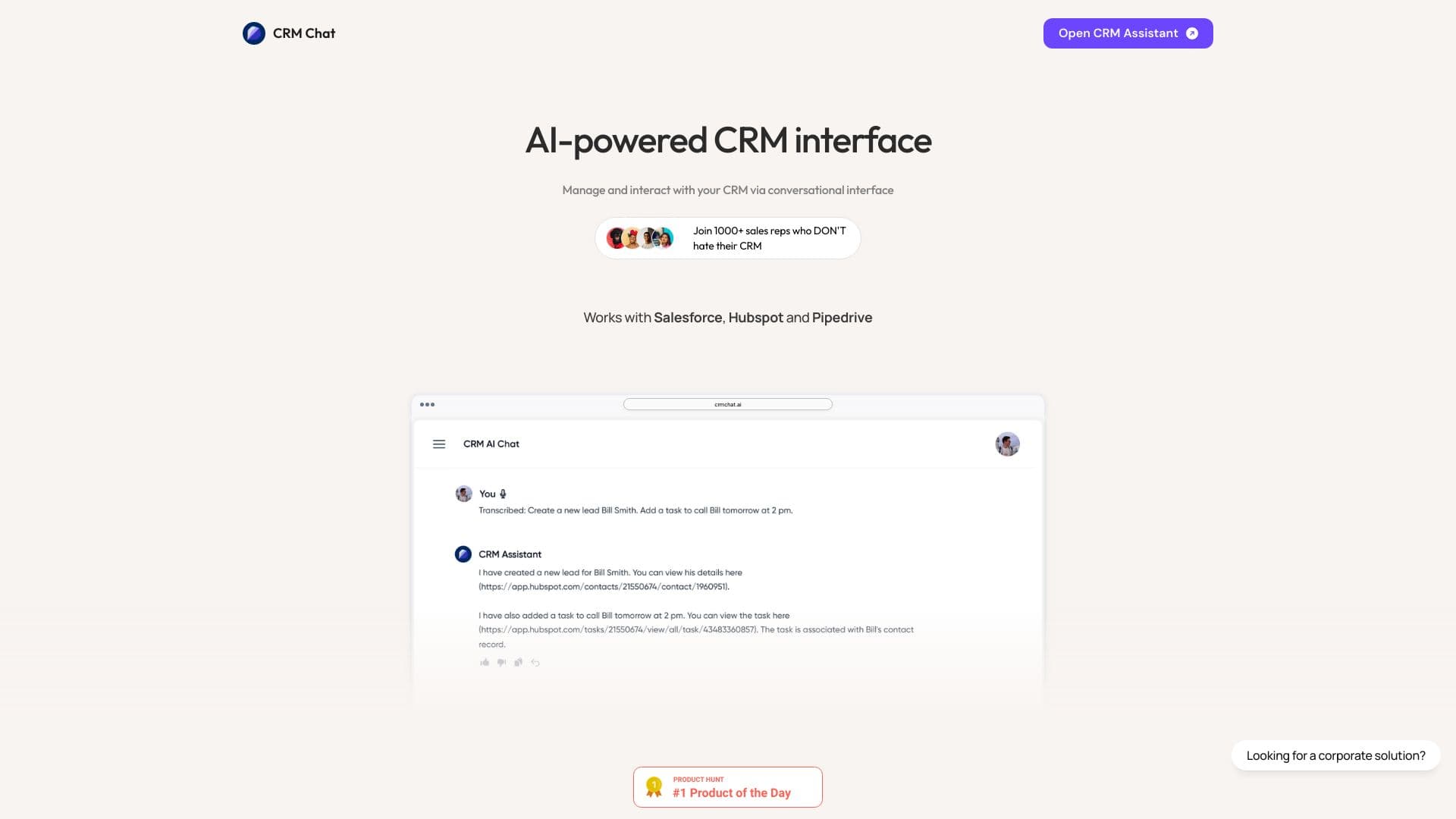
About CRM Chat
CRM Chat is an advanced platform that enables users to manage and interact with their CRM data seamlessly through chat and voice commands. It integrates smoothly with leading CRMs like Pipedrive, HubSpot, and Salesforce, supporting platforms such as WhatsApp, Telegram, SMS, Web, and iOS. The tool simplifies creating and retrieving CRM data, automates sales processes on Telegram, parses leads automatically, sends scheduled messages, and facilitates deal management with your team, all through natural language interactions.
How to Use
Connect your existing CRM accounts like HubSpot, Pipedrive, or Salesforce to CRM Chat. Then, utilize voice or chat commands on supported platforms such as Telegram and WhatsApp to update CRM records, retrieve information, assign tasks, and automate your sales outreach efforts.
Features
- Organize teams with dedicated workspaces
- Integrate with HubSpot, Pipedrive, and Salesforce
- Auto-sync contacts and groups with Folder Sync
- Automate lead parsing and messaging
- Streamline sales processes on Telegram
- Receive daily task summaries
- Collaborate effectively within teams
- Manage CRM data through chat and voice commands
- Use image recognition to capture leads
Use Cases
- Automating sales outreach via Telegram messages
- Quickly retrieving CRM data with simple questions
- Scanning Telegram QR codes to directly send leads into CRM
- Updating CRM records using voice memos on the go
- Assigning tasks to team members directly within Telegram groups
- Converting social media profile screenshots into leads automatically
Best For
Pros
- Integrates effortlessly with major CRMs and messaging platforms
- Offers automation for sales and outreach activities
- Supports voice updates for contacts and deals
- Includes team collaboration features within Telegram
- Enables natural language CRM management
Cons
- Accuracy depends on the quality of chat and voice recognition
- Reliance on third-party integrations may cause dependencies
- Pricing may be costly for larger teams
- Some features are restricted to specific plans
Pricing Plans
Choose the perfect plan. All plans include 24/7 support.
Pro
Includes all free features plus access to over 7,000 integrations, unlimited leads, and unified lead management.
Get StartedTeam
All Pro features plus team collaboration tools, outreach from a single Telegram account, workspace management, and support for up to 3 users (additional $7 per user).
Get StartedOutreach
Enhances Team plan with outreach automation, multiple Telegram accounts, custom templates, and support for up to 3 users (additional $7 per user).
Get StartedPersonal
Includes Telegram mini-app, folder synchronization, task management, reminders, daily digest, calendar integration, custom properties, screenshot recognition, audio updates, and duplicate checks.
Get Started