

Ctrl+F AI
A browser extension that enhances web searches with AI-powered question answering capabilities, improving user experience and efficiency.
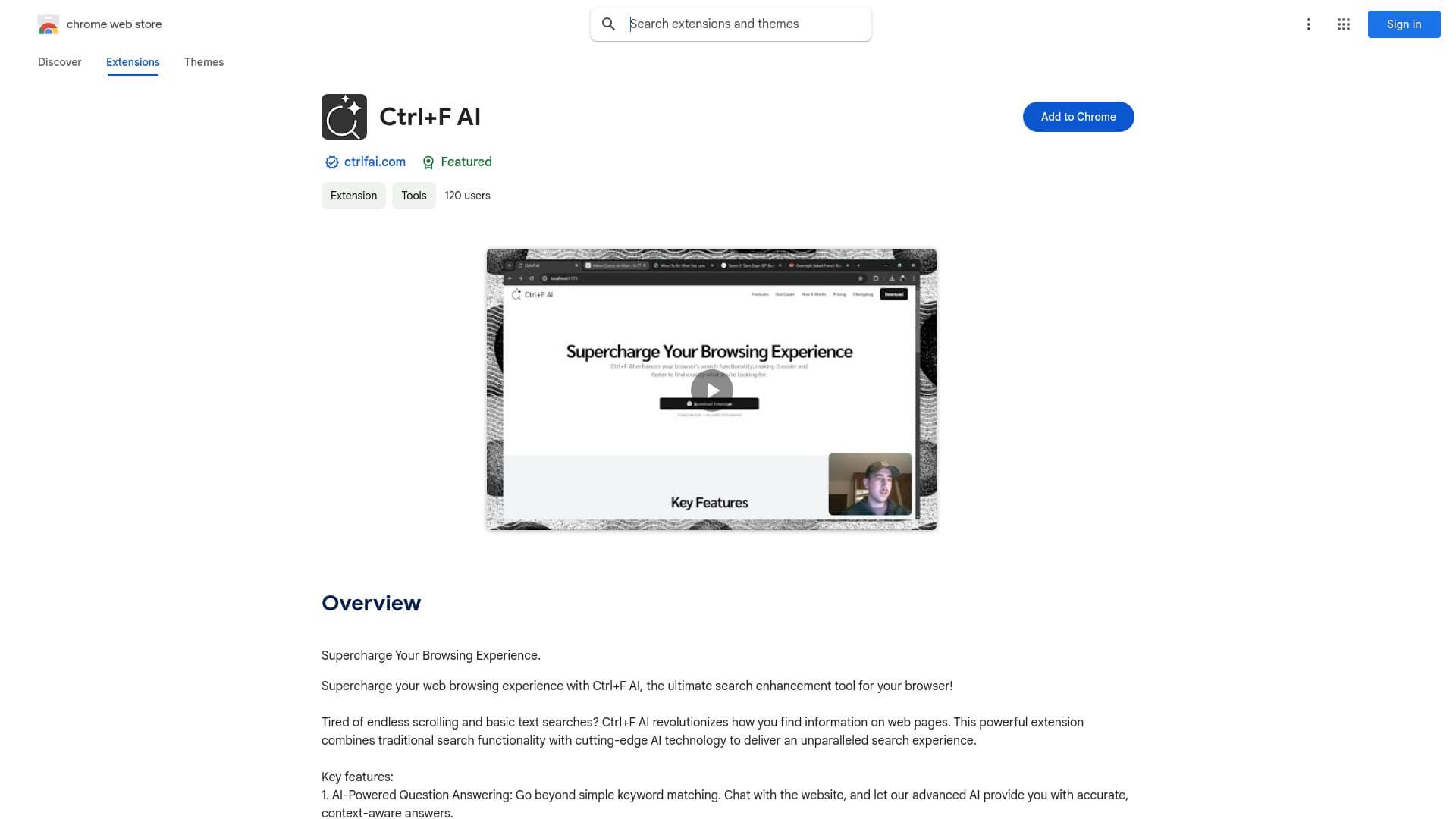
About Ctrl+F AI
Ctrl+F AI is an innovative browser extension that elevates your web browsing by merging traditional search functions with AI-driven question answering. Quickly locate specific text on webpages and ask questions about the content to receive precise, context-aware answers in real time.
How to Use
Press Ctrl+F (or Cmd+F on Mac) to activate Ctrl+F AI. Search for text normally, or ask questions about the page content to receive instant AI-generated responses.
Features
- Seamless integration with browser
- Prioritizes user privacy
- AI-powered question answering
- Advanced text search capabilities
- Intuitive and easy-to-use interface
Use Cases
- Conducting research efficiently
- Analyzing complex reports
- Locating information quickly
Best For
StudentsResearchersProfessionalsContent creatorsData analysts
Pros
- Provides accurate, context-aware answers
- Speeds up research and reduces frustration
- Combines traditional search with AI intelligence
- Ensures data privacy and security
- Operates easily with familiar shortcuts
Cons
- AI processing may cause slight delays
- Accuracy depends on content complexity
FAQs
How do I activate Ctrl+F AI?
Press Ctrl+F (or Cmd+F on Mac) to activate the extension and start searching or asking questions.
Is my browsing data kept private when using Ctrl+F AI?
Yes, all searches and questions are processed securely to protect your browsing privacy.
Does Ctrl+F AI work on all websites?
It works on most websites; however, some sites with restricted content may limit functionality.
Can I customize the extension settings?
Yes, you can customize privacy options, appearance, and AI response preferences in the extension menu.
Is there a limit to how many questions I can ask?
There are no strict limits; usage depends on your browser and device performance.