
CtrlPlain
CtrlPlain seamlessly connects Google Sheets with Salesforce, enabling efficient sales data management and real-time updates.
About CtrlPlain
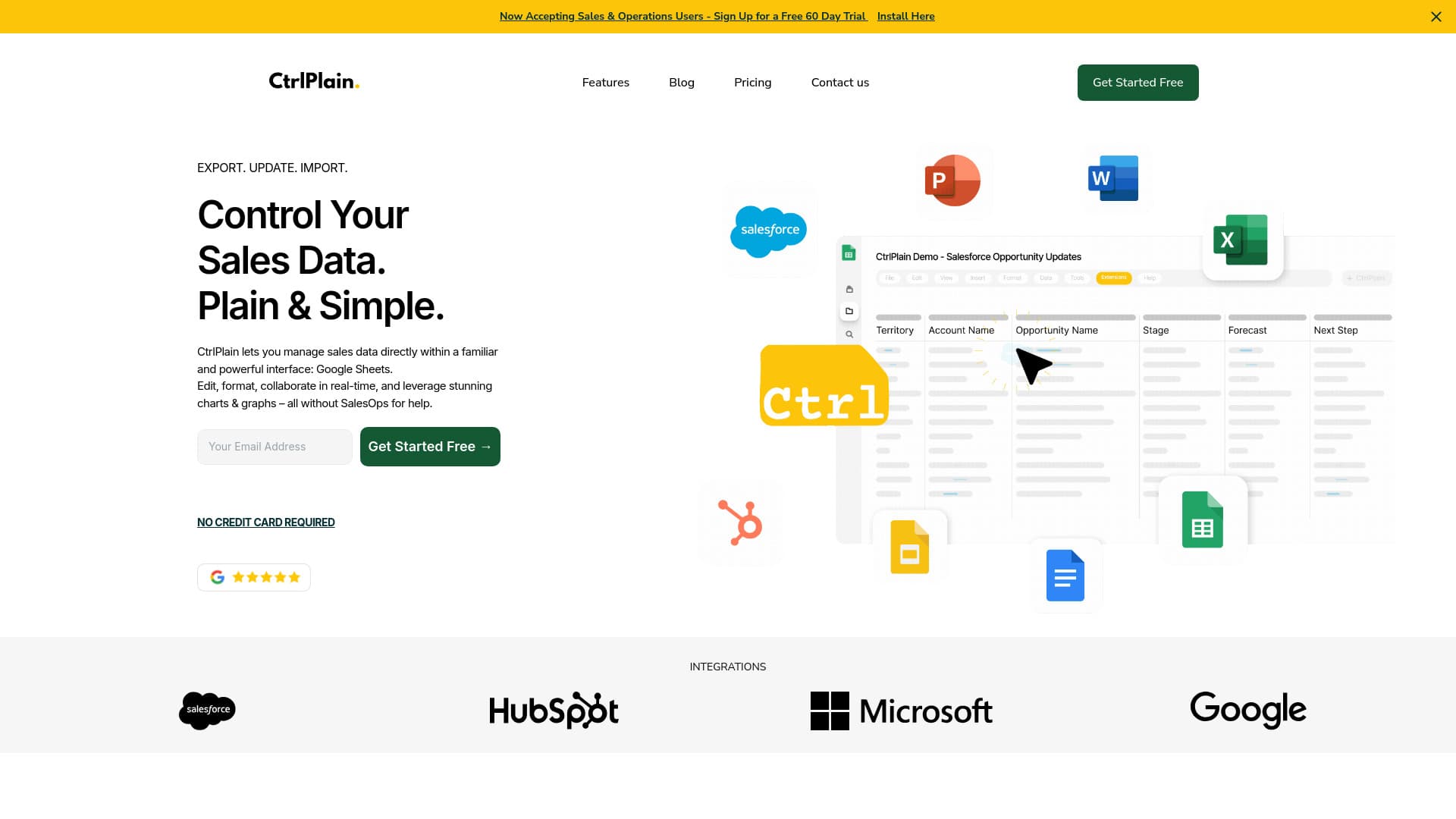
CtrlPlain is designed for sales teams using Salesforce and Google Sheets. It transforms Google Sheets into a live Salesforce interface, enabling direct management of sales data without manual CRM updates. This streamlines workflows and boosts productivity for sales professionals.
How to Use
Manage your sales data directly within Google Sheets with CtrlPlain. Edit, collaborate, and visualize data in real-time, eliminating the need for manual CRM updates or additional software.
Features
- Selective data synchronization
- Advanced data management and editing tools
- Real-time integration between Salesforce and Google Sheets
Use Cases
- Accelerating sales workflows by reducing manual data entry
- Managing and updating sales pipelines directly in Google Sheets
- Syncing notes and relevant information seamlessly with CRM systems
- Collaborating with team members on sales data in real-time
Best For
Sales Operations ManagersSales TeamsSales RepresentativesBusiness Development ProfessionalsCRM Administrators
Pros
- Utilizes the familiar Google Sheets interface for ease of use
- Supports real-time collaboration and data sharing
- Includes AI assistants to enhance productivity
- Provides flexible control over sales data management
- Reduces manual updates in Salesforce
Cons
- Pricing varies depending on subscription plan
- Requires Salesforce and Google Sheets integration setup
- Dependent on Google API performance and limits
FAQs
What is CtrlPlain used for?
CtrlPlain connects Google Sheets with Salesforce, enabling real-time sales data management without manual CRM updates.
How does CtrlPlain improve sales workflows?
It automates data synchronization between Google Sheets and Salesforce, reducing manual entry and increasing efficiency.
Which platforms does CtrlPlain support?
It integrates seamlessly with Salesforce and Google Sheets for streamlined data management.
Can I collaborate with my team using CtrlPlain?
Yes, CtrlPlain supports real-time collaboration within Google Sheets, allowing team members to work together efficiently.
Is there AI assistance available in CtrlPlain?
Yes, CtrlPlain offers AI-powered agents to help manage and analyze sales data effectively.
What are the main benefits of using CtrlPlain?
It simplifies sales data management, enhances collaboration, and automates updates to Salesforce.
Does CtrlPlain require technical setup?
Yes, initial setup involves connecting your Salesforce and Google Sheets accounts, but it is straightforward.
Is CtrlPlain suitable for small businesses?
Absolutely, it helps streamline sales processes regardless of business size.
What kind of customer support does CtrlPlain offer?
Support options include documentation, tutorials, and dedicated customer service for setup and troubleshooting.