

CurseCut
AI-powered tool designed to automatically remove profanity from audio and video content, ensuring cleaner and more appropriate media.
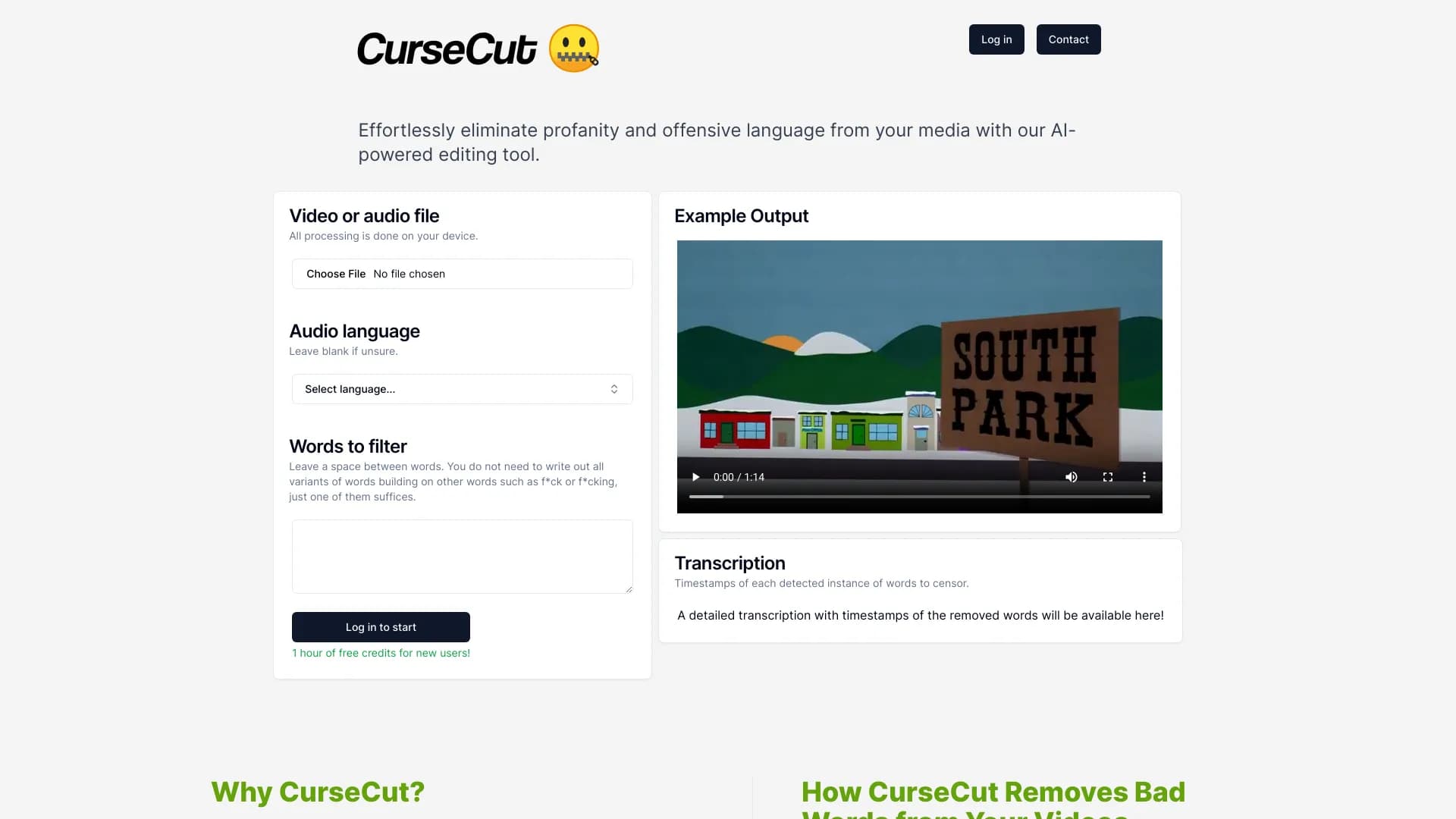
About CurseCut
CurseCut is an advanced AI-driven tool that detects and silences profanity and unwanted keywords in audio and video files. It simplifies the process of creating family-friendly, professional media by providing customizable filtering options. Users can easily specify which words to censor, ensuring content aligns with their specific standards and audience requirements.
How to Use
Upload your audio or video file, select the language if needed, and input your list of words to censor. CurseCut automatically detects and mutes or bleeps those segments. Download the cleaned file once processing is complete.
Features
- Customizable word filtering for tailored censorship
- Local processing guarantees data privacy and security
- Supports multiple audio and video formats
- AI-powered detection and removal of offensive language
- Transcription with timestamps for censored words
Use Cases
- Moderating live streaming and broadcast content
- Editing workplace videos and training materials
- Ensuring compliance with platform policies
- Removing explicit language from YouTube videos
- Creating child-safe versions of movies, shows, and podcasts
Best For
Content creatorsVideo editorsBroadcastersPodcastersEducatorsMedia professionals
Pros
- Allows tailored filtering for specific needs
- Supports a broad range of media formats
- Ensures data privacy with local processing
- User-friendly interface for easy operation
- Provides free credits for new users
Cons
- Detection accuracy depends on audio clarity
- Processing speed varies based on file size
- Requires user-defined word lists, which may miss some offensive terms
FAQs
How does CurseCut protect my data privacy?
All processing occurs locally on your device, so your files remain private and never leave your computer.
What types of media files does CurseCut support?
CurseCut supports various formats including MP4, MOV, AVI, WMV, MKV, FLV, MP3, WAV, AAC, FLAC, and OGG.
How reliable is CurseCut at detecting profanity?
Detection accuracy depends on audio quality and the completeness of your word list. Processing separate audio tracks improves results.
Can CurseCut handle multiple languages?
Yes, it supports a wide array of languages for transcription and censorship, including English, Chinese, Spanish, French, German, Arabic, Hindi, Japanese, Korean, Russian, and more.
Is CurseCut suitable for professional content moderation?
Absolutely. Its customizable filters and high accuracy make it ideal for maintaining appropriate content standards in professional media production.