

Cursor
AI-enhanced code editor designed to accelerate software development and streamline pair programming for developers.
About Cursor
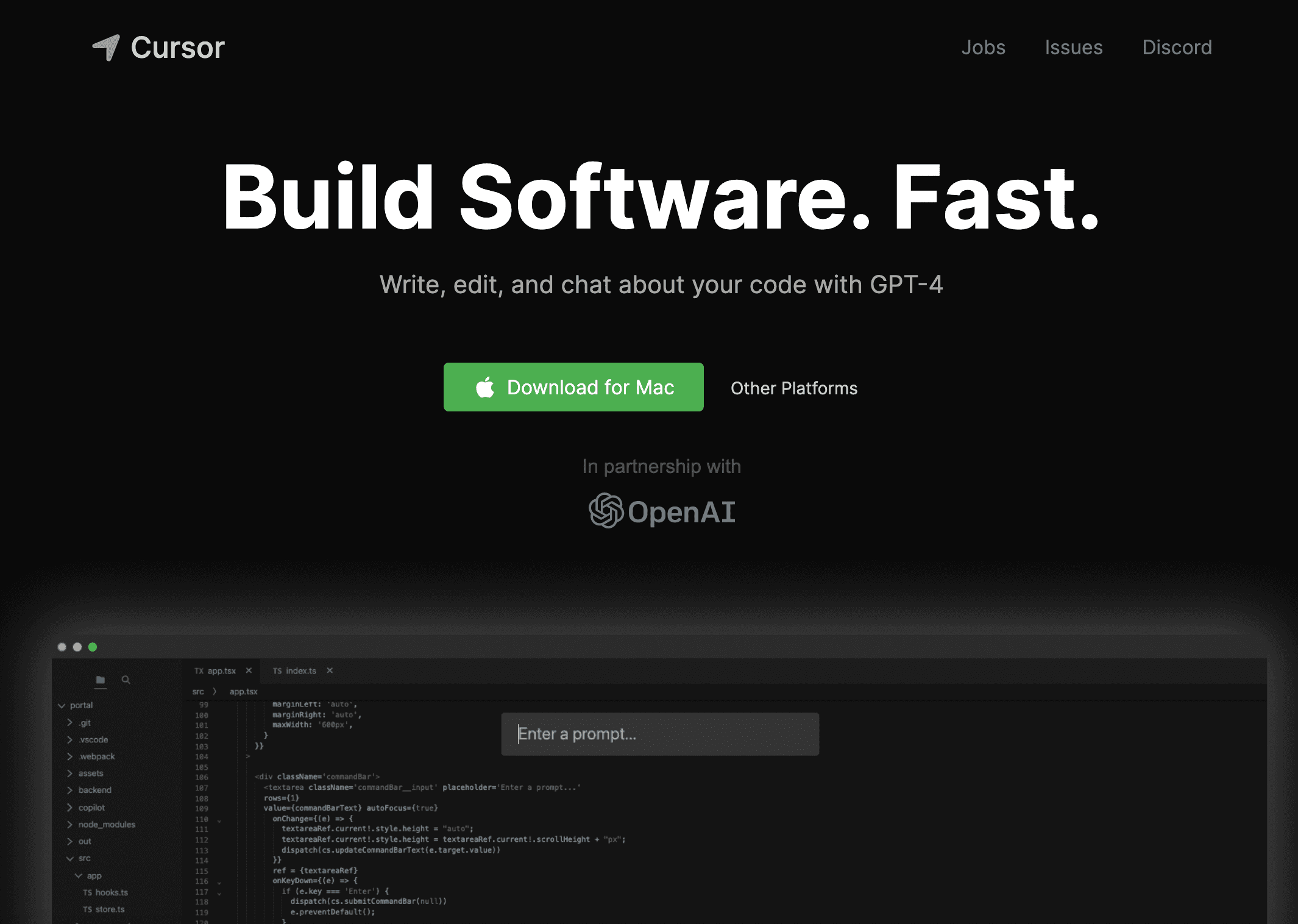
Cursor is an AI-powered code editor built for efficient pair programming and faster software development. Originating as a fork of VSCode, it allows seamless migration of extensions, themes, and settings. Cursor provides features like intelligent code completion, automated code generation, bug detection, and comprehensive documentation browsing. It offers both local and cloud deployment options, with a privacy mode ensuring your code stays secure on your device.
How to Use
Download and install Cursor, then easily transfer your VSCode settings with a single click. Start coding and leverage AI features such as chat, code generation, and bug fixing by providing prompts. Choose local mode for privacy or cloud-based mode for full AI capabilities.
Features
- Intelligent AI-powered code completion and generation
- In-editor documentation and definition browsing
- Real-time AI chat for project insights
- One-click migration from VSCode
- Privacy mode for secure local development
- Automated bug detection and resolution
Use Cases
- Debug complex errors with AI analysis
- Generate code snippets from simple instructions
- Browse documentation and code definitions instantly
- Edit code efficiently with AI assistance
- Ask AI questions about your codebase
Best For
Pros
- Significantly accelerates coding workflows
- Familiar interface similar to VSCode
- Simple transition from VSCode setup
- Secure local development with privacy mode
- Advanced AI features for code generation and debugging
Cons
- Premium features may incur additional costs
- Overreliance on AI might limit learning opportunities
- Privacy risks if not using local mode
- Dependence on cloud services for certain functionalities
Pricing Plans
Choose the perfect plan. All plans include 24/7 support.
Hobby
Includes a two-week trial of Pro features, 2000 completions, and 50 slow requests
Get StartedPro
Unlimited code completions, 500 requests monthly, and unlimited slow requests plus all Hobby features
Get StartedBusiness
Includes Pro features, organization-wide privacy enforcement, centralized billing, admin dashboard with analytics, and SAML/OIDC SSO support
Get Started