

cursor.sh
AI-driven code editor designed to boost developer productivity and streamline coding workflows.
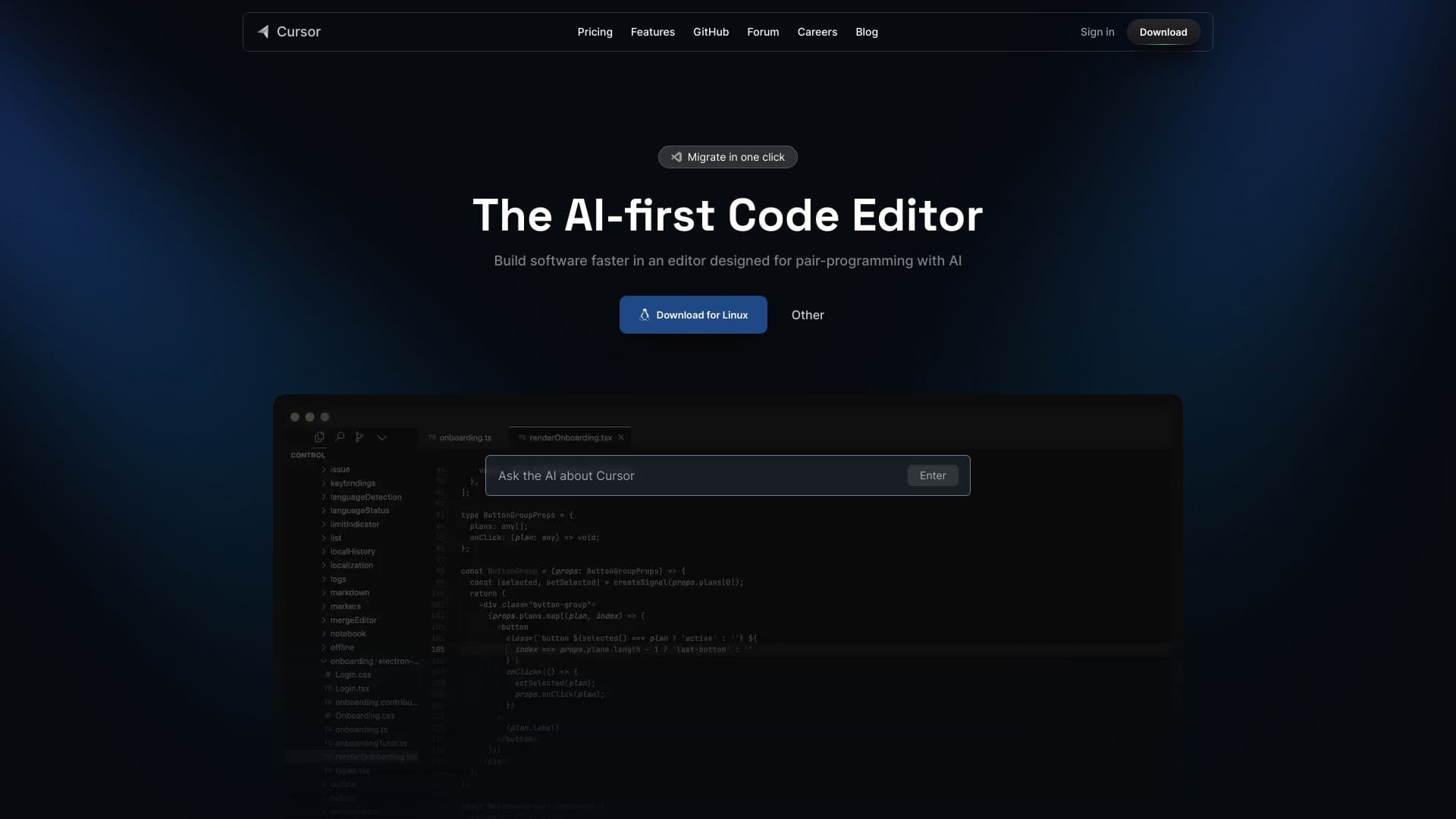
About cursor.sh
Cursor is an AI-powered code editor that enhances developer efficiency by providing intelligent code suggestions, answering codebase questions, and enabling natural language editing. Its goal is to deliver a fast, intuitive, and customizable coding experience with privacy features and flexible configurations.
How to Use
Download and install Cursor, then import your extensions, themes, and keybindings. Start coding and utilize AI features such as autocomplete, natural language editing, and codebase Q&A to accelerate development.
Features
- Intelligent AI-powered code completion
- Codebase question and answer support
- Natural language code editing capabilities
- Privacy mode options
- Customizable AI models
Use Cases
- Understanding and modifying existing codebases quickly
- Automating repetitive programming tasks
- Accelerating software development with AI assistance
Best For
Pros
- Supports privacy for sensitive projects
- Highly customizable with extensions and themes
- Significant boosts in development speed
- Seamless integration of AI into coding workflows
- Familiar, user-friendly interface
Cons
- Privacy mode may restrict some features
- Heavy reliance on AI could impact independent problem-solving skills
- Certain advanced features require a subscription
Pricing Plans
Choose the perfect plan. All plans include 24/7 support.
Hobby
Two-week trial including 2000 code completions and 50 slow mode premium requests
Get StartedPro
All Hobby features plus unlimited completions, 500 fast premium requests per month, unlimited slow requests, and Max mode
Get StartedBusiness
Includes Pro features, organization-wide privacy mode, centralized billing, admin panel with usage stats, and SAML/OIDC SSO
Get Started