

CVGist
AI-powered resume builder that creates professional Word resumes from brief career summaries.
About CVGist
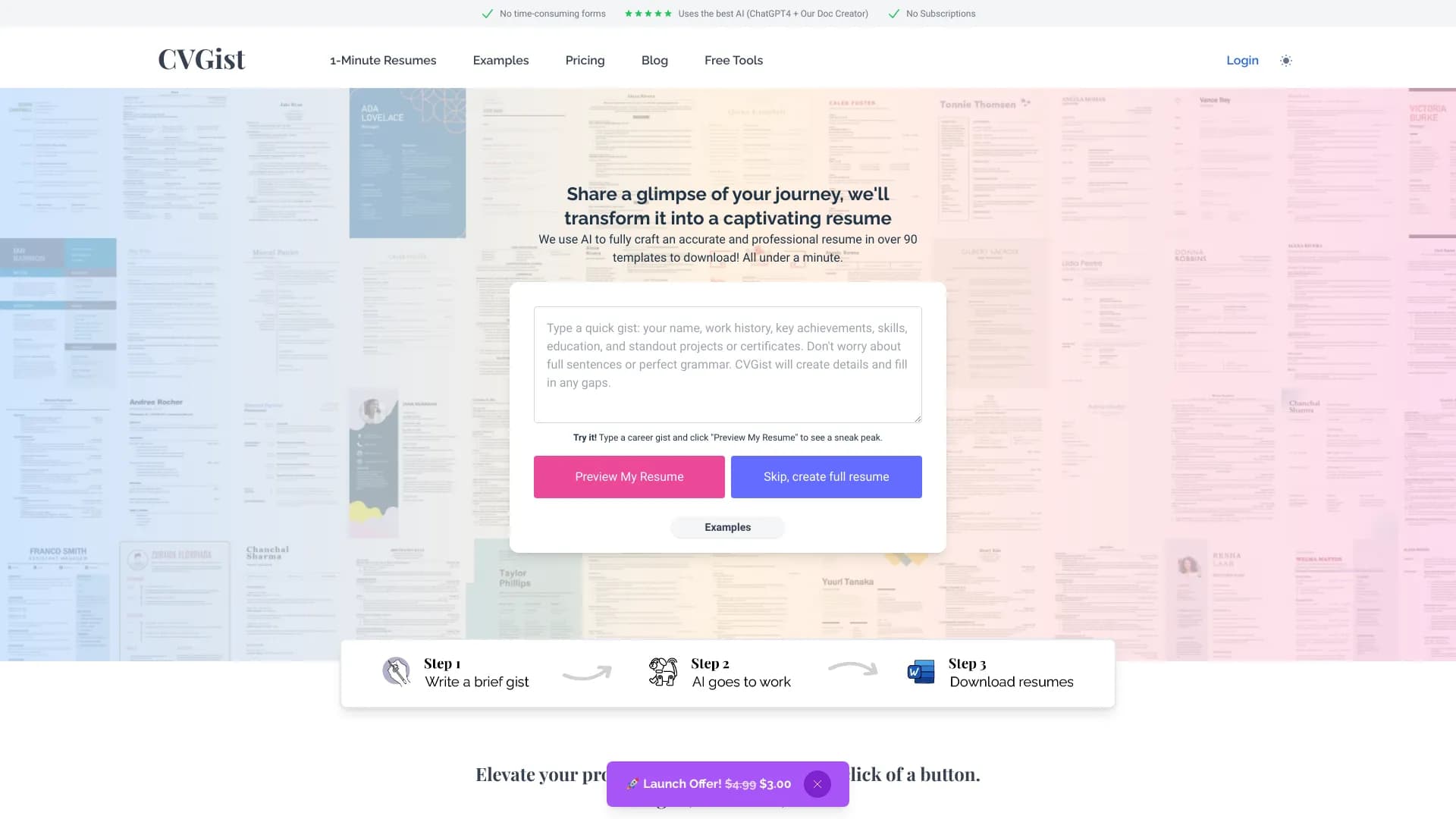
CVGist is an AI-driven resume builder that enables users to quickly craft impactful resumes. By inputting a brief career overview, the platform, powered by OpenAI and a custom DOCX generator, delivers professional Microsoft Word resumes. It offers affordable, subscription-free plans with customizable templates, LinkedIn integration, and optimized applicant tracking system compatibility.
How to Use
Enter a concise career summary, upload an existing resume, or import your LinkedIn profile. CVGist's AI then generates a tailored resume in Word format, ready for customization and job-specific adjustments.
Features
- Customizable resume templates for diverse professions
- Affordable pay-as-you-go pricing without subscriptions
- Seamless LinkedIn profile import
- ATS-optimized resumes for better applicant tracking
- Exports in editable Microsoft Word (.docx) format
- AI-powered resume creation for efficiency
- Personalized job tailoring for specific roles
Use Cases
- Converting LinkedIn profiles into professional resumes
- Adapting existing resumes for targeted jobs
- Building new resumes from scratch quickly
- Optimizing resumes for applicant tracking systems (ATS)
Best For
Career changersExperienced professionalsRecent graduatesJob seekersStudentsEntry-level professionals
Pros
- Easily import LinkedIn profiles for quick resume creation
- No subscription commitments; pay only for what you need
- Tailor resumes to specific job requirements
- AI-generated resumes with professional quality
- Editable Word documents for maximum flexibility
- Optimized for applicant tracking systems (ATS)
- Access to a wide selection of professional templates
- Resume generation in under a minute
Cons
- Quality depends on the clarity of the initial career summary
- Current editing is done outside the platform in Word or Google Docs
- Cost can accumulate with multiple resumes needed
Pricing Plans
Choose the perfect plan. All plans include 24/7 support.
FAQs
How does CVGist's AI improve my resume and job applications?
CVGist uses advanced GPT-4 technology to craft personalized resumes that highlight your strengths and match job requirements. Our AI ensures your resume stands out to both AI screening tools and recruiters, increasing your chances of landing interviews.
What AI technology powers your resume builder?
Our platform is powered by OpenAI's GPT-4, providing top-tier resume generation and job tailoring. The AI analyzes job descriptions and your background to create impactful, tailored resumes with professional formatting.
Can I purchase additional resumes after using my initial quota?
Yes, you can buy extra resume credits anytime. This allows you to create more tailored, AI-optimized resumes for different job applications as needed.
How many resumes can I generate with your plans?
Lite includes 3 resumes, Standard offers 10, and Pro provides 30. Additional resumes can be purchased separately to accommodate your job search needs.
Is this a subscription service or a one-time purchase?
All plans are one-time purchases. You gain permanent access to your created resumes and templates within your plan limit. Need more resumes later? Just buy additional credits.
What is the best format for my AI-generated resume?
We deliver resumes in Microsoft Word (.docx) format, ensuring easy editing and compatibility with ATS systems. You can also convert your resume to PDF or Google Docs effortlessly.
How does the LinkedIn to Resume feature work?
Use our free LinkedIn Chrome extension to convert your profile into a resume format. Then, enhance it with our AI technology—basic AI for Lite plans or GPT-4 for Standard/Pro plans—for quick, professional results.
How can I edit my resume after it's generated?
You can edit your resume easily in Word or Google Docs for full control over content and formatting. We plan to add in-app editing soon for even faster customization.
How many professional templates are available?
All plans include access to over 100 professionally designed, ATS-friendly templates. Switch between templates anytime to create different versions of your resume.
Will I always have access to my resumes and account?
Yes. Your one-time purchase grants you permanent access to your account and all created resumes. You can return anytime to download or create new resumes within your plan's limits.