

Dart
AI-powered project management platform designed to enhance efficiency and automate workflows.
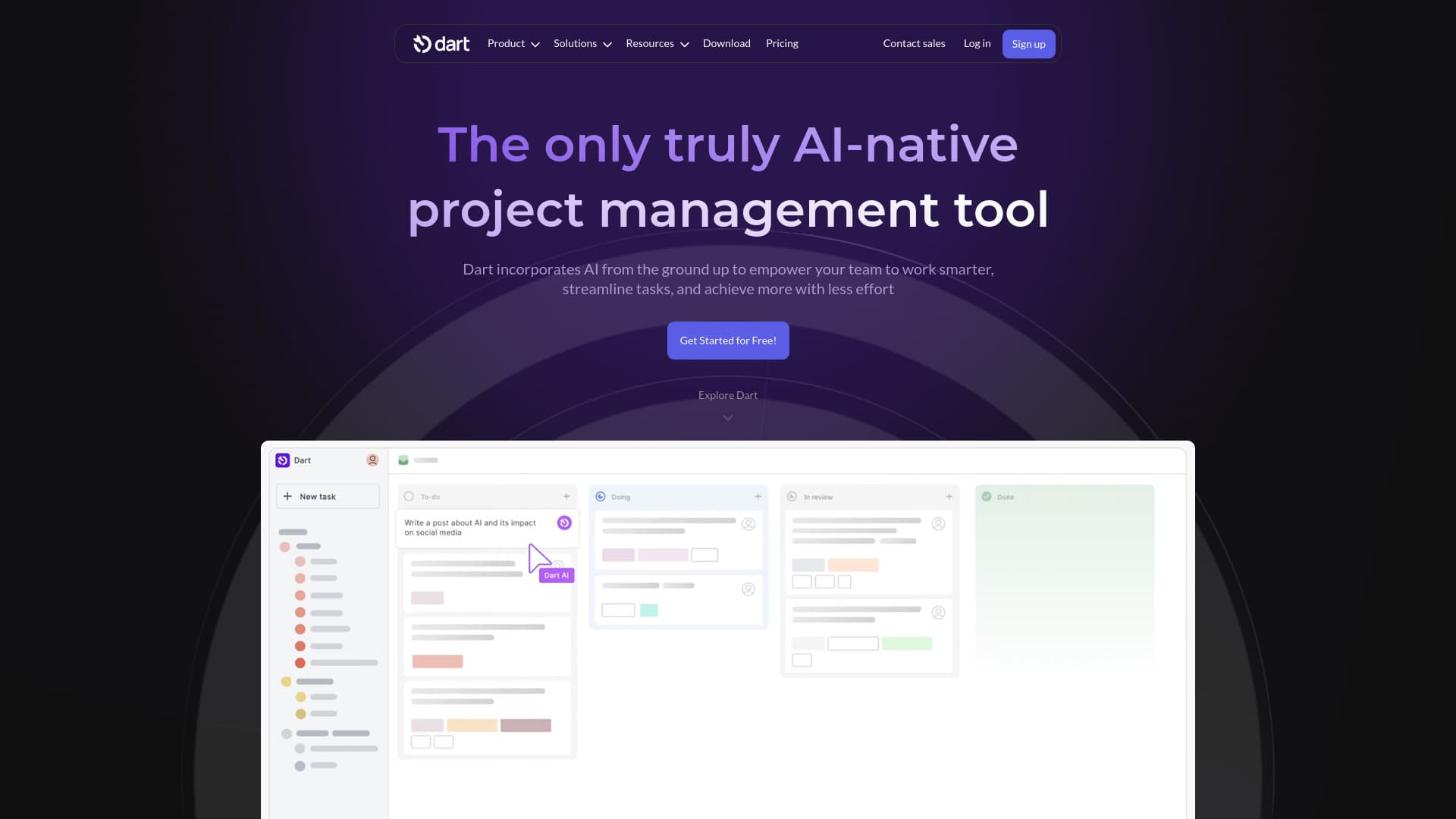
About Dart
Dart is an advanced, AI-native project management solution designed to save time by automating routine tasks. Leveraging GPT-4 technology, Dart learns team patterns to streamline activities like task descriptions, categorization, and assignment. Its AI-driven platform boosts productivity, accuracy, and collaboration, enabling teams to deliver successful projects with less effort and greater precision.
How to Use
To utilize Dart AI, create a task and assign it to your Dart AI assistant. It excels at handling writing and design tasks, with ongoing feature additions. The platform offers intuitive controls, quick task creation, organization, and planning through user-friendly shortcuts for efficient project management.
Features
- Customizable task statuses and project properties
- AI-powered reporting and analytics dashboards
- Sprint planning and progress tracking
- Automated task execution including descriptions, categorization, and assignment
- Natural language input for quick property filling
- Command center with keyboard shortcuts for rapid navigation
- API and libraries for Python, TypeScript, JavaScript, and CLI integrations
- Cross-platform apps for Mac, Windows, iOS, and Android
- Duplicate task detection powered by AI
- Voice command capabilities for hands-free actions
- Seamless integrations with ChatGPT, Slack, Discord, GitHub, Zapier, Notion, Email, Google Calendar, Spreadsheets, Microsoft Teams, Telegram, Zoho Flow, and Pipedream
- Webhooks for custom automation
- AI-driven roadmap planning and brainstorming tools
- Real-time collaboration with live syncing
- Multiple view options: List, Board, Roadmap, Calendar
- AI-generated subtasks to accelerate workflows
- Import/export features for data management
- Role-based access control for admins and guests
Use Cases
- Creating and embedding design tasks within documents for creative teams
- Organizing projects, setting priorities, and maintaining documentation for HR departments
- Drafting product requirement documents and automatically assigning tasks to product managers
- Enhancing project execution across universities' research and administrative teams
- Improving team collaboration and workflow efficiency for agencies
- Streamlining marketing campaigns to meet business objectives
- Planning engineering sprints and generating daily standup reports
- Automating project reporting through data collection, visualization, and trend analysis
- Automating routine activities such as scheduling, task assignment, and progress tracking
- Optimizing sales workflows to increase revenue and close deals faster
- Transforming HR operations by fostering collaboration and reducing inefficiencies
- Managing sales pipelines and keeping teams updated on progress
- Helping startups organize chaos and accelerate growth
- Boosting IT project efficiency by eliminating bottlenecks and enhancing team coordination
Best For
Pros
- Enables quick navigation with keyboard shortcuts and a command center to boost productivity.
- Supports real-time collaboration with detailed task dependencies, durations, and resource management.
- Automates routine work using GPT-4 to save time and reduce manual effort.
- Offers a clean, user-friendly interface with fast load times and crisp design.
- Highly customizable workspaces and multiple layout options like list, board, roadmap, and calendar views.
- Enhances team efficiency, accuracy, and communication through AI features.
- Receives positive feedback for speed, ease of use, and AI-driven automation benefits.
- Suitable for small teams and large organizations across various industries.
- Includes advanced AI features such as auto-fill properties, subtask generation, and comprehensive reporting.
- Designed to streamline workflows and minimize manual tasks with AI-native architecture.
- Integrates smoothly with a wide range of workplace tools and platforms.
- Accessible across multiple devices and operating systems including Mac, Windows, iOS, and Android.
Cons
- No explicit limitations or disadvantages are specified in the provided content.
Pricing Plans
Choose the perfect plan. All plans include 24/7 support.
Personal
Supports up to four team members with unlimited tasks and documents. Includes AI task automation, reporting, property filling, subtasks, and integrations with ChatGPT and Claude.
Get StartedPremium
Includes all Personal features plus unlimited team members, AI roadmap planning, brainstorming tools, role management, custom statuses, forms, and integrations with Slack, Discord, GitHub, and more.
Get StartedBusiness
Includes everything in Premium, plus SSO, public dashboards, advanced analytics, granular access controls, dedicated SLAs, priority support, and early access to features.
Get Started