

Dashwave 1.0
A cloud-based development environment for Android apps, featuring AI-powered build, testing, and deployment tools for rapid mobile development.
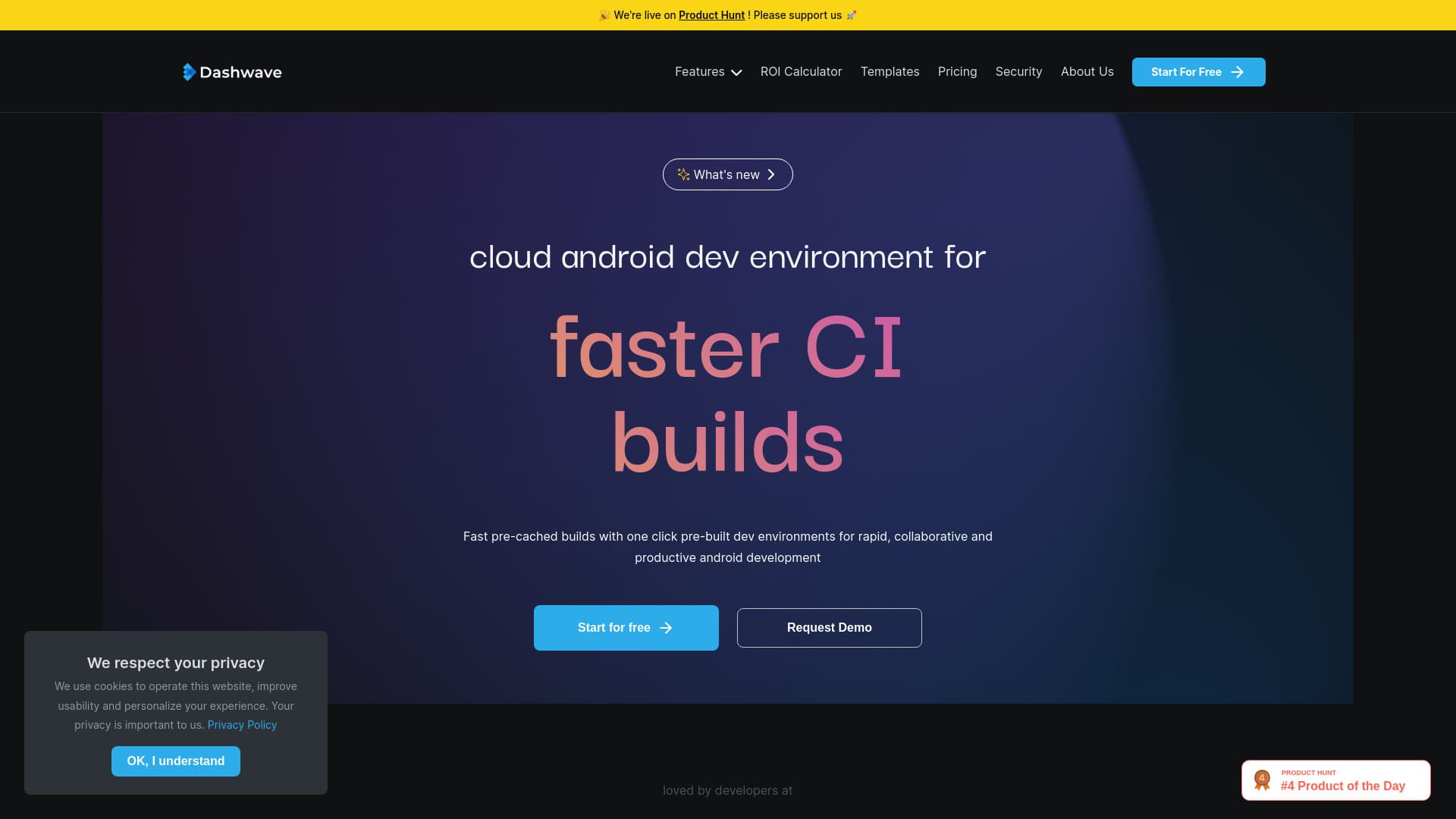
About Dashwave 1.0
Dashwave offers a cloud-based Android development environment with rapid build and test capabilities. It utilizes pre-configured emulators and code environments for quick feature previews and debugging. Powered by DashwaveAI, it enables seamless app creation, testing, and deployment through features like Figma to code conversion, text-based chat for app building, and automated distribution pipelines, streamlining the entire mobile development process.
How to Use
Describe your app concept in simple language, and Dashwave generates an initial version. Use the browser IDE to refine or modify your code. Sync your project with GitHub or deploy directly via Dashwave CI for continuous integration.
Features
- Automated app distribution pipelines
- Figma design to code conversion
- AI-driven mobile app development
- Cloud-based development environments
- Text-to-app chat workspace
Use Cases
- Creating mobile apps from text prompts
- Speeding up development and debugging of existing apps
- Transforming Figma designs into ready-to-use code
- Automating app distribution workflows
Best For
Pros
- AI-assisted code generation and debugging
- Faster build and test cycles
- Supports multiple platforms including Kotlin, React Native, Flutter, and iOS native
- Simplifies app distribution and deployment
- Enables quick conversion from Figma designs to functional code
Cons
- AI reliance may reduce control for experienced developers
- Learning curve for users new to prompt-based development
- Limited details available on pricing tiers