
DataLang
A versatile platform that enables users to build customized AI-powered chatbots from various data sources with ease.
About DataLang
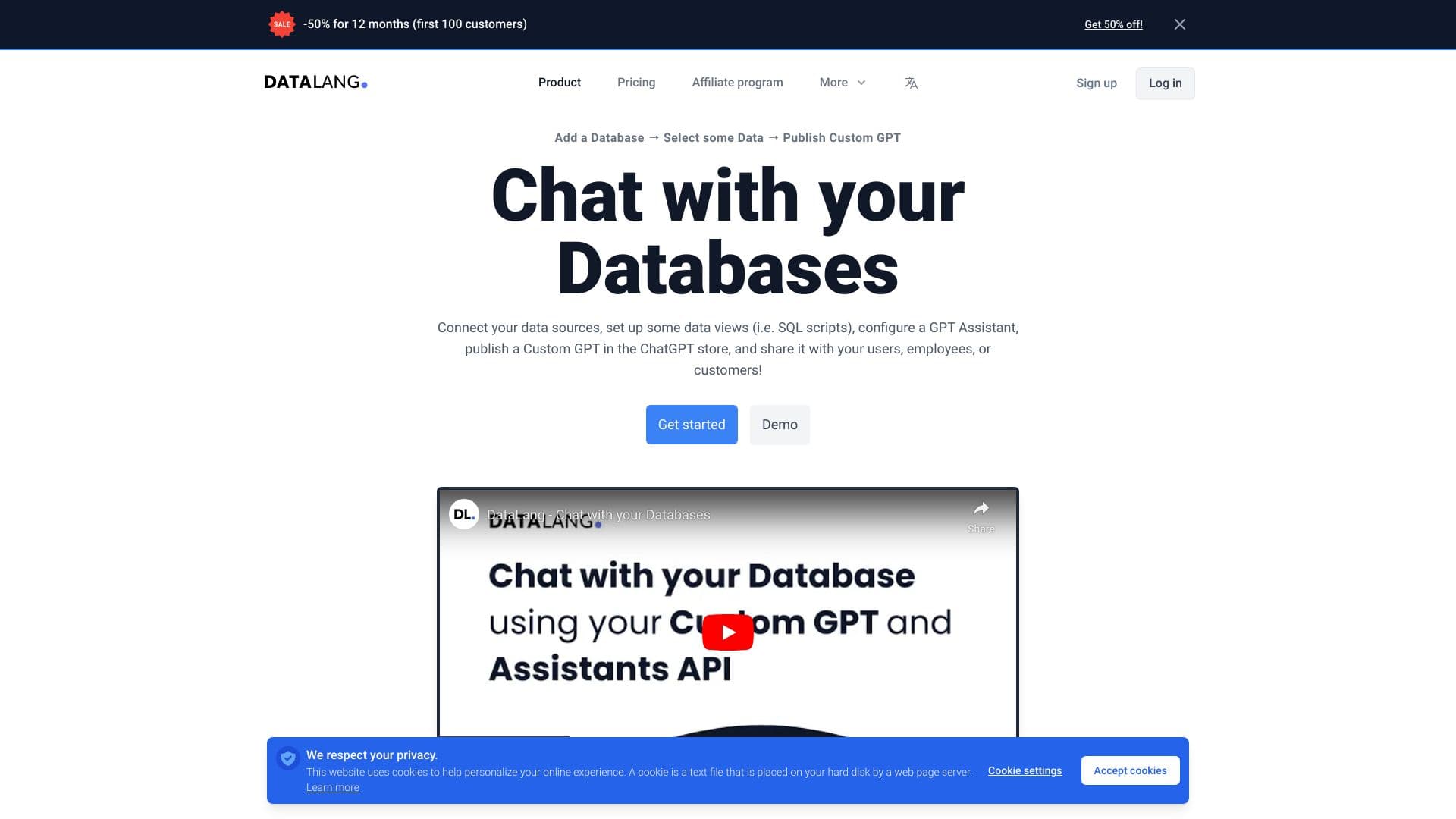
DataLang is an advanced platform that empowers users to connect multiple data sources, create tailored data views with SQL, configure AI assistants, develop custom ChatGPT chatbots, and share them effortlessly. It supports data sources like Postgres, websites, Google Sheets, Notion, files, text, and HTML, enabling seamless AI-driven interactions across various applications.
How to Use
Connect your data sources, set up data views, train your AI assistant with selected data, and share your chatbot via a public URL, embed it on your website, or publish to the GPT Store.
Features
- User-friendly data exploration tools
- Supports multiple data sources including SQL, files, HTML, Notion, and Google Sheets
- Powerful data analysis capabilities
- Advanced natural language processing features
- Customizable chatbot configuration
- Multiple sharing options: public URL, website embed, or GPT Store
- Interactive data querying and insights
- AI-driven data insights and visualization
Use Cases
- Develop chatbots from Postgres, websites, Google Sheets, Notion, files, and HTML data
- Share real-time data insights with clients, team members, or customers through conversational interfaces
Best For
Pros
- Multiple sharing options including URL, widget, GPT Store, and API
- Simplifies chatbot creation from various data sources
- Flexible plans suitable for all organization sizes
- AI-powered tools for data exploration and querying
Cons
- Premium features like support and branding removal depend on the chosen plan
- Credit limits vary based on subscription level
Pricing Plans
Choose the perfect plan. All plans include 24/7 support.
Free Plan
Includes 1 user, 1 data source, 100 credits, and access to the Chatbot Widget
Get StartedBasic Plan
Supports 2 users, up to 10 data sources, 1,000 credits monthly, and the Chatbot Widget
Get StartedPro Plan
For up to 6 users, 50 data sources, 3,000 credits per month, Chatbot Widget, and basic support
Get StartedBusiness Plan
Ideal for 12 users, 1,000 data sources, 20,000 credits monthly, Chatbot Widget, and priority support
Get Started