

DeckAssistant
Stream Deck plugin that enables AI-powered assistance with custom prompts and chat management features.
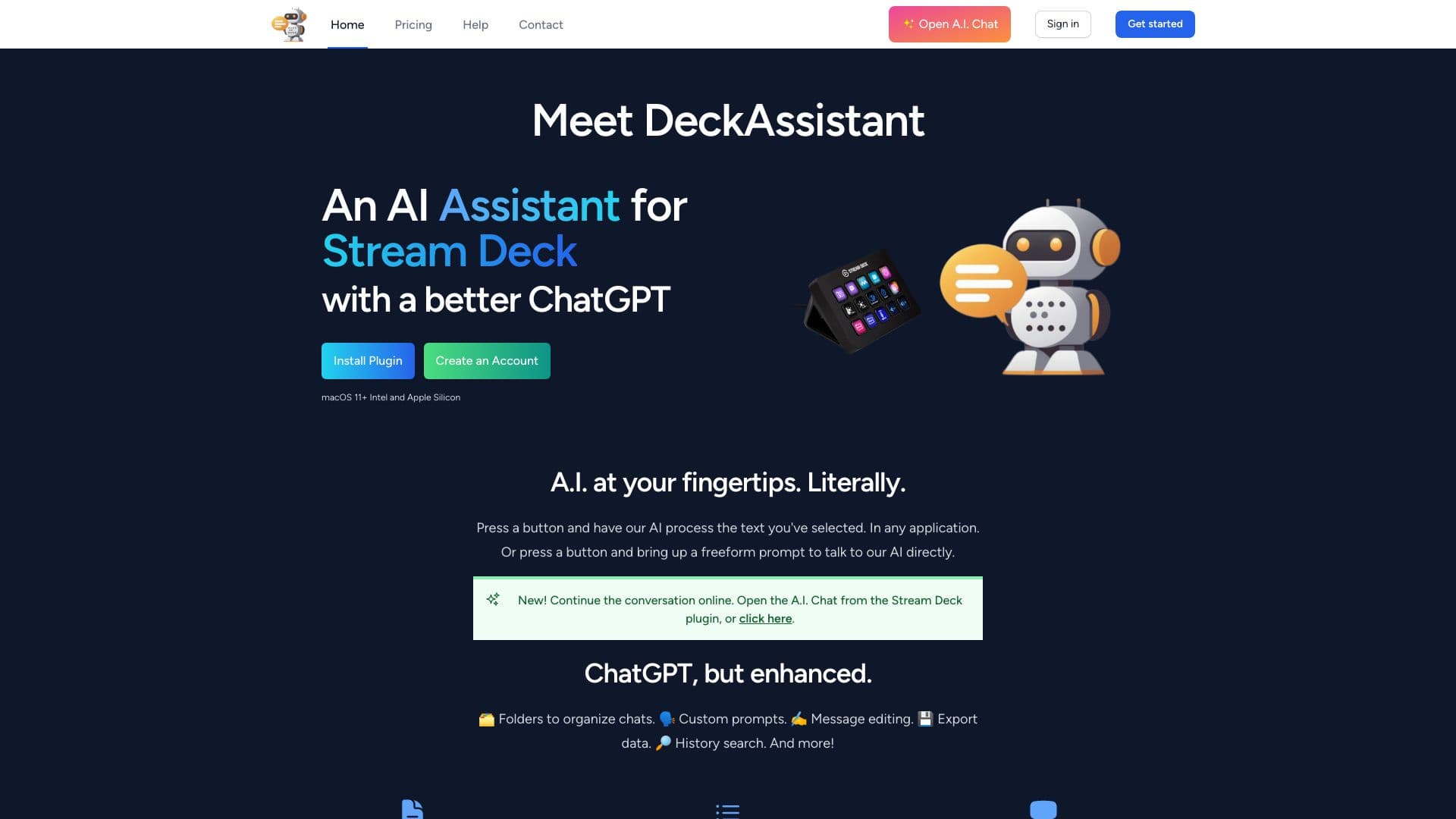
About DeckAssistant
DeckAssistant is a powerful Stream Deck plugin designed to bring AI assistance to your workflow. It enables processing of selected text with custom prompts or initiating freeform conversations with the AI. The plugin enhances ChatGPT usability with features like chat organization through folders, customizable prompts, message editing, data export, history search, favorites, screenshot sharing, a prompt library, chart sharing, Google integration, and image generation, streamlining your AI interactions.
How to Use
To start with DeckAssistant, register an account, copy your API token from the dashboard, install the plugin on your Stream Deck, add a button, paste your API token, and press to activate. Select text in any application and press the button to process it with AI, or use a freeform prompt to ask questions directly.
Features
- Search chat history
- Export screenshots
- Create freeform AI prompts
- Process selected text with AI
- Access a prompt library
- Export data files
- Integrate with Google services
- Organize chats with folders
- Save favorites
- Edit messages
- Share charts
- Customize prompts
- Generate images
Use Cases
- Creating creative content
- Language translation
- Answering queries
- Correcting grammar and spelling
- Summarizing articles and texts
Best For
Pros
- Enhanced ChatGPT interface with organizational features
- Saves time for frequent AI users
- Quick access to AI via Stream Deck
- Integrates with tools like Google
- Custom prompts for diverse tasks
Cons
- Dependent on AI model quality
- Learning curve for custom prompt setup
- Requires a Stream Deck device
- Subscription needed after free trial
Pricing Plans
Choose the perfect plan. All plans include 24/7 support.
DeckAssistant Basic
The essential plan to integrate AI seamlessly into your Stream Deck setup.
Get StartedDeckAssistant Basic
The essential plan to integrate AI seamlessly into your Stream Deck setup.
Get Started