

DeepLiveCam
Open-source AI tool enabling real-time face swapping and avatar creation for VTubers and streamers, enhancing live content with ease.
About DeepLiveCam
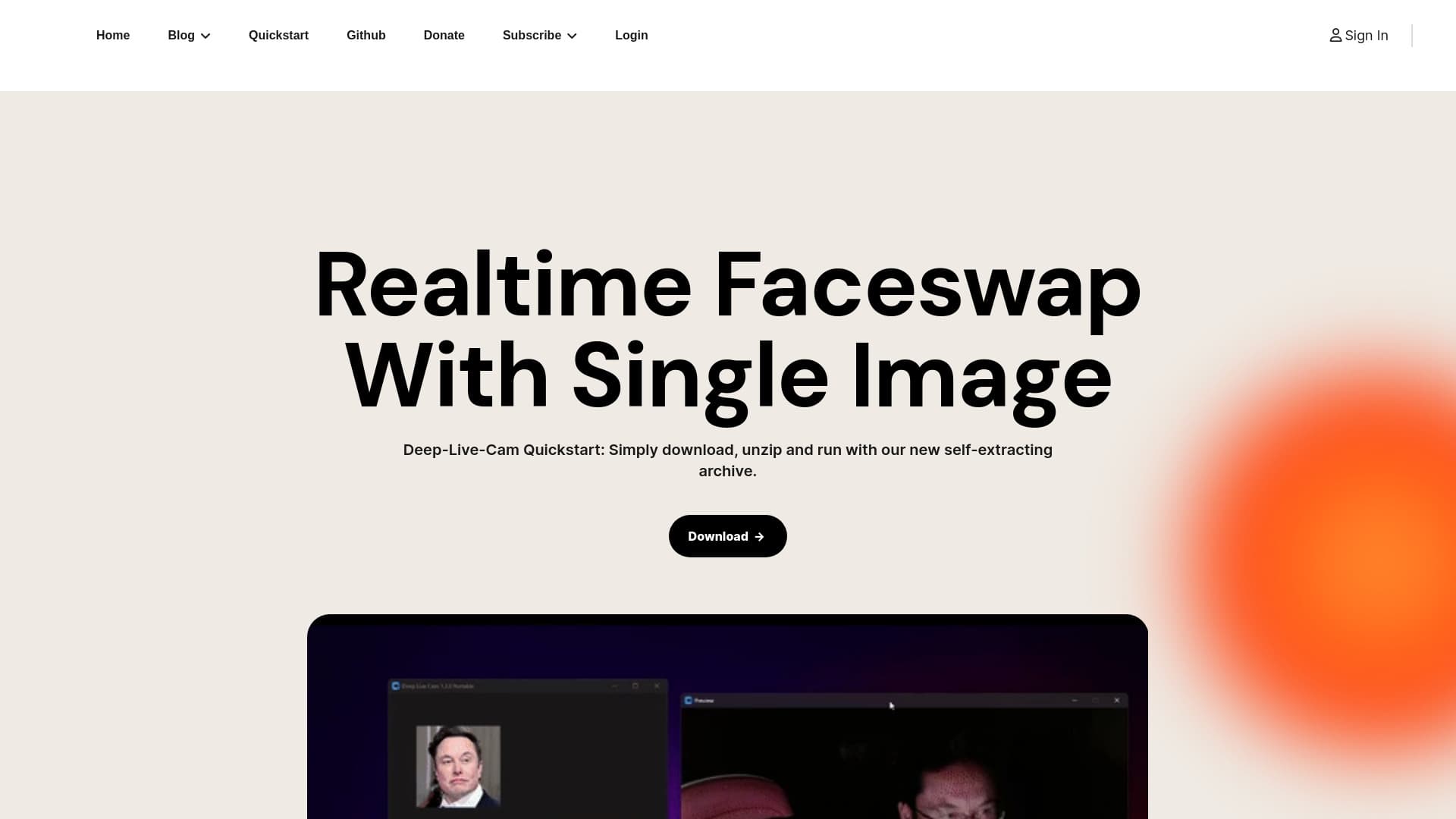
DeepLiveCam is an open-source, privacy-centric AI application designed specifically for VTubers, content creators, and streamers. It provides real-time face swapping and avatar generation without the need for coding skills. Users can seamlessly transform their appearance into any person during live streams or recorded videos. The software operates fully offline, ensuring user data privacy and uninterrupted performance, making it ideal for secure and smooth streaming experiences.
How to Use
Download and unzip the DeepLiveCam application, configure your OBS for streaming, select your preferred face or avatar, start capturing video, and broadcast the output to your audience seamlessly.
Features
- Create customized avatars with ease
- AI-powered face enhancer for improved quality
- Perform live face swaps during streams
- Real-time avatar and face swapping
- Lipsync with mouth mask feature for realistic expressions
- Simultaneously map multiple faces with face mapping
Use Cases
- Enhance live streams by transforming your face into any character or person
- Host engaging live shows with dynamic face changes without technical help
Best For
Pros
- Supports multiple applications like streaming and video editing
- Runs locally to prevent disruptions during use
- User-friendly interface requiring no coding skills
- Enables real-time face and avatar swapping
- Open-source and highly customizable
- Prioritizes user privacy by functioning offline
Cons
- Frame rate may decrease with face enhancer depending on hardware capabilities
- Performance varies based on system specifications
- Nvidia GPU users must install CUDA 11.8 for full functionality
Pricing Plans
Choose the perfect plan. All plans include 24/7 support.
Nvidia GPU
Designed for NVIDIA GPUs, ideally a 3060 or higher with at least 6GB VRAM. Compatible with Windows 10 or newer. Install CUDA 11.8 before use for optimal performance.
Get StartedAMD GPU
Suitable for AMD GPU users, with a minimum of 6GB VRAM recommended. Compatible with Windows 10 or later for smooth operation.
Get Started