

Designify
AI-powered platform for automatic photo design, enhancement, and editing.
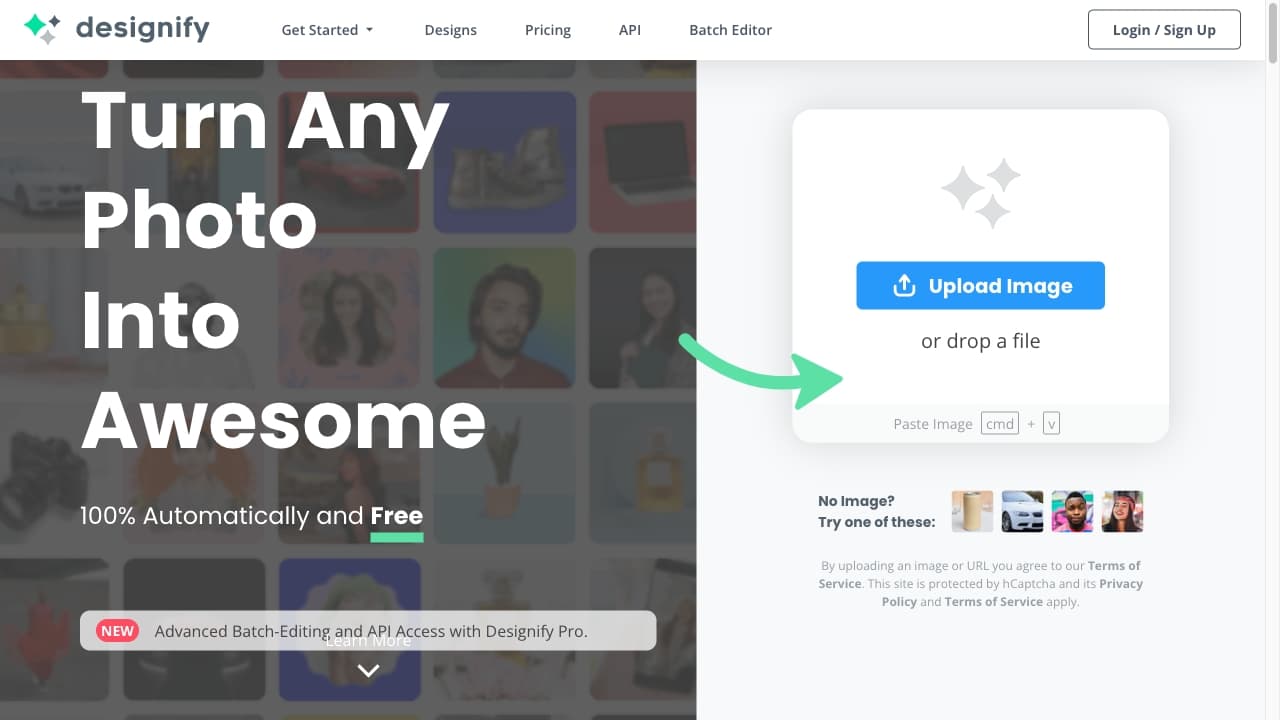
About Designify
Designify is an AI-driven tool that transforms any photo into stunning visual designs effortlessly. It caters to e-commerce sellers, car dealerships, and creative workflows, offering features like batch editing and API integration. Key functionalities include 3D shadows, background removal, automatic color enhancement, and pixelation correction. Users upload images to automatically generate professional designs, remove backgrounds, enhance colors, and add smart shadows. Finished designs can be saved, downloaded, or shared seamlessly.
How to Use
Upload your image to Designify. The AI automatically removes backgrounds, enhances colors, and adjusts shadows. Select your preferred design, customize if needed, then save, download, or share your finished image.
Features
- Pixelation correction for crisp images
- API access for seamless integration
- Batch processing for multiple images
- 3D shadow effects for realistic depth
- Smart shadow adjustment
- Automatic background removal
- AI-based color enhancement
Use Cases
- Streamlining image editing workflows
- Creating high-quality product photos for online stores
- Enhancing car images to boost sales
- Developing engaging marketing visuals with minimal effort
Best For
Pros
- Enhances image quality and visual appeal using AI
- Supports batch processing for multiple images
- Automates design creation, saving time
- Offers free and premium subscription options
- API access enables workflow integration
Cons
- Free plan limits download resolution
- AI results may require manual adjustments
- Pro subscription is required for full features
Pricing Plans
Choose the perfect plan. All plans include 24/7 support.
Designify Pro
Unlimited images and full feature access with 1,000 downloads per month
Get Started