

DesignMail Pro
AI-driven tool for designing stunning email templates from simple text prompts, streamlining your email marketing process.
About DesignMail Pro
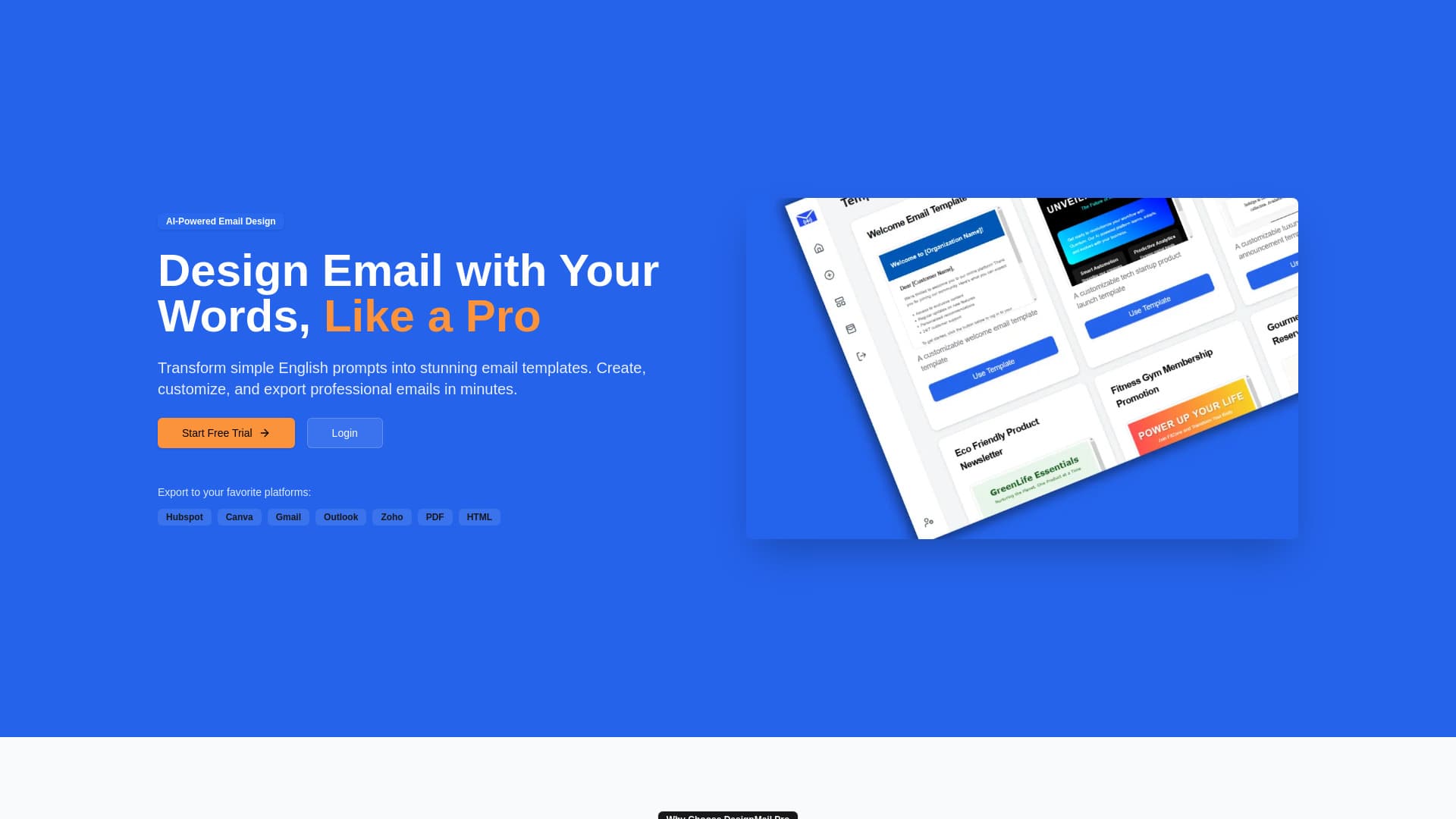
DesignMail Pro leverages artificial intelligence to convert plain English prompts into visually appealing email templates. Effortlessly create, customize, and export professional emails within minutes. Describe your desired email, and the AI will generate a matching template. Use the intuitive drag-and-drop editor for precise adjustments, or choose from a library of ready-made professional templates.
How to Use
Describe your ideal email template in natural language. The AI will generate a corresponding design. You can then export it to your email platform or customize it further with the drag-and-drop editor for perfect results.
Features
- Over 100 customizable email templates
- AI-driven email design automation
- Export options for platforms like Hubspot, Gmail, Outlook, Canva, PDF, and HTML
- Intuitive drag-and-drop editor for easy customization
Use Cases
- Creating personalized email campaigns
- Designing promotional and sales emails
- Developing engaging marketing newsletters
- Building professional email templates quickly
Best For
DesignersMarketing teamsSmall business ownersContent creatorsEmail marketers
Pros
- Seamless export to multiple platforms
- Speeds up email template creation process
- User-friendly drag-and-drop customization
- Generates professional-quality email designs
- Extensive library of templates
Cons
- AI reliance may limit creative control for some users
- May require manual adjustments for specific needs
FAQs
What is DesignMail Pro?
DesignMail Pro is an AI-powered tool that converts simple text prompts into professional email templates, simplifying email marketing design.
How does DesignMail Pro generate email templates?
Describe your desired email in natural language, and the AI creates a matching design. You can then export or customize the template further.
Which platforms support exporting email templates?
You can export templates to Hubspot, Canva, Gmail, Outlook, Zoho, as well as PDF and HTML formats.
Can I customize the generated email templates?
Yes, use the easy drag-and-drop editor to fine-tune your email designs for perfect results.
Is DesignMail Pro suitable for beginners?
Absolutely. Its user-friendly interface and AI automation make it accessible for users of all experience levels.