

Dewatermark AI
An AI-powered online tool designed to effortlessly remove watermarks and unwanted objects from images with precision.
About Dewatermark AI
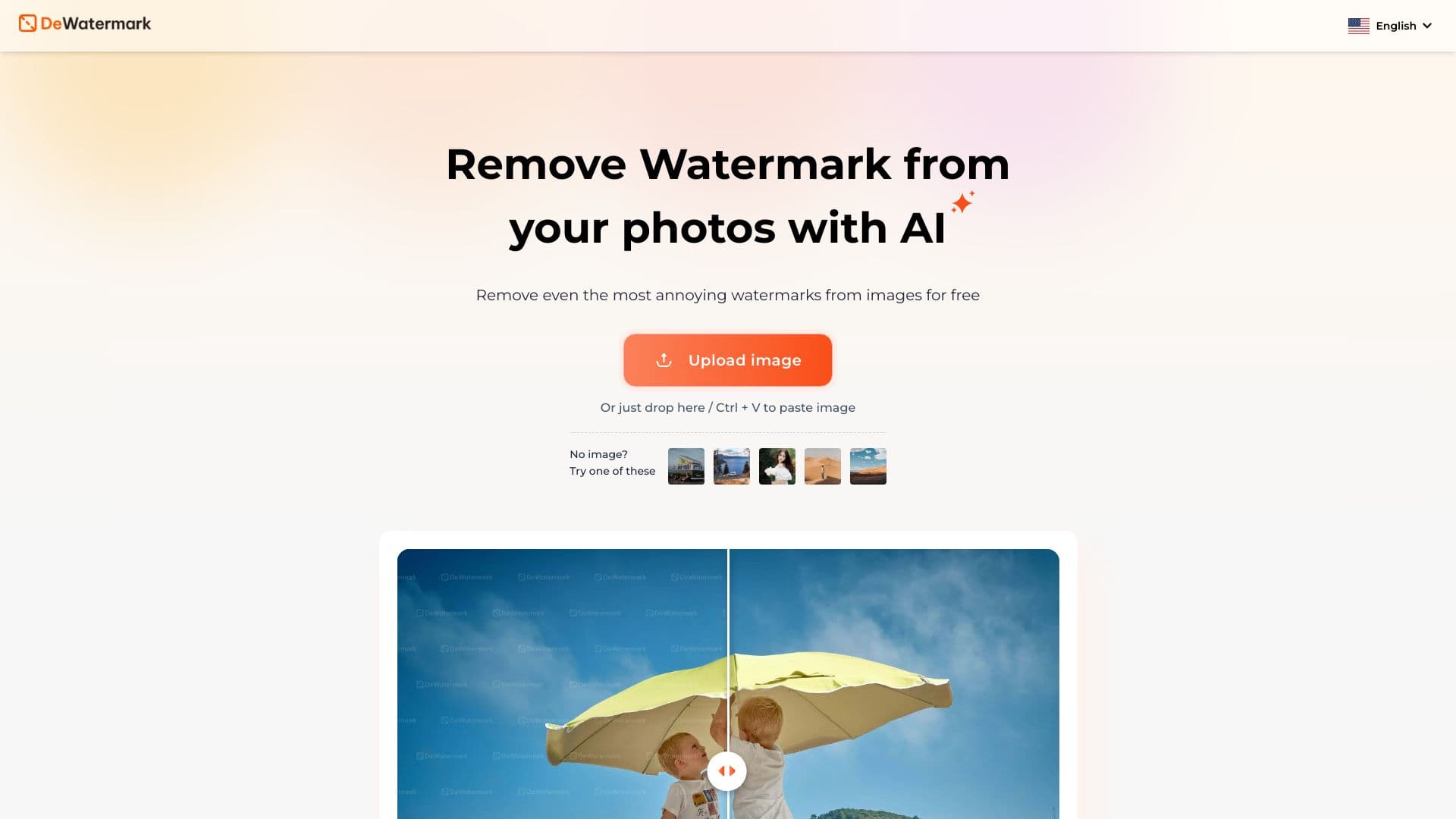
Dewatermark.AI is an advanced online platform leveraging artificial intelligence to eliminate watermarks, logos, and other intrusive objects from images. It combines automatic AI detection with manual editing tools to achieve pixel-perfect results while maintaining high image quality. Compatible across multiple devices, including iOS and Android, it offers a seamless user experience for photo editing needs.
How to Use
Simply upload your image by dragging and dropping or selecting a file from your device. The AI automatically detects and removes watermarks. For more precision, use the manual AI brush to make fine adjustments before downloading the edited image.
Features
- Works seamlessly across desktop and mobile devices
- Manual AI brush for precise editing control
- Preserves original image quality
- Automatic watermark detection and removal with AI
Use Cases
- Removing watermarks from research and study images
- Enhancing photos for professional projects
- Removing proof marks from photographs
Best For
Pros
- Effectively removes complex watermarks
- Offers manual editing with AI brush for accuracy
- Compatible with various devices and platforms
- Maintains original image clarity and quality
- Powered by AI for automatic detection and removal
- Free to use with limited daily quotas
Cons
- Removal effectiveness varies with watermark complexity
- Does not support batch processing yet
- Limited free usage allows only three images per day