

Diagramming AI
An AI-driven platform for creating, editing, and discussing UML diagrams and workflows with ease.
About Diagramming AI
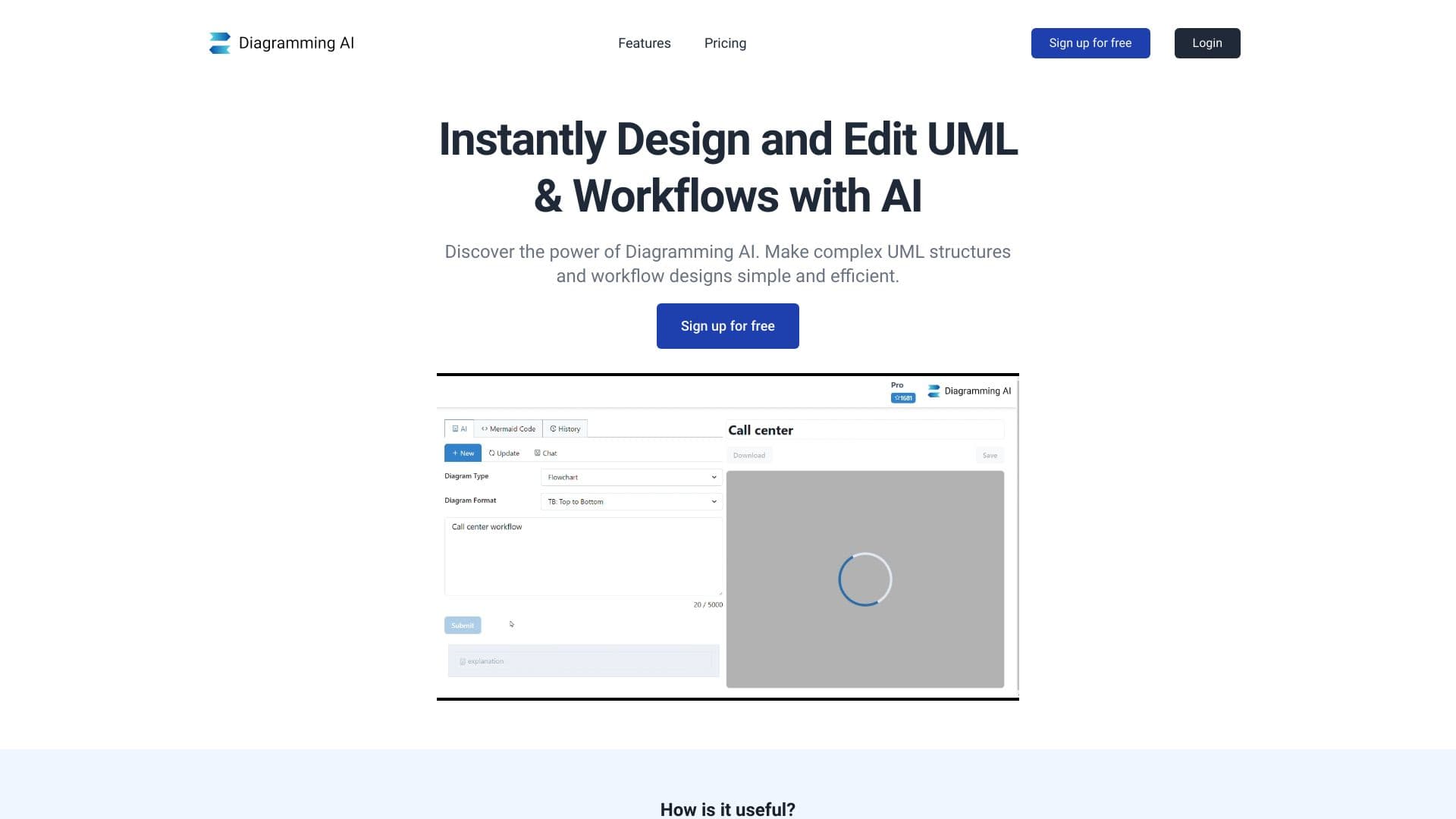
Diagramming AI is an intuitive, AI-powered platform that simplifies the creation, editing, and discussion of complex UML diagrams and workflows. Users can generate professional diagrams in seconds by describing their ideas, with AI managing the rendering process. Features include real-time AI chat support, automated diagram generation, seamless editing tools, and integration with popular formats like Mermaid, PlantUML, and Graphviz. The platform also offers a visual editor with Excalidraw, project-based diagram storage, and multiple export options, making diagramming faster and more collaborative.
How to Use
Describe your diagram concept, and the platform will generate it automatically. Use the AI chat for suggestions and live updates. Export diagrams as SVG or PNG, or share via URLs for easy collaboration.
Features
- Secure project-based storage for diagram code
- Interactive AI chat for diagram refinement
- Convert images into editable diagrams
- Intuitive drawing tools for seamless diagram creation
- Shareable URLs for quick diagram access
- Visual editing with Excalidraw interface
- AI-driven error detection and correction
- Extensive library of customizable diagram templates
- Options for adjusting color themes
- Quick editing features for rapid updates
- Automated diagram generation powered by AI
- Multiple export formats and editing capabilities
Use Cases
- Create detailed flowcharts for business processes
- Visualize data flow and analytics
- Design system architecture with sequence diagrams
- Present product workflows visually
- Explain complex concepts in educational settings
- Plan marketing strategies visually
- Map out study topics for students
- Develop project schedules with Gantt charts
- Represent research findings graphically
- Enhance technical documentation with visuals
Best For
Pros
- Automated diagram creation accelerates workflows
- Highly customizable color and style themes
- Export diagrams in SVG, PNG, or shareable links
- Convert images into editable diagrams easily
- Supports multiple diagram formats including Mermaid, PlantUML, and Graphviz
- Extensive library of ready-to-use templates
- AI chat assists with diagram suggestions and edits
Cons
- Usage limits may restrict some plans due to credits
- Input character restrictions on certain tiers
- AI-generated diagrams may require manual refinement for accuracy
Pricing Plans
Choose the perfect plan. All plans include 24/7 support.
Free
Includes access to all editing tools, 2 projects, 3 diagrams per project, 10 credits, 3000 characters input, and access to GPT-4.1-mini, Gemini-2.0-Flash, and Claude-3.5-Haiku.
Get StartedLite
Unlimited projects and diagrams, 250 credits, 3000 characters input, and features like URL to Diagram, Image to Diagram, plus AI models GPT-4.1-mini, Gemini-2.0-Flash, and Claude-3.5-Haiku.
Get StartedStarter
Unlimited projects and diagrams, 800 credits, 12,000 characters input, with access to URL and Image to Diagram features, GPT-4.1-mini, Gemini-2.0-Flash, Claude-3.5-Haiku, and additional models GPT-4.1, Gemini-2.5-Pro, and Claude-3.7-Sonnet.
Get StartedPro
All features of the Starter plan, plus unlimited projects and diagrams, 2,500 credits, 20,000 characters input, and access to advanced AI models including GPT-4.1, Gemini-2.5-Pro, and Claude-3.7-Sonnet.
Get Started