

DiffusionBee
A free, user-friendly application for generating AI art locally using Stable Diffusion technology.
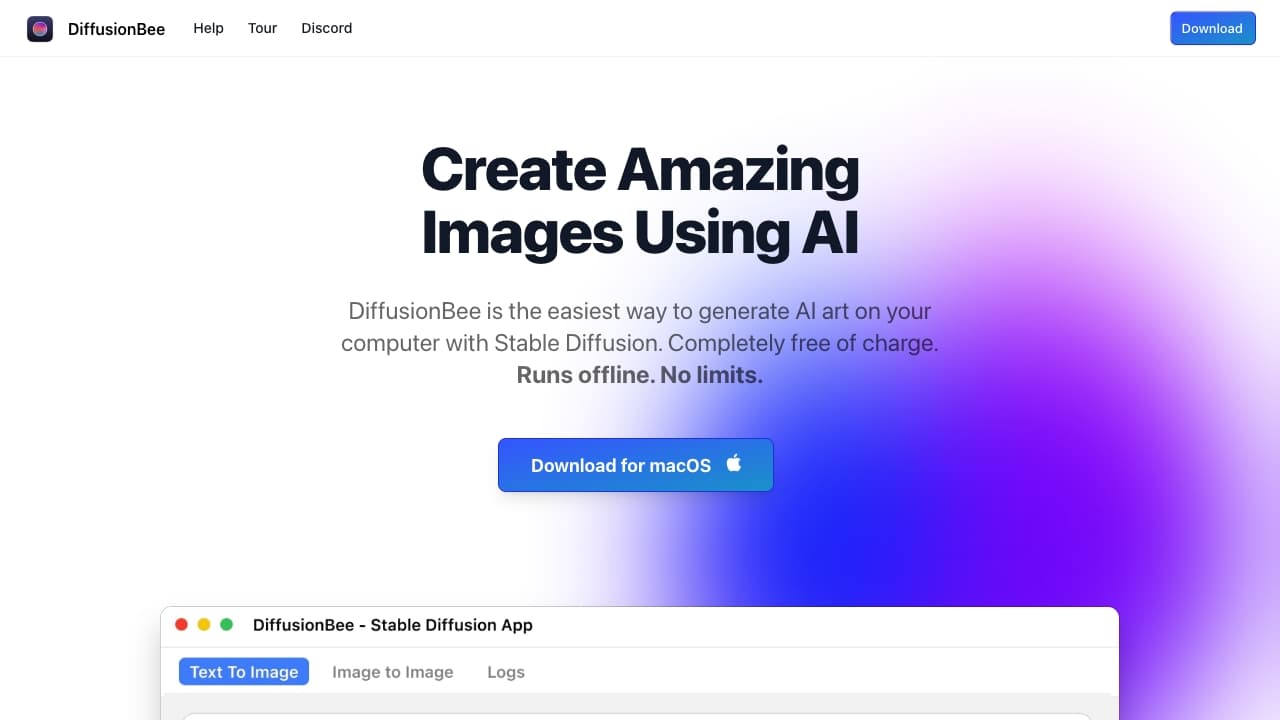
About DiffusionBee
DiffusionBee is a free, easy-to-use application that enables users to create AI-generated art directly on their computers through Stable Diffusion. It offers an intuitive interface for running AI art generation locally, including tools for text-to-image creation, image transformation, upscaling, generating image variants, training custom models, and more.
How to Use
Download and install DiffusionBee on your macOS or Intel-based device. Use features like Text to Image, Generative Fill, or Image to Image by entering prompts or uploading images. The app processes data locally to produce high-quality AI-generated artwork.
Features
- Image upscaling for higher resolution
- AI-powered video creation tools
- Generate multiple image variants
- Generative fill for editing images
- Control images for precise outputs
- Illusion generation for creative effects
- Text-to-image conversion
- Train custom AI models
- Image-to-image transformation
Use Cases
- Enhance image resolution and quality
- Develop custom AI models with user datasets
- Transform existing images using text prompts
- Create animations and videos with AI
- Design images with specific structures via control images
- Generate stunning AI art from text descriptions
- Edit images by adding or removing objects
- Create visual illusions with AI techniques
- Produce variations of existing images
Best For
Graphic designersAI enthusiastsContent creatorsDigital artistsHobbyists
Pros
- All-in-one AI art creation tools
- Processes images locally for privacy
- User-friendly interface
- Compatible with Apple Silicon and Intel Macs
- Free to download and use
Cons
- Generation speed varies based on hardware
- Slower performance on Intel Macs without dedicated GPU
- Requires macOS 13.1 or newer
FAQs
Are images generated locally or in the cloud?
All images are generated directly on your computer, with no data sent to external servers.
How long does it typically take to generate an image?
On an 8GB M1 MacBook Air, it takes about 30 seconds. Faster hardware results in quicker image creation.
Can I use the AI-generated images for commercial projects?
Yes, as long as you adhere to the CreativeML Open RAIL-M license terms.
What are the minimum system requirements for DiffusionBee?
A Mac running macOS 13.1 or higher is required. Apple silicon devices are recommended for optimal performance.
Is DiffusionBee compatible with Intel-based Macs?
Yes, it runs on Intel Macs, though performance may be slower without a dedicated GPU.