

Dinnerfy
An AI-driven meal planning and grocery shopping app offering personalized recipes and automated shopping lists for a seamless culinary experience.
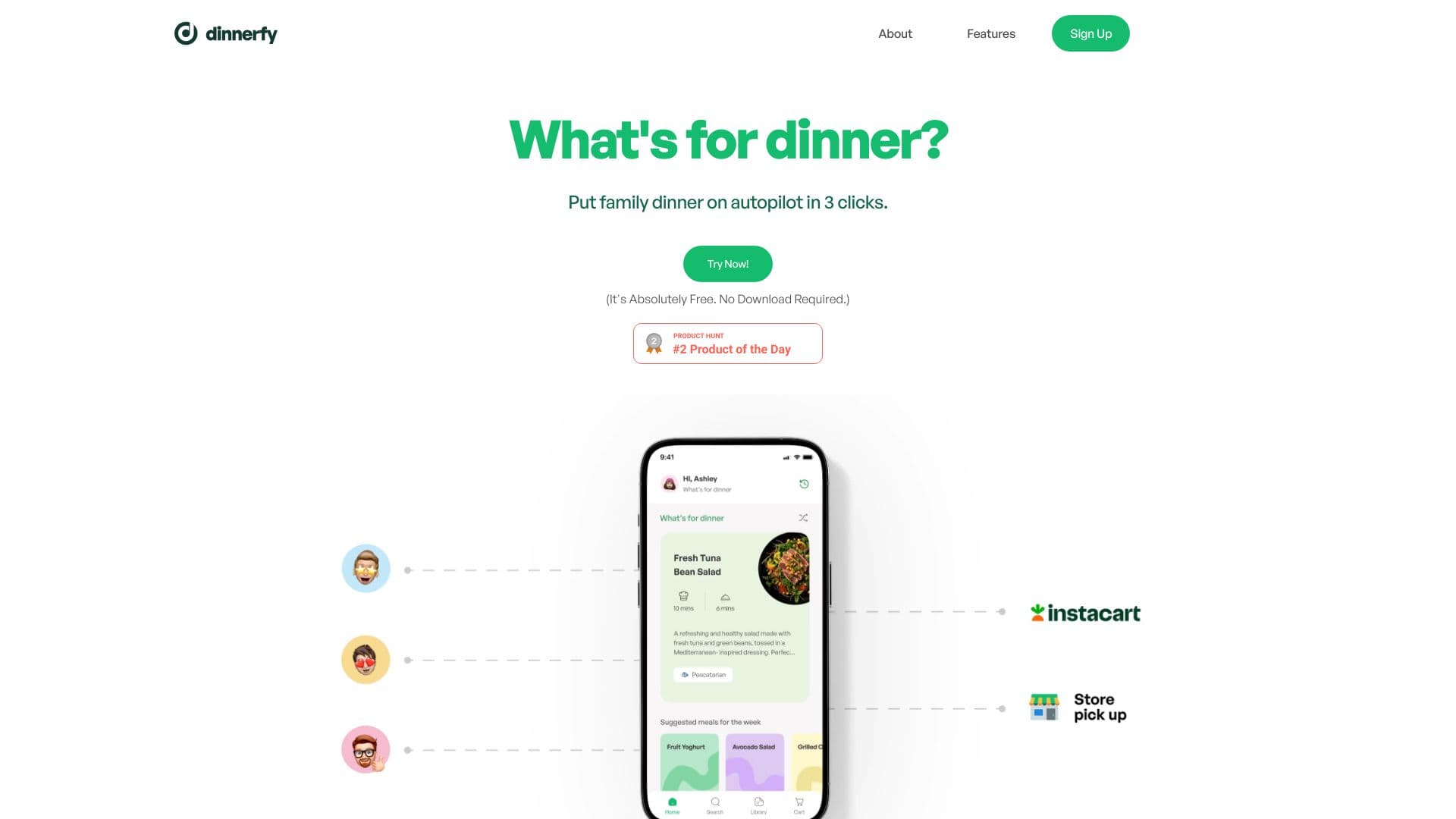
About Dinnerfy
Dinnerfy is an intelligent app that streamlines meal planning and grocery shopping. Users can input dietary preferences to receive weekly menus and expert-recommended recipes. The app automatically generates organized grocery lists for easy ordering and adapts to user tastes over time, ensuring hassle-free cooking experiences.
How to Use
Register an account, indicate your food preferences through simple swipes, and Dinnerfy will create customized dinner menus and shopping lists. You can then order groceries for delivery or prepare recipes directly from the app.
Features
- Automatic grocery list creation
- Customized recipe recommendations
- RecipeBox for saving favorite recipes
- Seamless Instacart grocery delivery
- Intelligent meal planning automation
Use Cases
- Streamlining weekly meal and grocery planning
- Finding new recipes tailored to dietary needs
- Sharing recipes within the Dinnerfy community
- Organizing and editing grocery lists easily
Best For
Home cooks seeking convenienceHealth-conscious individualsBusy professionals managing timeFamilies planning meals
Pros
- Reduces time spent on meal preparation and shopping
- Free to download and use
- Community-based recipe sharing platform
- Convenient grocery delivery via Instacart
- Personalized recipe suggestions based on preferences
Cons
- Availability of Instacart delivery varies by location
- Progressive Web App may have limitations compared to native apps
- Accurate dietary input is essential for best results
FAQs
How do I get started with Dinnerfy?
Begin by signing up and watching a quick tutorial on how to set your preferences and use the app effectively.
Is my personal data protected on Dinnerfy?
Yes. Dinnerfy prioritizes your privacy by encrypting personal data and not sharing or selling your information. Payment details are not stored.
How can I add Dinnerfy to my mobile device?
Dinnerfy is a Progressive Web App accessible via your browser. To add it to your home screen, visit app.dinnerfy.com, then follow the prompts to install it for quick access.
How do I switch between Calendar View and List View?
Tap your profile picture in the top left corner and toggle the 'Calendar View' switch to change display modes.
How can I upload my own recipes to the RecipeBox?
Click your profile picture, select 'RecipeBox,' then choose 'Upload.' You can upload recipes manually, use the auto-creation feature, or add from a website link.
What’s the process for grocery delivery with Instacart?
Tap the Cart icon, review your selected meals, then proceed to customize your grocery list. Tap the Instacart button to transfer your list, log in or sign up, and complete your purchase.