

DishGrab
DishGrab transforms your cooking experience by eliminating distractions and streamlining recipes for effortless preparation.
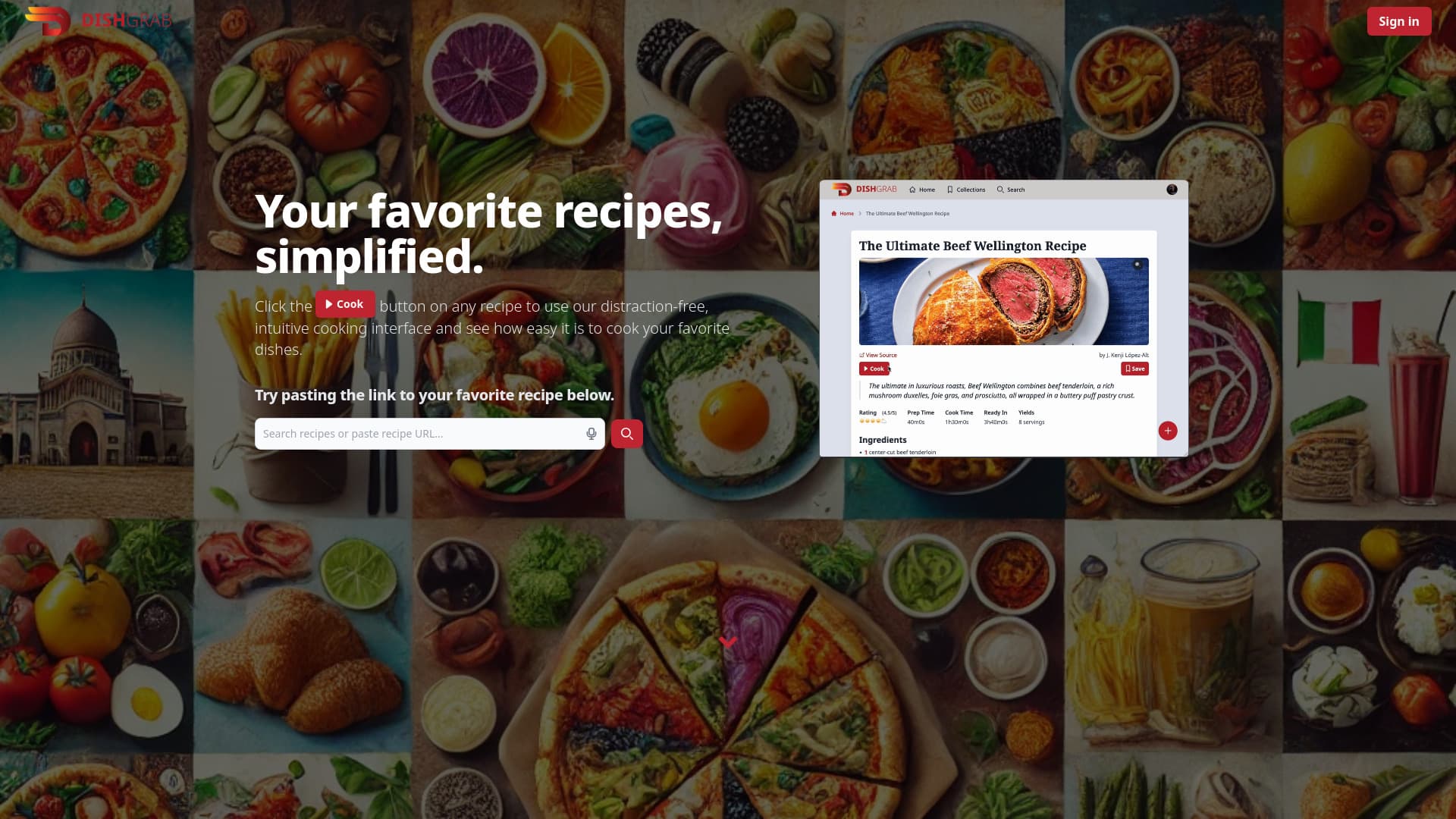
About DishGrab
DishGrab offers a focused cooking environment by providing a clean, distraction-free interface. It helps users gather ingredients, prepare efficiently, and follow straightforward steps to prepare delicious meals. The integrated AI curates recipes by removing ads and unnecessary elements, allowing users to condense recipes to their essentials, save them, and enjoy a seamless cooking process.
How to Use
To use DishGrab, copy and paste your favorite recipe URL into the search bar. The app condenses the recipe, removing distractions and presenting it clearly. Save recipes to collections and share them easily with friends and family.
Features
- Save and organize recipes effortlessly
- Create and share recipe collections
- Import recipes from multiple websites
- Enjoy a distraction-free cooking interface
- Simplify and condense complex recipes
Use Cases
- Removing ads and pop-ups from online recipes
- Sharing curated recipe collections with others
- Saving favorite recipes in one organized place
- Creating a distraction-free cooking environment
- Simplifying intricate recipes for easier preparation
Best For
Home cooksBeginner chefsBusy individualsExperienced cooks seeking efficiencyRecipe enthusiastsMeal prepersCooking studentsFood bloggers
Pros
- Condenses recipes to save time
- Organizes recipes into easy collections
- Effortless import from various websites
- Shareable recipe collections
- Removes unnecessary distractions from recipes
Cons
- Basic features work without an account, limiting some functionalities
- No dedicated mobile app, but can be added to home screen
- Account required for creating and sharing collections
FAQs
Is an account necessary to use DishGrab?
No, you can use DishGrab without an account for basic features, but advanced options require signing up.
How can I import recipes into DishGrab?
Copy the recipe URL and paste it into the search bar. The app will automatically import and condense the recipe for you.
How do I create and manage recipe collections?
Create collections by saving recipes or through the 'Collections' page. Account registration is needed for full collection management.
Can I share my recipe collections with others?
Yes, click the 'Share Collection' button, copy the link, and share it. You can also set collections to public for wider sharing.
Does DishGrab have a mobile app?
Currently, there is no dedicated app, but adding DishGrab to your mobile home screen allows it to function like an app on both Android and iOS devices.