

DocuClipper
Advanced financial data extraction software that automates the extraction of data from financial documents with exceptional accuracy and efficiency.
About DocuClipper
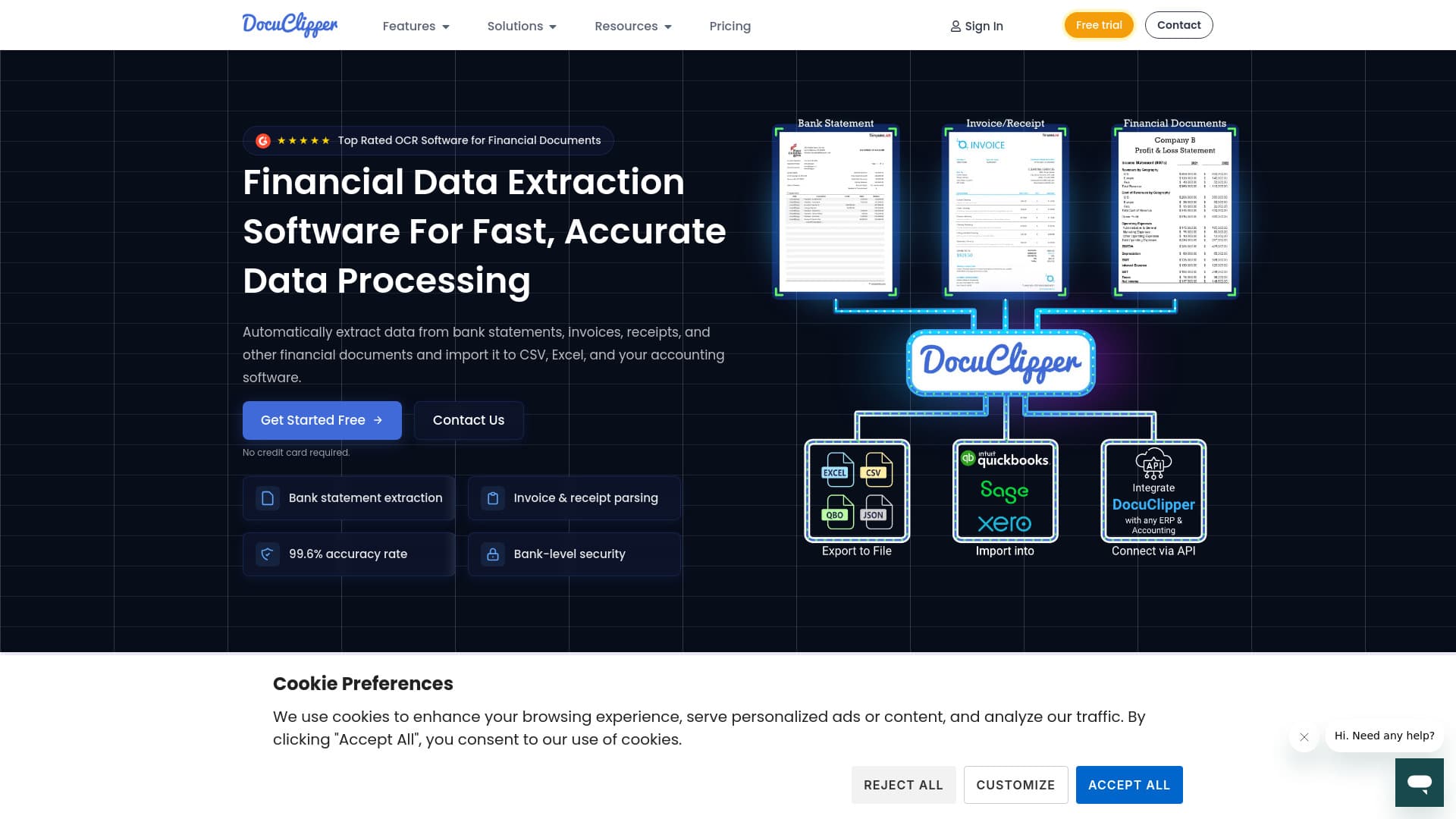
DocuClipper is a cutting-edge financial data extraction tool designed to automate data retrieval from bank statements, invoices, receipts, and other financial documents. It achieves a 99.6% accuracy rate and supports exporting data to Excel, CSV, and various accounting platforms. Key features include OCR-based data extraction, transaction categorization, and comprehensive financial analysis. Seamlessly integrating with popular accounting software like QuickBooks, Xero, and Sage, plus offering APIs for custom solutions, DocuClipper caters to accountants, bookkeepers, business owners, financial investigators, legal professionals, and lenders, streamlining their financial workflows.
How to Use
Simply upload or drag and drop your financial documents into DocuClipper. The software automatically extracts relevant data and converts it into formats such as Excel, CSV, or QBO. You can then import this data into your accounting systems or utilize it for detailed financial analysis.
Features
- Seamless API Integration
- Bank Statement Data Extraction and Reconciliation
- Advanced OCR Data Capture
- Compatibility with Major Accounting and ERP Systems
- Invoice and Receipt Data Parsing
- Comprehensive Financial Analysis
- Automatic Transaction Categorization
Use Cases
- Automate data entry from invoices and receipts to reduce manual workload.
- Export financial data seamlessly to Excel, accounting software, or ERP systems.
- Monitor transaction flows and identify transfers efficiently.
- Streamline extraction of data from tax forms, profit and loss statements, and balance sheets.
- Convert bank statements into Excel, CSV, or QBO formats automatically.
- Enhance accounting workflows for accountants and bookkeepers with automation.
Best For
Pros
- Integrates smoothly with leading accounting platforms
- Ensures bank-level security with SOC 2 compliance and 256-bit encryption
- Supports a variety of financial document types
- Automates data extraction for efficiency
- Achieves a high accuracy rate of 99.6%
- Utilizes specialized algorithms tailored to each document type
Cons
- Requires an internet connection to operate
- Pricing may vary based on usage and plan options