

Docuopia
AI-powered document assistant that streamlines the creation of product requirements, help guides, and wiki pages.
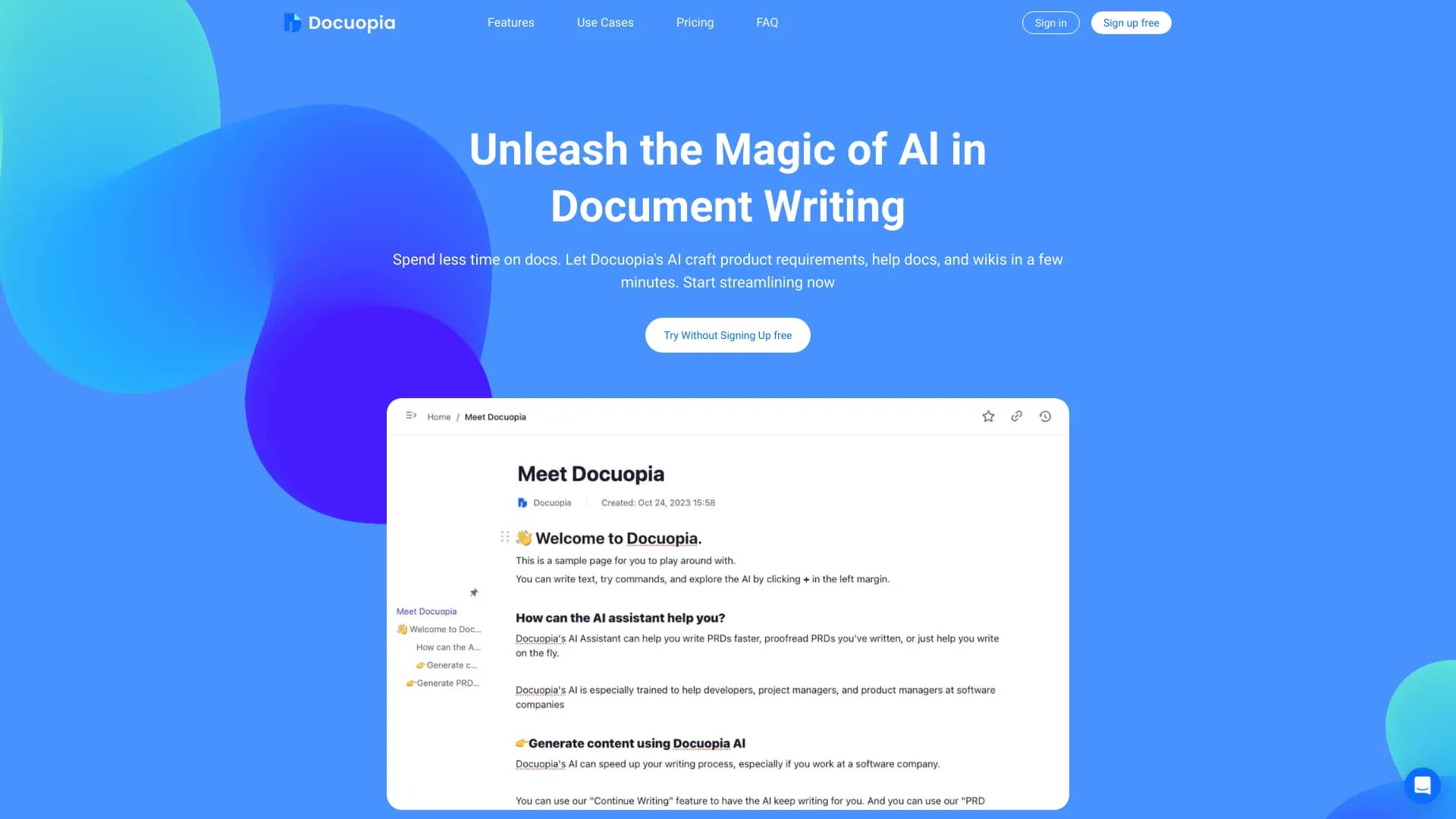
About Docuopia
Docuopia is an intelligent document assistant designed to significantly reduce the time spent on writing and managing documents. It leverages AI technology to quickly generate detailed product requirements, help guides, and wiki pages. Users simply describe their needs or issues, and Docuopia produces well-structured, comprehensive documents, including AI-generated diagrams, all within a collaborative environment.
How to Use
Save time by letting Docuopia’s AI generate product requirements, help guides, and wiki pages from simple descriptions. For PRD creation, describe your product features or issues, and the AI will craft a detailed draft. You can select sections for AI suggestions to expand, reorganize, or improve content. Generate diagrams like flowcharts and Gantt charts from text prompts with ease.
Features
- AI-driven content enhancement including expanding, restructuring, and refining
- Advanced editing with markdown support and keyboard shortcuts
- Create diagrams such as flowcharts, sequence diagrams, and Gantt charts from text prompts
- Personalized content optimization based on user instructions
- Review and suggest improvements for product requirement documents
- Supports real-time team collaboration and version history
- Generate initial PRD drafts from problem descriptions and feature lists
Use Cases
- Creating detailed product requirements documents
- Developing comprehensive help and support guides
- Building and maintaining knowledge bases and wikis
- Drafting marketing emails and campaigns
- Designing marketing strategies
- Producing AI-generated diagrams from textual descriptions
Best For
Pros
- Reduces document creation time significantly
- Supports efficient editing with markdown and shortcuts
- Offers a free plan for individual users to explore features
- Provides personalized content suggestions and optimization
- Enables seamless team collaboration with version control
- Generates complex diagrams from simple text inputs
- Enhances content quality through AI-powered suggestions
Cons
- Free plan includes restrictions on user count, storage, and AI credits
- Limited features such as no page history or priority support on the free tier
Pricing Plans
Choose the perfect plan. All plans include 24/7 support.
Startup Plan
Includes 1 user, 2GB storage, 5MB attachment limit, 50MB video size, and 150 AI credits per user. Does not include page history, priority support, or a dedicated customer success manager.
Get StartedStandard Plan
Offers unlimited users, 1TB storage, unlimited attachment and video sizes, 500 AI credits per user per month, 20-page history, priority support, and a dedicated customer success manager.
Get Started