

Dreamspace
An expansive digital canvas designed for exploring, chaining, and refining outputs from large language models, ideal for creative and research workflows.
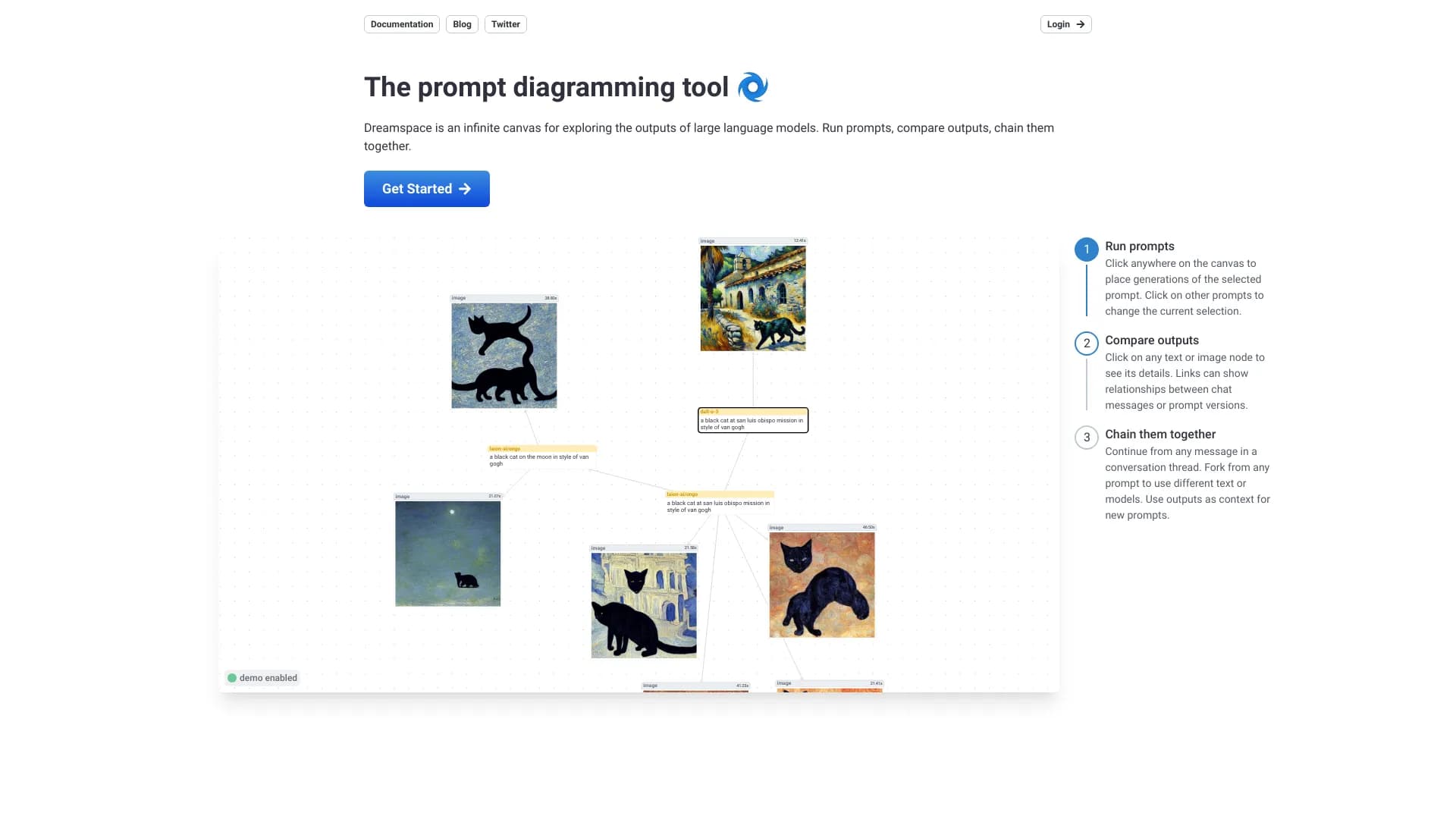
About Dreamspace
Dreamspace offers an unlimited digital workspace to explore and experiment with large language model outputs. Designed for artists, developers, and researchers, it enables rapid prompt creation, output variation, concept exploration, and output chaining for innovative AI projects.
How to Use
Tap anywhere on the canvas to generate content from the selected prompt. Select prompts to modify or compare outputs. Click text or image nodes for details. Link nodes to visualize relationships or continue conversations. Fork prompts to experiment with different versions or models, and use outputs as context for new prompts.
Features
- Multiple output generation from a single prompt
- Seamless prompt chaining for complex workflows
- Intuitive visual workspace for exploration
- Fast prompt development and iteration
- Prompt forking for experimentation
- Output comparison for refinement
Use Cases
- Testing different prompt versions
- Exploring multiple outputs for a single prompt
- Creating new prompts through chaining outputs
- Designing variations of a concept
Best For
Pros
- Accelerates prompt creation and testing processes.
- Supports creative exploration through chaining and forking prompts.
- Offers a visual, user-friendly interface for LLM output analysis.
- Enables easy comparison of multiple outputs and prompt iterations.
Cons
- A large number of nodes may clutter the canvas and reduce clarity.
- Effectiveness depends on the quality and capabilities of underlying LLMs.
- Requires familiarity with prompt engineering concepts for optimal use.