

Edit Videos Online
A free online video editing platform that enables seamless editing and storytelling without watermarks, accessible from any device.
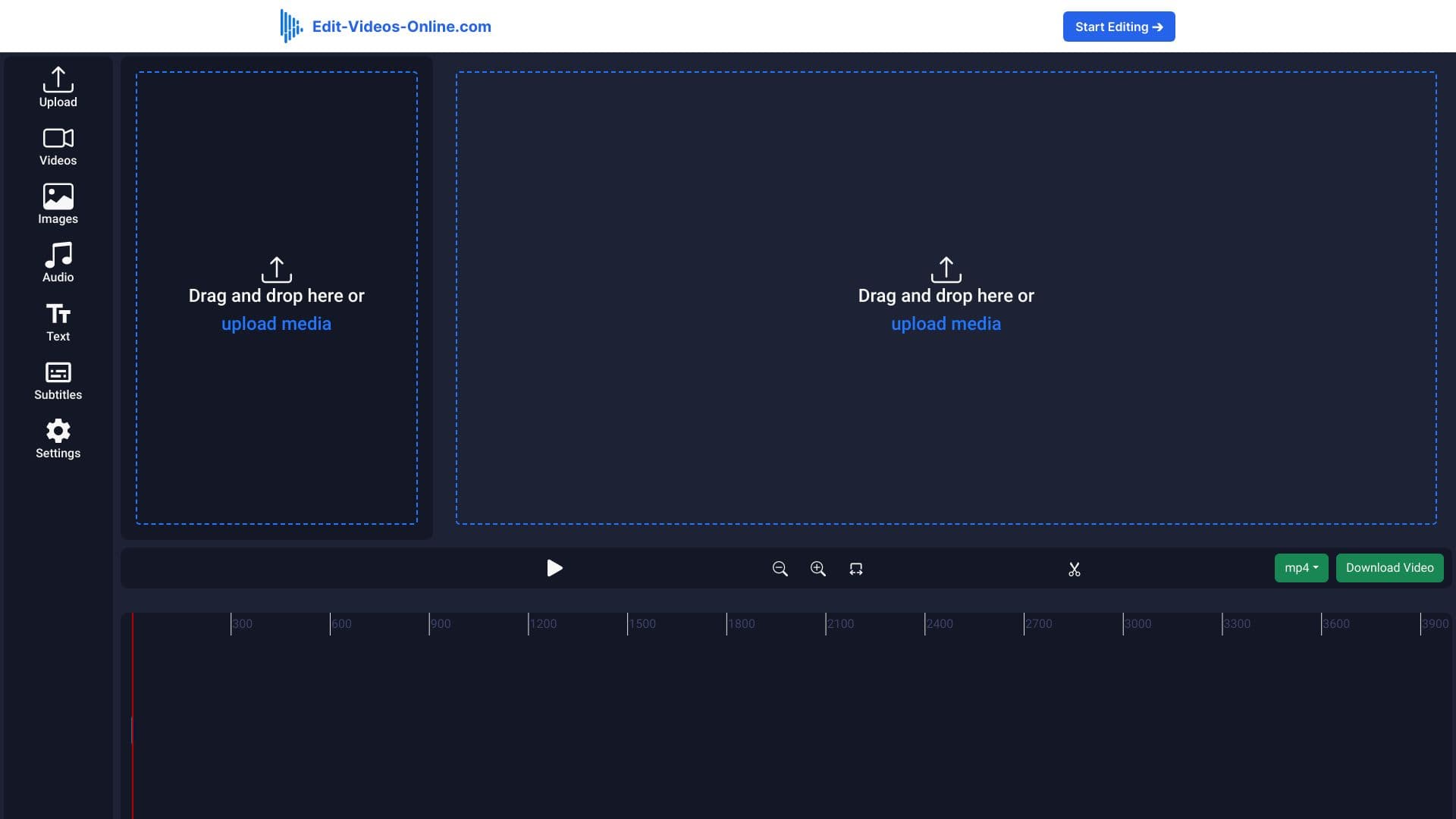
About Edit Videos Online
Edit-Videos-Online.com offers a user-friendly, free web-based video editor that simplifies the editing process. Create professional-quality videos by merging, trimming, adding effects, and inserting text—all without watermarks. Compatible with all popular formats and requires no sign-up, making it perfect for creators of all levels.
How to Use
Upload your videos to Edit-Videos-Online.com, utilize the intuitive editing tools to enhance your footage, and export your finished video in your preferred format and quality.
Features
- User-friendly online video editing platform
- AI-powered caption generation
- Automatic background removal for cleaner videos
- Add and customize audio tracks
- Insert images and overlays
- Add and edit text captions
Use Cases
- Creating professional videos without watermarks for marketing or social media.
- Branding videos by adding watermarks for increased visibility.
Best For
Pros
- Completely free to use
- Supports all major video formats
- No registration needed
- Rich set of editing features
Cons
- Dependent on a stable internet connection
- May lack some advanced editing capabilities found in professional software
Pricing Plans
Choose the perfect plan. All plans include 24/7 support.
Lifetime Access Plan
One-time payment grants unlimited use of advanced editing tools, AI features, and all future updates—no subscriptions required.
Get Started