

Eraser
Eraser is an AI-powered co-pilot designed for technical design, documentation, and diagramming, streamlining the creation of complex technical visuals.
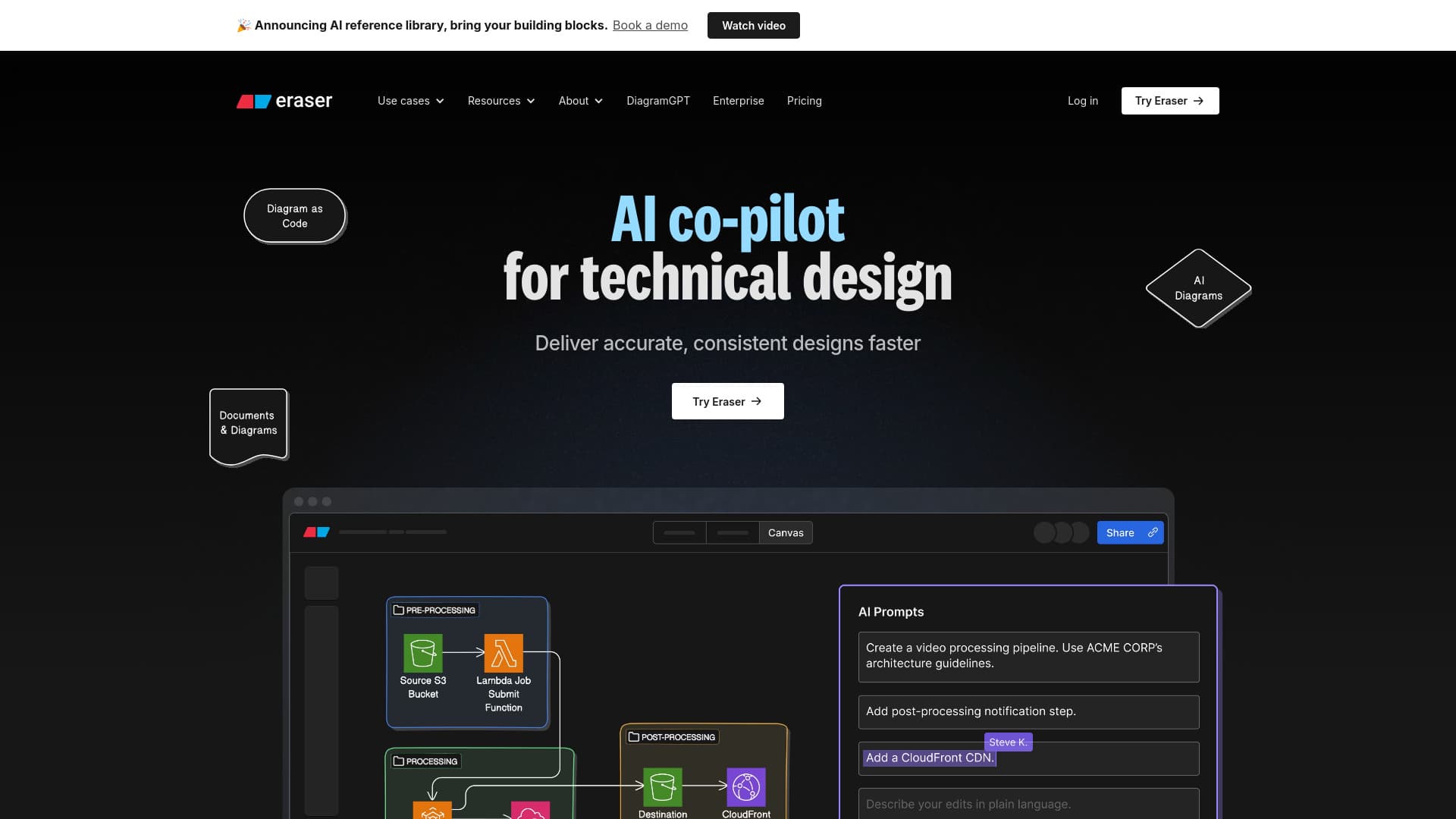
About Eraser
Eraser is an AI-driven co-pilot that enhances technical design and documentation workflows. It enables users to create precise diagrams, generate AI-assisted visualizations, and manage technical documents efficiently. Integrating seamlessly with platforms like Confluence, Notion, VS Code, and GitHub, Eraser serves enterprise architects, DevOps teams, technology consultants, and software engineers seeking faster, consistent, and accurate technical visuals.
How to Use
Create diagrams effortlessly by leveraging AI, connect Eraser AI to your data sources through the Diagramming API, and generate comprehensive design and technical documentation. The platform supports integration with popular tools like Confluence, Notion, VS Code, and GitHub for streamlined workflows.
Features
- AI-generated technical documents
- Markdown-supported notes
- Self-updating codebase diagrams
- Diagram-as-code for clarity
- Integrations with Confluence, Notion, VS Code, and GitHub
- Version history tracking
- AI-powered diagram creation
- Comprehensive Diagramming API
- GitHub integration for code visualization
Use Cases
- Technical brainstorming sessions
- Whiteboard interview preparation
- Creating wireframes and prototypes
- Technical documentation generation
- Designing architecture diagrams
- Developing detailed design documents
Best For
Pros
- Ensures security and compliance with SOC 2 Type 2 and SAML SSO
- Supports Markdown for easy portability
- Integrates smoothly with popular development and documentation tools
- Diagram-as-code enhances clarity and maintainability
- Enables rapid diagram creation through AI assistance
- Delivers consistent and precise technical visuals
Cons
- Effective AI diagramming may require skilled prompt engineering
- Pricing might be a consideration for small teams or individual users
- Certain advanced features are limited to specific plans
Pricing Plans
Choose the perfect plan. All plans include 24/7 support.
Free
Includes 5 files, 10 standard AI diagrams, 2 premium AI diagrams, 7-day version history, unlimited guests, diagram-as-code, Markdown notes, and integrations with GitHub, Notion, Confluence, and VS Code.
Get StartedStarter
Unlimited files, 30 standard AI diagrams, 10 premium AI diagrams, 90-day version history, unlimited guests, private files, 20 custom icons, plus all features of the Free plan.
Get StartedBusiness
Unlimited files, 200 standard AI diagrams, 50 premium AI diagrams, unlimited version history, SAML SSO, 100 custom icons, API access, and all features of the Professional plan.
Get StartedEnterprise
Unlimited files and diagrams, comprehensive version history, reference library, flexible deployment options, dedicated customer success manager, and all features of the Business plan.
Get Started