

ExcelMaster.ai
AI-powered Excel assistant that simplifies formulas, VBA coding, and automation tasks.
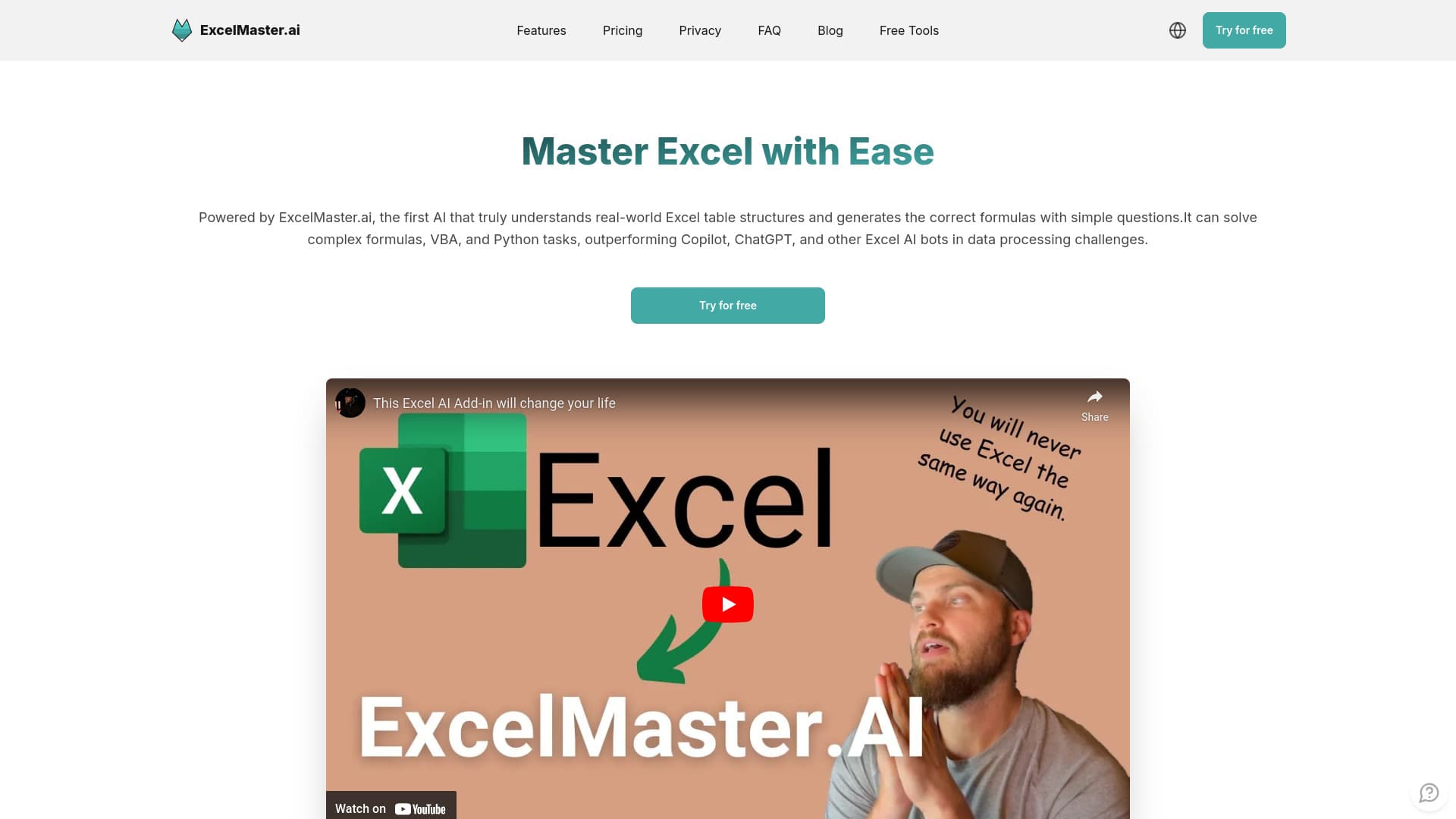
About ExcelMaster.ai
ExcelMaster.ai is an AI-driven Excel assistant that streamlines complex formula creation, VBA programming, and task automation. It accurately interprets real-world Excel data, extracts information from PDFs, and tackles intricate data processing challenges, outperforming tools like Copilot and ChatGPT.
How to Use
Interact with ExcelMaster.ai through conversational prompts to describe your needs. The AI then generates formulas, VBA scripts, or automates tasks directly in Excel. Provide feedback to improve accuracy and refine results.
Features
- Integrated Python assistant within Excel
- Cell AI for classification, keyword extraction, format conversion, sentiment analysis, and real-time translation
- Data cleaning and transformation capabilities
- Automated VBA code generation and task automation
- Understanding multi-sheet and complex data structures
- AI-powered formula creation for efficiency
Use Cases
- Automating repetitive Excel processes
- Creating complex formulas across multiple sheets
- Developing financial models and automation features
- Generating custom VBA scripts for specific tasks
- Extracting and importing data from PDFs into Excel
- Cleaning and transforming data for analysis
Best For
Pros
- Seamlessly integrates with GPT-4, Claude 3.5, and DeepSeek-R1
- Understands complex multi-sheet Excel structures
- Delivers highly accurate formulas and VBA code compared to competitors
- Recognizes intricate data relationships within Excel
- Supports both coding and non-coding users with VBA and Python assistance
- Offers robust data cleaning and transformation tools
- Automates Excel workflows efficiently
Cons
- AI-generated code may occasionally contain errors
- Subscription costs are higher than some alternative formula bots
- Certain features depend on your subscription plan
- Clear problem descriptions are essential for optimal results
Pricing Plans
Choose the perfect plan. All plans include 24/7 support.
Starter
Includes 2,000 responses per month. Custom Excel-focused AI model trained for precise results.
Get StartedPro
Provides 2,000 GPT-4 mini responses and 100 responses from Claude Sonnet 3.5 monthly. Next-generation AI model coming soon.
Get StartedPremium
Unlimited GPT-4 mini responses and 300 Claude Sonnet 3.5 responses monthly. Access to the most advanced AI models available.
Get Started