

ExpoReader
ExpoReader transforms YouTube videos into easily readable text, enhancing accessibility and learning convenience.
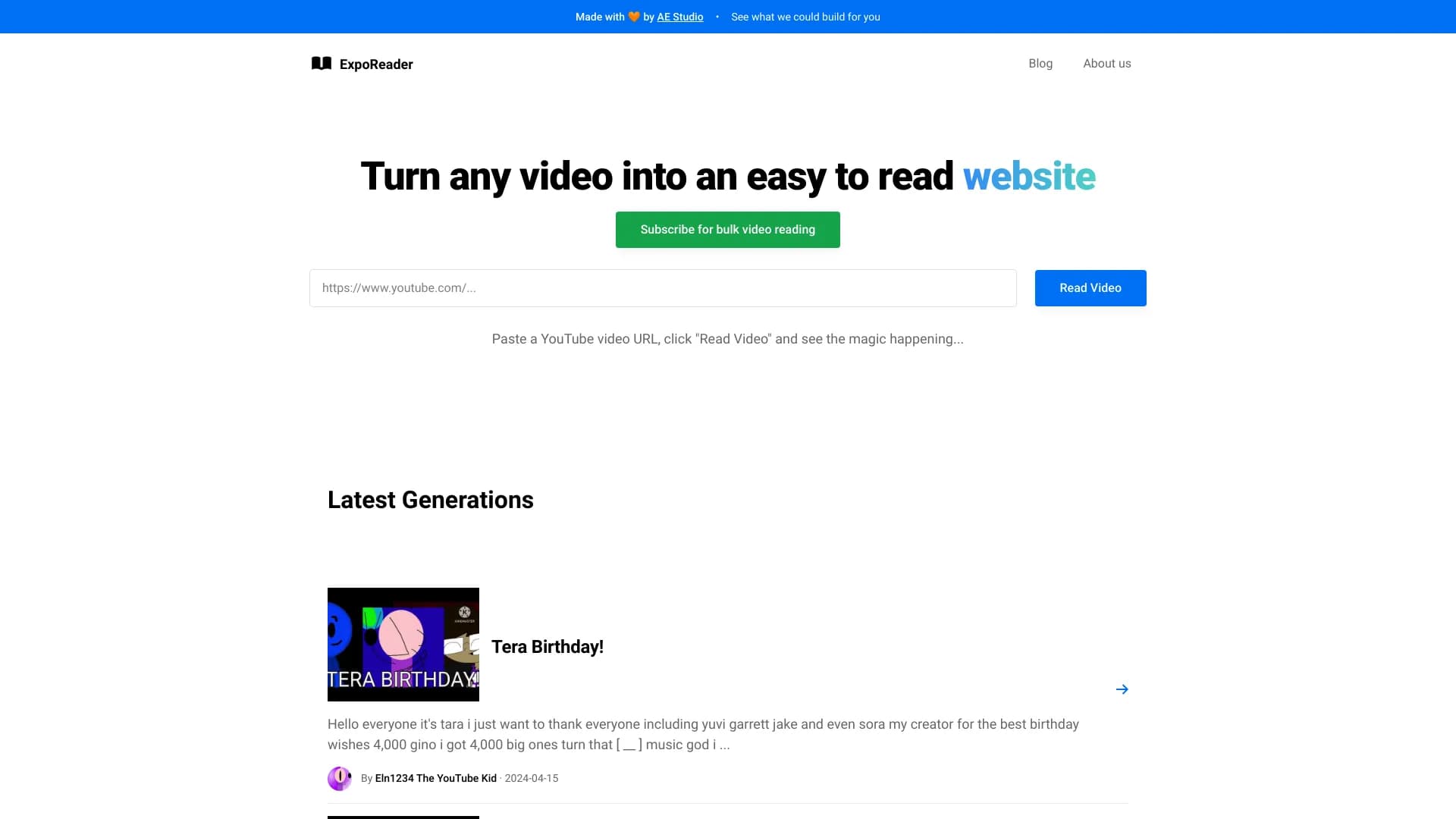
About ExpoReader
ExpoReader efficiently converts YouTube videos into clear, concise written articles, making video content accessible for all users. It benefits students, researchers, and individuals with visual impairments by providing an alternative way to engage with video material without needing to watch the screen.
How to Use
Enter a YouTube video URL into ExpoReader, select "Read Video," and receive a text version of the video content instantly.
Features
- Transforms YouTube videos into text-based content
Use Cases
- Converting tutorials into text guides for easier review
- Making video content accessible for visually impaired users
- Summarizing lengthy videos for quick understanding
- Supporting multitasking by reading video content
Best For
StudentsResearchersContent creatorsMultitaskersVisually impaired users
Pros
- Accessible for learners, multitaskers, and visually impaired individuals
- User-friendly with simple URL input
- Quickly converts videos into easy-to-read text
Cons
- Conversion accuracy depends on video audio quality
- May not include visual cues or non-verbal elements
FAQs
What is ExpoReader used for?
ExpoReader converts YouTube videos into clear, readable text for easier access and understanding.
How can I use ExpoReader?
Paste a YouTube URL, click "Read Video," and receive a text version of the video content.
Is ExpoReader suitable for visually impaired users?
Yes, it helps visually impaired individuals access video content through text conversion.
Does ExpoReader work with any YouTube video?
It works with most videos, but accuracy may vary based on audio clarity.
Can I use ExpoReader on mobile devices?
Yes, it is accessible on desktops, tablets, and smartphones with internet access.