

Export GPT - Export your chats with GPTs
Browser extension for exporting ChatGPT conversations as PDF files.
About Export GPT - Export your chats with GPTs
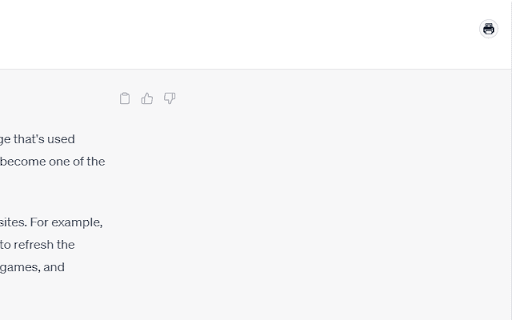
This extension enables users to easily export their ChatGPT conversations into shareable PDF documents. Currently, it exclusively supports ChatGPT interactions for seamless archiving and sharing.
How to Use
Install the extension in your browser. Open ChatGPT, click the export button, and save your conversation as a PDF file with a single click.
Features
- Convert ChatGPT conversations into PDF documents
Use Cases
- Archiving important ChatGPT discussions
- Creating documentation from AI chats
- Sharing ChatGPT conversations with colleagues or clients
Best For
Customer support teamsStudents and educatorsFrequent ChatGPT usersResearchersWriters and content creators
Pros
- Simplifies saving and sharing ChatGPT conversations
- Generates portable, easy-to-share PDF files
- User-friendly with an intuitive export feature
Cons
- Supports only ChatGPT currently
- May have limitations with very long chats
- Formatting may occasionally vary
FAQs
Which AI models are compatible with this extension?
It currently supports only ChatGPT conversations.
How can I export my ChatGPT conversation?
After installing, click the export button in ChatGPT to save your chat as a PDF.
Is this extension compatible with all browsers?
It is designed for popular browsers like Chrome and Firefox. Compatibility may vary.
Does exporting preserve chat formatting?
It aims to preserve formatting, but some styles may vary depending on chat length.
Can I export long conversations?
Yes, but very lengthy chats might encounter some limitations in formatting or file size.