

FastCut
FastCut is an AI-driven video editing tool designed for quick and effortless creation of engaging short-form videos, including reels, TikToks, and Shorts.
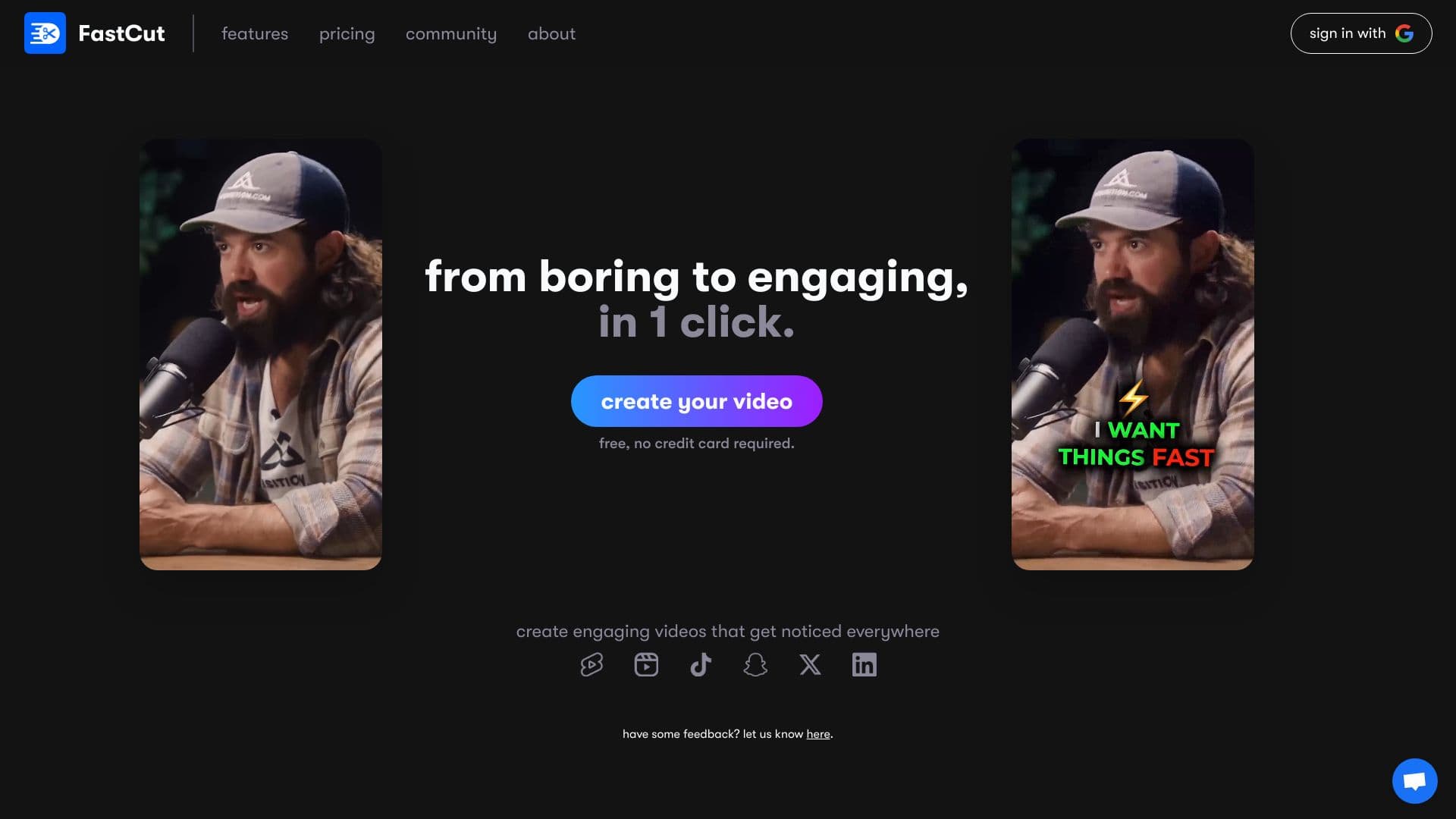
About FastCut
FastCut leverages advanced artificial intelligence to streamline the video editing process, especially for short videos like reels, TikToks, and Shorts. It automatically transcribes footage, adds captions and emojis inspired by popular creators, and provides features such as text-based trimming, silence removal, and AI-selected B-rolls. These features help content creators produce captivating videos efficiently and save valuable time.
How to Use
Upload your video to FastCut. The AI automatically transcribes your footage, adds captions and emojis, and enables you to trim the video via text commands. Enhance your content with AI-selected B-rolls and background music to create professional-quality videos with ease.
Features
- Text-based video trimming for precise edits
- AI-powered B-roll and image selection
- Automatic silence removal for cleaner videos
- Pre-designed templates for quick editing
- AI-driven transcription and captioning
- Audio enhancement for clearer sound
Use Cases
- Streamlining content creation workflows
- Producing viral YouTube Shorts
- Optimizing short videos for TikTok advertising
- Creating captivating reels and Shorts for social media platforms
Best For
Pros
- Automates editing with advanced AI features
- Offers a free plan for trial use
- Boosts engagement with animated captions and smart B-rolls
- Simplifies video trimming through text commands
- Reduces editing time and effort
Cons
- Some advanced features limited to higher-tier plans
- Lower plans restrict video length and size
- Watermark appears on exported videos in the Starter plan
Pricing Plans
Choose the perfect plan. All plans include 24/7 support.
Starter
Includes 10 videos per month, 2-minute video limit, 100MB per video, 1080p export, one saved template, watermark-free exports, text-based trimming, animated captions, and silence removal.
Get StartedEssential
Offers 20 videos monthly, 5-minute video duration, 300MB per video, 4K export, all features from Starter, up to 5 saved templates, access to premium templates and fonts, studio-quality audio enhancement, auto AI B-rolls, images, GIFs, and background music.
Get StartedPro
Provides 40 videos per month, 10-minute videos, 600MB per video, 4K export, all Essential features, unlimited templates, 11 premium fonts, and priority customer support.
Get Started