

Feathery AI
AI-powered form builder that enables quick creation and customization of professional forms with ease.
About Feathery AI
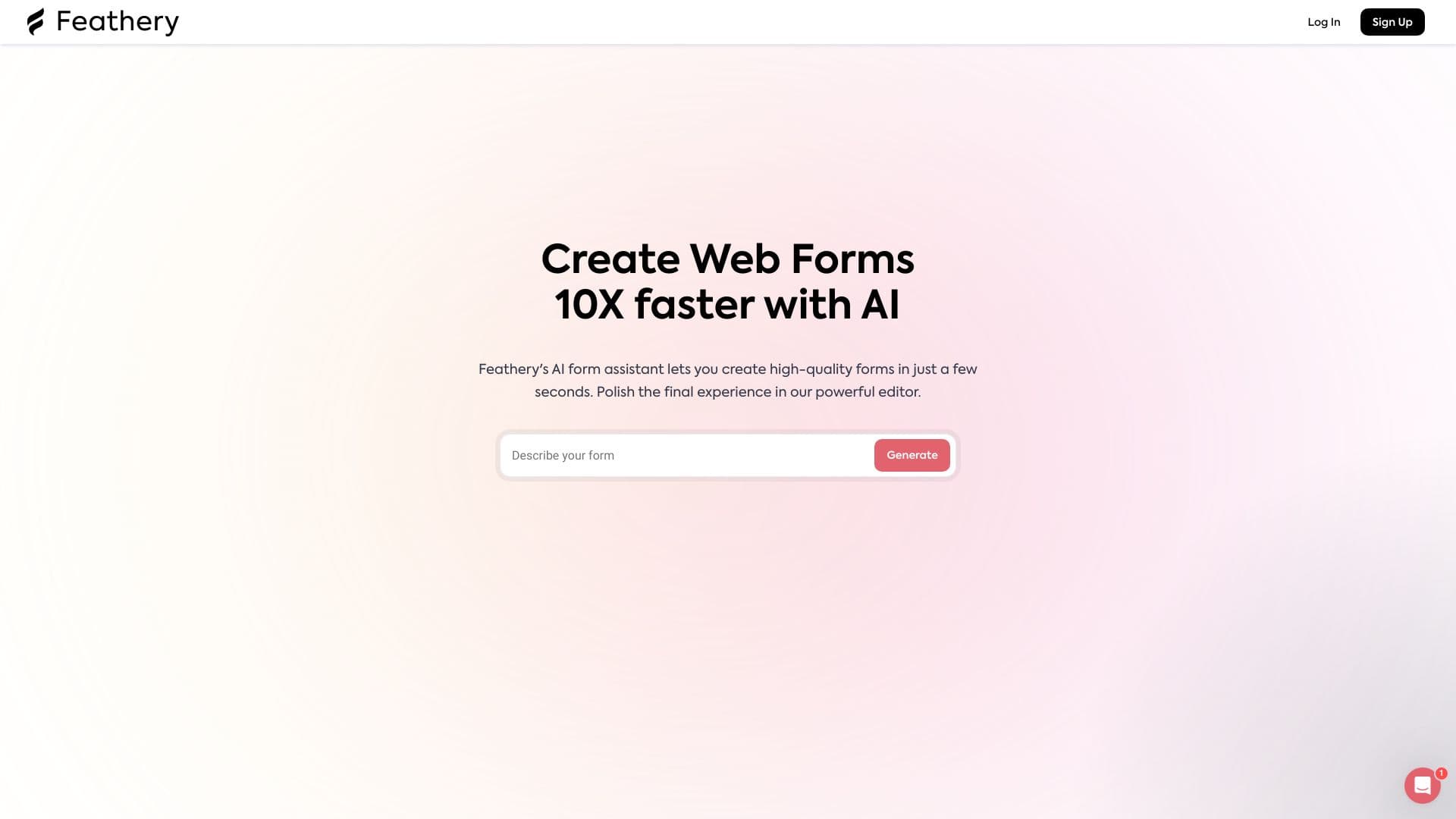
Feathery is an intelligent form builder that allows users to create versatile forms, including single and multi-step formats, for onboarding, applications, signups, waitlists, and feedback collection. Its robust editor enables customization of layouts and styles to match your brand, making form deployment seamless across platforms.
How to Use
Utilize Feathery’s AI assistant to generate forms instantly. Then, customize the layout and styles using the intuitive editor before publishing your form anywhere.
Features
- Fully customizable layouts and styles
- Create multi-step and single-step forms
- Embed forms seamlessly on any website or platform
- AI-powered automated form generation
Use Cases
- Managing waitlists efficiently
- Designing professional signup forms
- Building comprehensive application forms
- Gathering valuable user feedback
- Creating onboarding and registration forms
Best For
DesignersProduct managersWeb developersMarketing professionalsHR teams
Pros
- Rapid form creation with AI assistance
- Supports diverse form types for multiple purposes
- Easy to embed across different websites
- Highly adaptable and customizable editor
Cons
- Learning curve to master the advanced features
- AI assistance effectiveness may vary with form complexity
FAQs
What types of forms can I build with Feathery?
You can create single and multi-step forms for onboarding, applications, signups, waitlists, and feedback collection.
How fast can I generate a form?
Feathery’s AI assistant allows you to create high-quality forms in just seconds.
Is it possible to customize the appearance of my forms?
Yes, the editor enables you to personalize layouts and styles to match your branding.
Can I embed forms on my website?
Yes, forms can be embedded easily on any website or platform for seamless integration.
Does Feathery support multi-step forms?
Absolutely, you can design both single-step and multi-step forms to improve user engagement.